AI Dashcam for Delivery Fleets: What to Look For and How to Choose
Fleet Dash Cam Guide
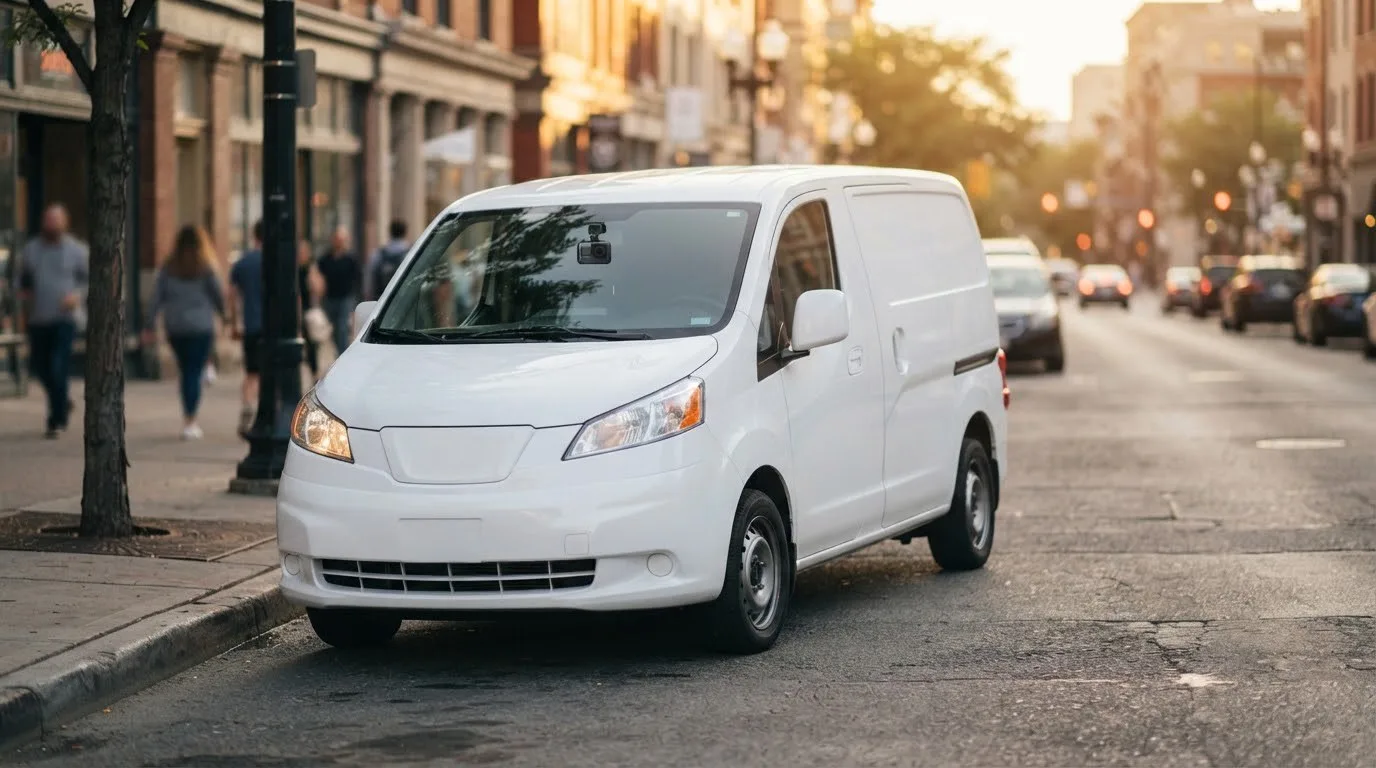
A good AI dashcam for a delivery fleet fits the vehicle, shows both the road and the cab, sends alerts and events over 4G, and works with the platform your office already uses. No single model suits every route and vehicle. This guide lists what to check for delivery work and compares three AlwayCare AI dashcams by their listed specifications.
The short answer
- Fit. A unit that suits your vans and box trucks in size, power (12/24V) and mounting position.
- Views. A forward view at minimum, a cab view for driver alerts, and a rear or side view where the vehicle reverses in tight places.
- Alerts. Forward (ADAS) and driver (DMS) alerts that drivers can live with, with settings you can adjust.
- Connectivity. 4G or Wi-Fi upload of selected events, with a data plan you have checked.
- Platform. Events that show up where your dispatchers and safety staff already work.
What matters on delivery routes
| On delivery duty | What to check |
|---|---|
| Many stops and short trips | Ask how the unit starts, stops and saves events when the ignition is switched on and off many times a day. |
| Vans and box trucks of different sizes | Unit size, mounting position and channel count: road, cab and, where needed, rear or side views. |
| Dense urban streets | Forward alerts and a rear or side view, where the exact model lists them. |
| Several drivers on one vehicle | Ask how events are matched to a driver or a shift. |
| Cab view of the driver | A driver-facing camera for DMS alerts, a privacy notice for drivers and a rule for who reviews video. |
| Network and data | 4G or Wi-Fi, which events upload and what the data plan allows. |
| Platform | Whether the device reports to the platform you use, and how alerts and video are shown. |
| Power and temperature | Supply voltage and the listed operating temperature range. |
For the privacy side of a cab camera, read Driver Monitoring and Privacy. For data use, read How Much 4G Data Does a Fleet MDVR Use?. For connecting a dashcam to a platform you already use, read Integrating AI Dashcams with Your Existing Telematics Platform.
How to shortlist
- List your vehicle types and how many of each: vans, box trucks, light trucks.
- Decide which views you need on each type: road only, road and cab, or more.
- Decide which alerts you want to use, and who will review events.
- Check platform fit and data use with each supplier.
- Pilot two or three units on a few vans for several weeks on real routes.
- Review the events with drivers and managers, adjust settings, then roll out in groups.
For features such as ADAS, DMS and event clips, read AI Dash Cam Features Explained. For choosing the number of channels, read 2CH vs 3CH vs 4CH Fleet Dash Cams. For a rollout checklist and cost factors, read Dash Cam for Fleets: Rollout Checklist and Cost Factors.
AlwayCare AI dashcams to review
| Model | Listed channels and resolution | Listed functions | Other listed specifications |
|---|---|---|---|
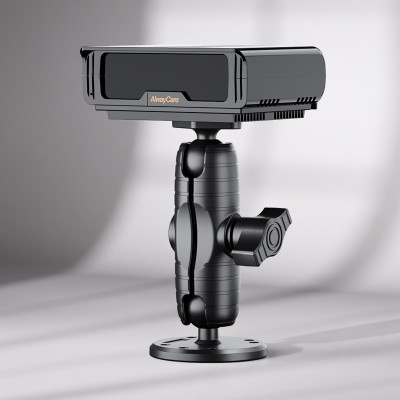
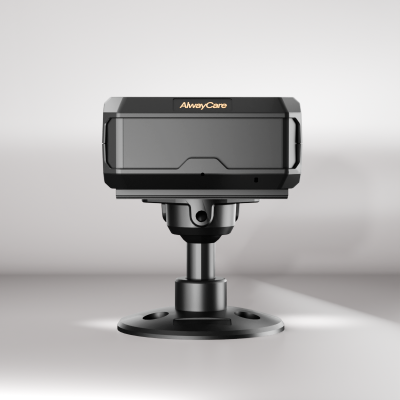
| MR700 | 1080p; 2–4 channels | DMS, ADAS, GPS, 4G or Wi-Fi | 12/24V; 60*77*123mm; 512GB TF card; H.264/H.265; -20℃ to 70℃; warranty 15 months |
| MR720 | 2K | DMS, ADAS, GPS, 4G or Wi-Fi | 12/24V; H.264/H.265; -20℃ to 70℃; warranty 15 months |
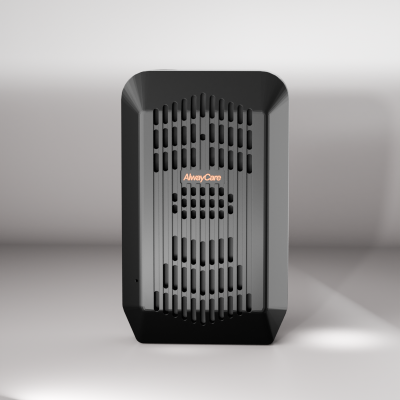
| MR750 | 2K; 5 channels | DMS, ADAS, BSD, GPS, 4G or Wi-Fi | 12/24V; H.264/H.265; -20℃ to 70℃; warranty 15 months |
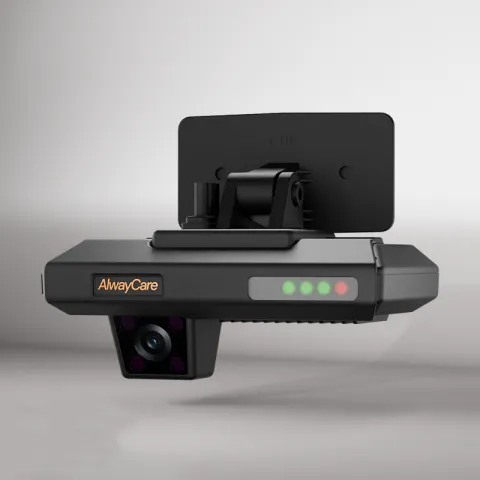 MR700AI Dashcam with ADAS and DMS for FleetsRequest a quote
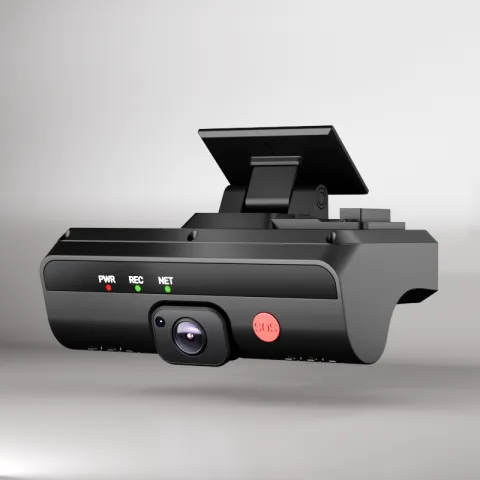 MR7202K AI Dashcam with Driver MonitoringRequest a quote
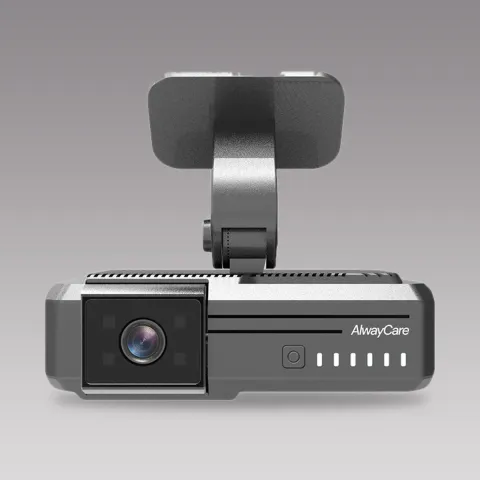 MR7502K 5-Channel AI Dashcam with ADAS/DMSRequest a quote
Specifications come from the product pages. Your quotation confirms the configuration, channel layout and fitting plan for each vehicle.
These are starting points to compare, not a recommendation for your fleet. MR700 is the compact unit with a listed size. MR750 lists five channels for vehicles that need more views. MR720 lists 2K recording with driver monitoring. Check each product page for the full list, and send your vehicle types to our engineers for a configuration.
If you need more camera views or storage than a dashcam offers, compare it with a recorder. Read MDVR vs Dash Cam: Which Fits a Commercial Fleet? and Dash Cam for Trucks: How to Choose a Fleet-Grade Model.
Questions to ask a supplier
- Which alerts does this model list, and which can I switch off or adjust?
- How many channels does it support, and what do the extra channels show?
- What happens to recording and events when the ignition is switched off and on?
- How are events linked to a driver or shift?
- Which events upload over 4G, and how much data does that use?
- Which platforms does it report to, and which protocols does it use?
- Who installs it, and how long does a van take?
Questions about AI dashcams for delivery fleets
What is a good AI dashcam for a delivery fleet?
One that fits your vans and box trucks, shows the road and the cab, uploads alerts and events over 4G and works with your platform. Choose by vehicle, route and platform, then test a few units on real routes.
Do delivery drivers need a cab-facing camera?
It enables driver (DMS) alerts and shows the cab in event clips. It also means you must tell drivers what is recorded and why, and decide who can view the video.
How many channels does a delivery van need?
A forward view is the minimum. Add the cab, and a rear or side view if the vehicle reverses in tight places. Check the channel count of the exact model.
Does an AI dashcam record when the van is parked?
The product pages do not describe parked recording. Send an inquiry with your use case and our engineers will assess it.
Will it work with our existing platform?
It depends on the protocols the device and the platform support. CMSV6 requires devices that support JT/T 808 and JT/T 1078, so confirm this for each model.
How long should a pilot run?
Long enough to cover your normal routes and shifts. A few vans over a few weeks is a common start.
Key points
- Choose a delivery dashcam by vehicle fit, views, alerts, 4G upload and platform fit.
- Ask how the unit behaves with frequent ignition on and off, and how events are linked to drivers.
- Tell drivers what a cab camera records and why before you switch it on.
- Pilot a few units on real routes before you roll out.
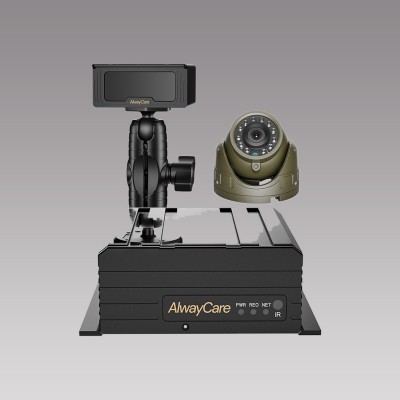
For recorder, camera and monitor packages and example layouts in one place, see the fleet vehicle video and mobile DVR solution.