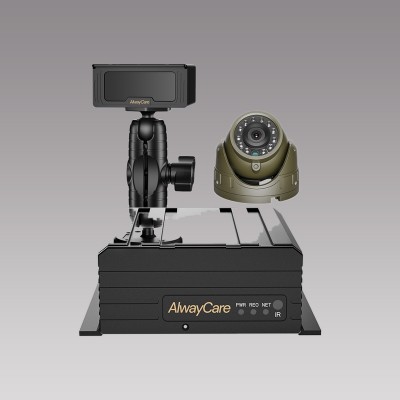
Dash Cam for Trucks: How to Choose a Fleet-Grade Model
Truck Dash Cam Guide
A fleet-grade dash cam for trucks differs from a consumer dash cam in how it is powered, how long it records and how its video reaches the office. A truck runs on 12V or 24V, works through hot cabs and cold starts, and often needs more than one camera view. This guide lists the checks to make before buying and the AlwayCare models to review.
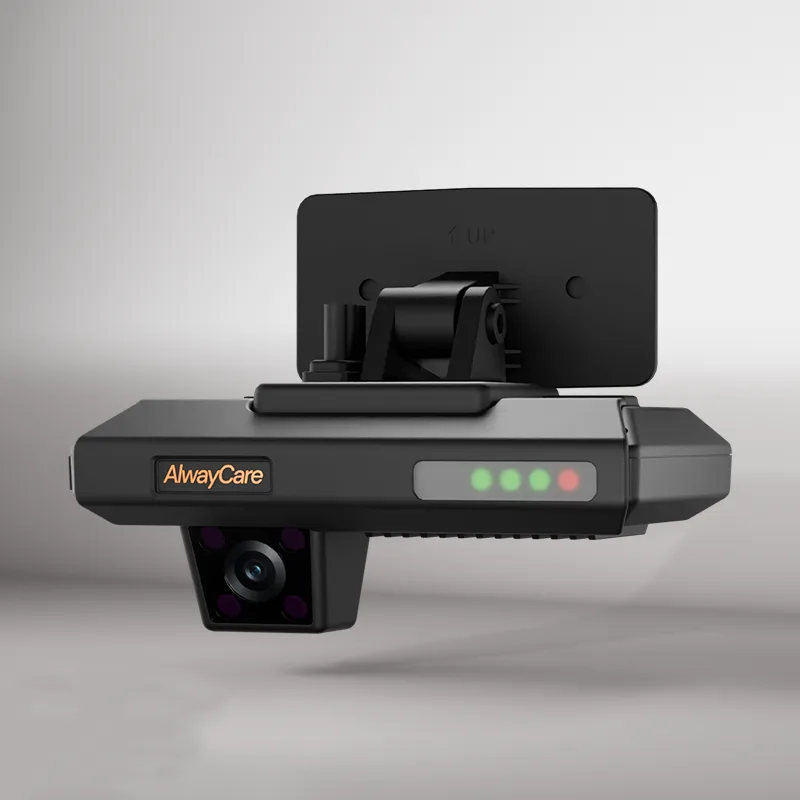
What makes a dash cam fleet-grade
| Check | Why it matters for trucks | What to ask |
|---|---|---|
| Supply voltage | Trucks use 12V or 24V systems, and mixed fleets use both | Does the device accept 12/24V on one model? |
| Operating temperature | A parked cab can be far hotter or colder than outside | What is the listed temperature range? |
| Storage | Long shifts and several channels fill a card quickly | Card size, card type and how loop recording behaves when full |
| Channels | Road, cab and side or rear views need more than one input | How many cameras can the unit record? |
| Connectivity | Video and alerts only help if they reach the platform | 4G or Wi-Fi, and what the platform shows |
| Positioning | A route and a time stamp make an event easier to review | GPS or GPS plus BeiDou |
| Mounting and wiring | A hardwired unit stays powered and does not rely on a plug | Harness, fuse and who fits it |
For the difference between a dash cam and a full mobile DVR, read MDVR vs Dash Cam: Which Fits a Commercial Fleet?.
How many channels does a truck need?
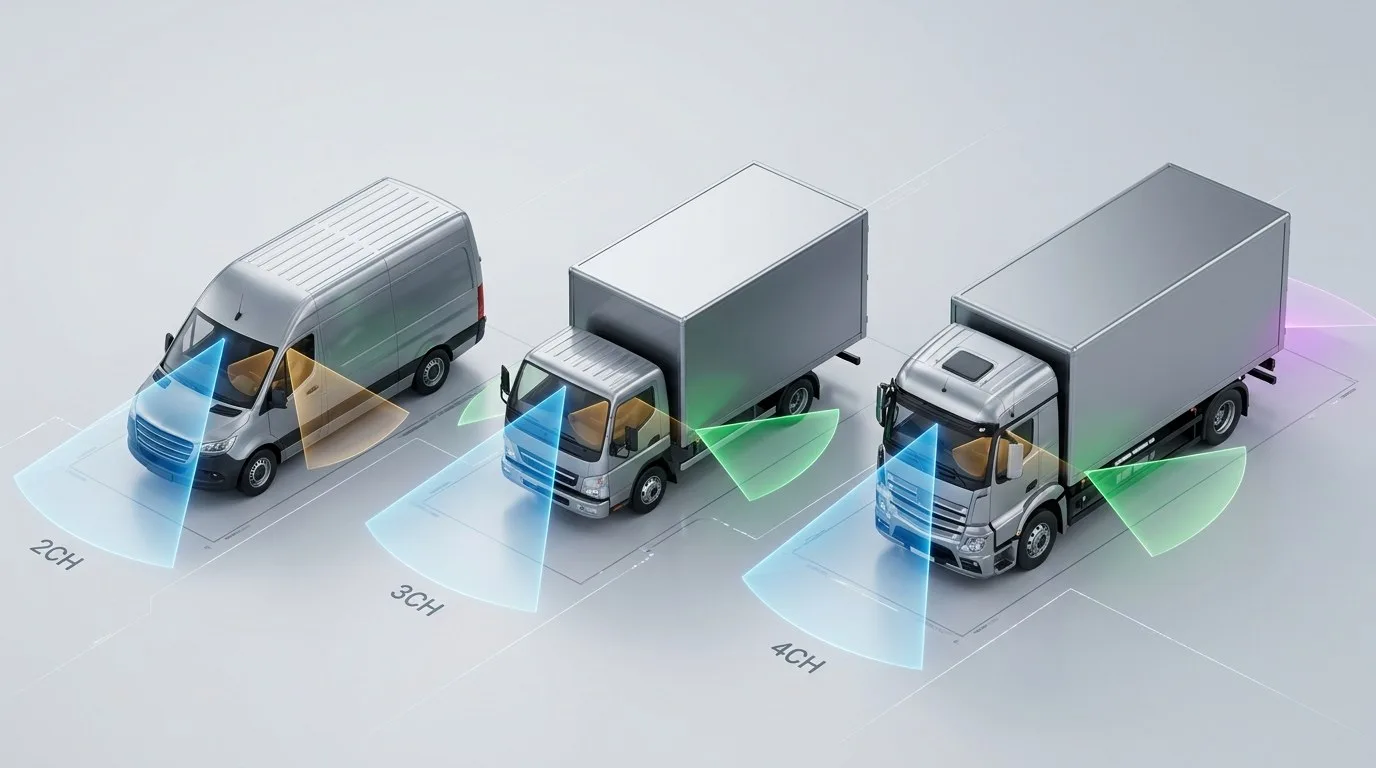
A single road-facing view is the minimum. Many fleets add a cab-facing view to review driver events, and some add a side or rear view for blind spot work. More channels give more context but need more storage and more wiring. Our guide to 2CH vs 3CH vs 4CH Fleet Dash Cams compares two, three and four channel layouts.
- Road view only: simple, lowest storage use, no view of the cab.
- Road and cab: the common choice when driver events are reviewed.
- Three or four views: adds a side or rear view for trailer, yard and reversing review.
- More than four: step up to a multi-channel mobile DVR instead of a dash cam.
AlwayCare dash cams to review
| Model | Type | Listed specifications |
|---|---|---|
| MR700 | AI dashcam with ADAS and DMS options | 12/24V; 1920x1080; GPS; 4G or Wi-Fi; 512GB TF card; 60×77×123mm; −20 to 70°C; warranty 15 months |
| MR720 | 2K AI dashcam with driver monitoring | 12/24V; 2K recording; GPS; 4G or Wi-Fi; H.264/H.265; −20 to 70°C; warranty 15 months |
| MR750 | 2K 5-channel AI dashcam with ADAS and DMS | 12/24V; 2K recording; GPS; 4G or Wi-Fi; H.264/H.265; −20 to 70°C; warranty 15 months |
| MR920 | 9-channel AI mobile DVR for larger vehicles | 12/24V; 1920x1080; GPS and BeiDou; 4G or Wi-Fi; 512GB SD card; −20 to 70°C; warranty 15 months |
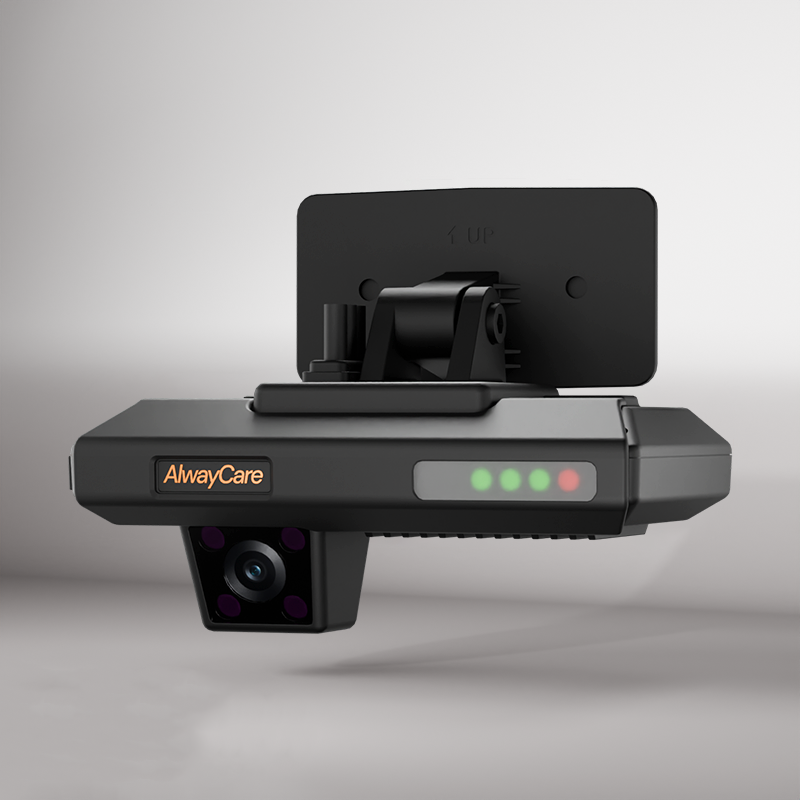
Specifications come from the product pages. ADAS and DMS functions depend on the model and the fitted cameras. Confirm the configuration and platform support in your quotation.
Test before a fleet order
- Fit two or three units on trucks with different duty cycles, such as long haul and yard work.
- Check that the unit starts with the ignition and stops cleanly when the truck is switched off.
- Review night video and the cab view in a parked, hot cab.
- Pull events from the platform and confirm the time stamp and position.
- Ask who will review the video, how often and how long it is kept.
For a wiring and acceptance routine, read Mobile DVR Installation: A Fleet Wiring and Test Checklist. For the wider platform picture, read Integrating AI Dashcams with Your Existing Telematics Platform.
Questions fleets ask about truck dash cams
What is the difference between a truck dash cam and a car dash cam?
A truck unit is built for 12V or 24V supply, wider temperature ranges and fleet reporting. A car dash cam is usually powered from a socket and has no platform.
Does a dash cam for trucks need a 4G connection?
Only if you want video, events or position sent to a platform. A unit without a network keeps video on its card for later download.
How much storage does a truck dash cam need?
It depends on the number of channels, the video setting and the length of a shift. Ask your supplier for the recording time on the card size you plan to use.
Can one dash cam cover the cab and the road?
Models with a cab-facing camera can record both views. Check the exact model for the number and type of cameras included.
Do driver alerts stop a crash?
No. Alerts warn the driver and record events. They do not brake or steer the truck, and they depend on installation and settings.
For recorder, camera and monitor packages and example layouts in one place, see the fleet vehicle video and mobile DVR solution.