AI Dash Cam Features Explained: ADAS, DMS, Event Clips and Cloud Upload
AI Dash Cam Guide
An AI dash cam is a camera recorder with software that watches the road, the driver or both, then saves clips and raises alerts around events. Feature names differ between suppliers. This guide explains each feature in plain terms: what it does, what it needs and what to ask before you buy.
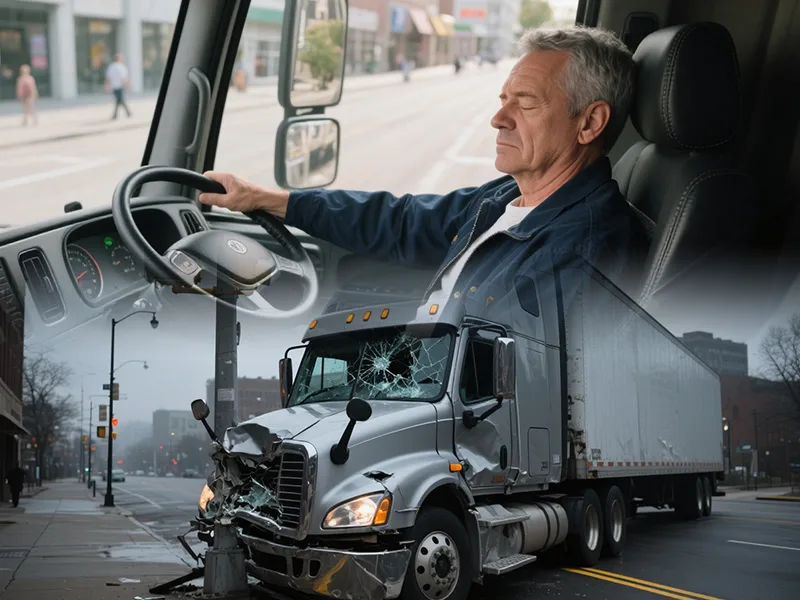
Feature map at a glance
| Feature | What it does | What it depends on |
|---|---|---|
| ADAS alerts | Warns the driver about the road ahead, such as a vehicle ahead or lane position | Front camera, speed signal, a clear view of the road and markings |
| DMS alerts | Warns about fatigue, distraction, phone use or smoking | In-cab camera with a clear view of the driver |
| Event clips | Saves video from before and after an event | Storage, trigger settings and buffer length |
| Cloud upload | Sends events or video to a platform | 4G or Wi-Fi, a platform and a data plan |
| GPS | Adds position and speed to events and trips | A GPS module and a view of the sky |
| Two-way intercom | Voice between the driver and the office, on models that support it | Speaker, microphone and platform support |
Not every model includes every feature. The listed functions on each product page decide what you get.
ADAS alerts: what the front camera watches
ADAS alerts on a dash cam come from the front camera. Typical alert types listed by suppliers include forward collision, lane departure, following distance and pedestrian warnings. On an aftermarket dash cam these alerts warn the driver. They do not brake, steer or control the vehicle.
- Mount the camera where it sees the road and the lane markings, usually behind the mirror.
- Keep the windshield clean and the mounting angle fixed after setup.
- Check how the device gets vehicle speed, from GPS or from the vehicle.
- Test the alerts on a short drive and note which ones are too sensitive or too quiet.
For what lane warnings can and cannot do, read Lane Departure Warning for Fleets: How It Works and What It Does Not Do.
DMS alerts: the in-cab camera
A driver monitoring system uses a camera that faces the driver. Depending on the model, it raises alerts for signs of fatigue, distraction, phone use or smoking. The camera needs a clear view of the face. Caps, sunglasses, a poor mounting angle or strong sunlight can reduce what it sees.
Tell drivers what the camera records and why before you switch it on. For the introduction process, read Driver Monitoring and Privacy. For types and causes of distraction, read Driver Distraction in Commercial Fleets.
Event clips: what gets saved
- Trigger. An alert, a sudden movement detected by the sensor or a button press, depending on the model.
- Length. Many devices keep a few seconds before and after the event. Check what the settings allow.
- Place. The clip is saved on the memory card first and uploaded later if the platform and network allow it.
- Retrieval. Download from the card, or view and export from the platform.
Cloud upload and network
Uploading every minute of video uses a lot of data. Most fleets upload selected events and keep the rest on the card. Decide which events upload, at what quality and over which network. For planning data use, read How Much 4G Data Does a Fleet MDVR Use?.
If the device has no signal, it keeps recording to the card. Whether it uploads the missed events later depends on the model and its settings, so ask your supplier and test it.
What to ask a supplier
- Which ADAS and DMS alerts does this model list, and which can I turn off?
- Can I change alert sensitivity and speed thresholds?
- What triggers an event clip, and how long is each clip?
- How much storage does the device support, and what happens when it is full?
- Which events upload, and can I choose?
- What happens to events when there is no signal?
- Which platform and protocols does the device work with?
- Which features need extra cameras or accessories?
To connect dash cams to a platform you already use, read Integrating AI Dashcams with Your Existing Telematics Platform. To compare a dash cam with a full recorder, read MDVR vs Dash Cam: Which Fits a Commercial Fleet?.
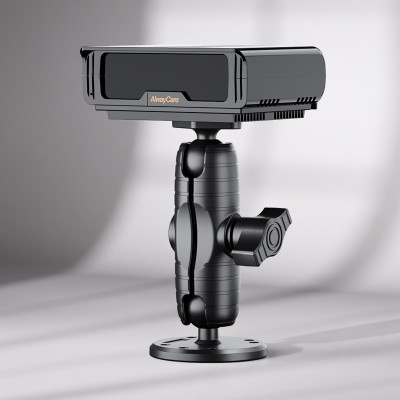
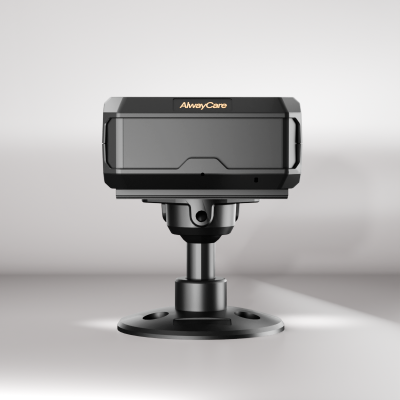
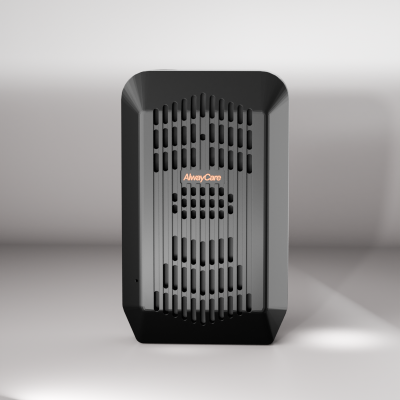
AlwayCare dash cams to review
| Model | Type | Listed specifications |
|---|---|---|
| MR700 | AI dashcam with ADAS and DMS options | 12/24V; 1920x1080; GPS; 4G or Wi-Fi; 512GB TF card; -20℃ to 70℃; warranty 15 months |
| MR750 | 2K 5-channel AI dashcam with ADAS and DMS options | 12/24V; 2K recording; GPS; 4G or Wi-Fi; H.264/H.265; -20℃ to 70℃; warranty 15 months |
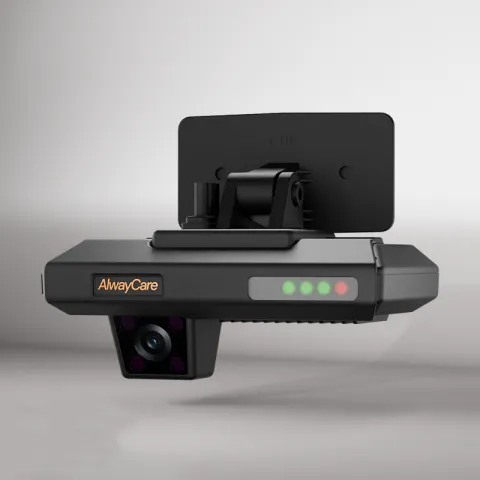 MR700AI Dashcam with ADAS and DMS for FleetsRequest a quote
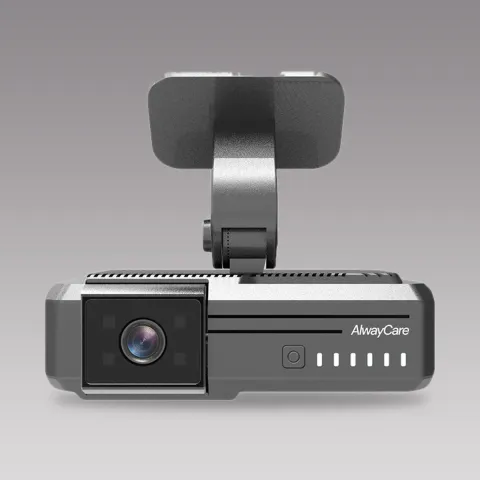 MR7502K 5-Channel AI Dashcam with ADAS/DMSRequest a quote
Specifications come from the product pages. Your quotation confirms the configuration, channel layout and fitting plan for each vehicle.
For the full picture of what an AI dashcam does and does not do, read AI Dashcam for Fleets: Functions, Video and Limits.
Questions about AI dash cam features
Does an AI dash cam upload every event to the cloud?
Not necessarily. Many setups save events on the card and upload selected events over 4G or Wi-Fi. Check what your model and platform allow.
What happens when there is no mobile signal?
The device keeps recording to its card. Whether it uploads missed events later depends on the model and its settings.
Can ADAS and DMS run on the same dash cam?
Some models list both. Check the product page for the alert types and the cameras the model needs.
Do the alerts control the vehicle?
No. Alerts warn the driver and record events. They do not brake, steer or stop the vehicle.
How much storage do I need?
It depends on the number of cameras, video quality and how long you keep video. Ask for the listed card size and loop-recording behavior of the model.
Key points
- AI dash cam features are alerts, event clips, uploads and position data. Each one depends on hardware and settings.
- ADAS and DMS alerts warn the driver. They do not control the vehicle.
- Decide which events upload and how much data you can afford.
- Ask what happens with no signal and when the card is full.
- Test alerts on real routes before you roll out.
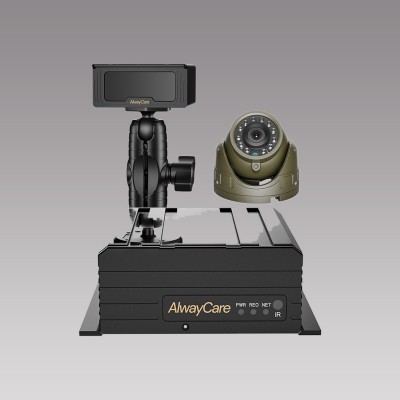
For recorder, camera and monitor packages and example layouts in one place, see the fleet vehicle video and mobile DVR solution.