
- Tag Filter
- Problem Solving
- Collision Avoidance
- Blind Spot Monitoring
- Anti-fatigue
- Scenarios
- Vehicle Manufacturers
- Mining Fleets
- Logistics and Transportation
- Hazardous Chemicals Fleets
- School Bus Fleets
- Public Bus Fleets
- Forklift Fleets
- Insurance
- Government and Public Safety
- Business Attributes
- Customized
- Hot Sale
- New Product
- Fast Delivery
AVM (360° Around View Monitor)
3D High-Definition 360° Around View Monitoring (AVM) Systems
A 360-degree around-view monitor (AVM) combines images from cameras around a vehicle into a surround-view display for close maneuvering. Compare camera coverage, display views, recording requirements and calibration before choosing a system for trucks, buses or specialized vehicles. Visible coverage depends on the camera layout and installation.
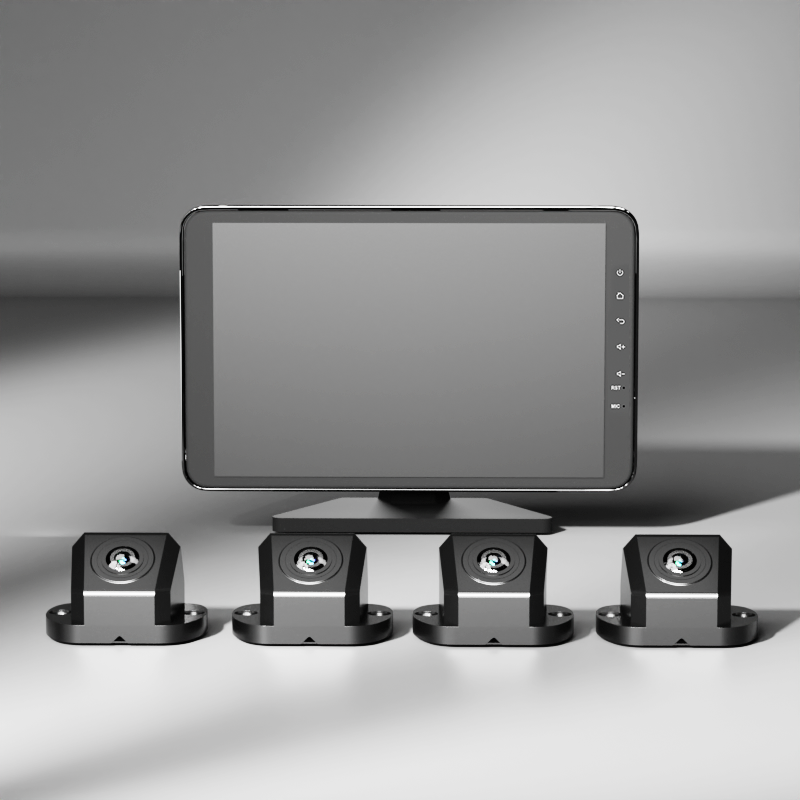
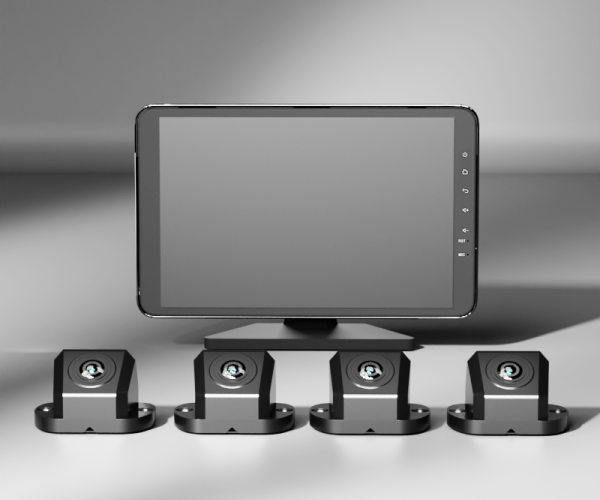
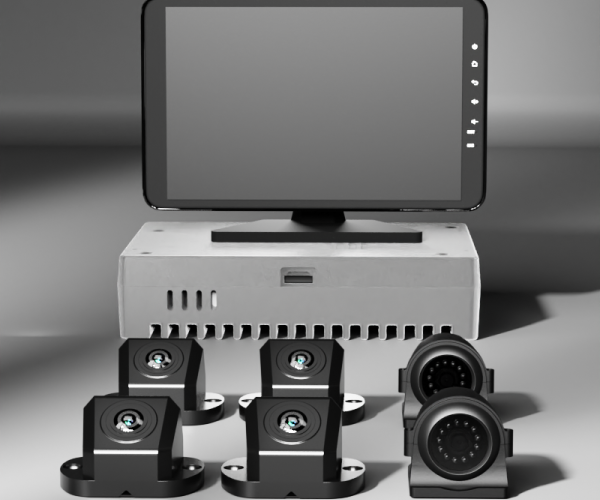
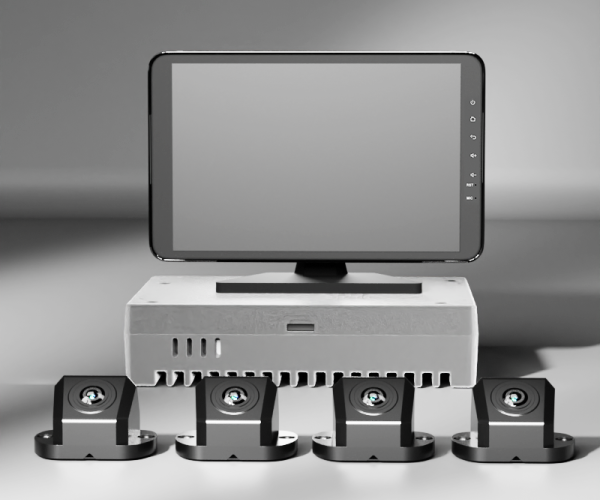
Compare AlwayCare 360° AVM Configurations
Direct engineering comparison across 4-channel panoramic processors, 6-channel blind-spot integrated hosts, and all-in-one cab display monitors.
| System Feature / Parameter |
M360-1
4-CH STANDARD
3D Around-View Unit
|
M360-2
6-CH + BSD AI
Expanded Multi-Cam
|
M360-3
ALL-IN-ONE CONSOLE
Integrated Monitor System
|
|---|---|---|---|
| System Architecture Processing unit & display setup | Standalone 4-Channel ECU Host (Connects to external monitor) | Standalone 6-Channel ECU Host (4x 360° + 2x Aux BSD cameras) | Integrated High-Brightness IPS Monitor with onboard 3D GPU |
| Camera Inputs & Resolution Optical sensors & video feed | 4× 1080P Full HD 190° Ultra-Wide Fish-Eye Cameras | 6× 1080P Inputs (4x Panoramic + 2x Blind Spot) | 4× 1080P Heavy-Duty Fish-Eye Cameras (Sony Starvis) |
| 3D Perspective Views Driver display view options | Bird's-Eye Top View + 3D Rotating Virtual Model | Bird's-Eye + Split Left/Right Blind Spot Dynamic Views | Multi-Angle 3D Perspectives (Top, Side, Rear, Front Overhead) |
| Camera Ingress Protection Environmental water & dust sealing | IP68 Waterproof Metal Casing | IP68 Waterproof Metal Casing | IP68 / IP69K Heavy Commercial Waterproof |
| Auto-Trigger Mechanisms Vehicle directional switching | Reverse gear trigger, Left/Right turn signal triggers | Reverse trigger, Turn signals & Blind-spot AI detection triggers | Automatic Full-Screen Trigger Switching + Radar Distance Overlay |
| Operating Voltage & Rating Vehicle battery input range | 12V / 24V DC Commercial Input | 12V / 24V DC Commercial Input | 9–36V DC Industrial Transient Protection |
| Product Record | View M360-1 | View M360-2 | View M360-3 |
Zero-Blind-Zone Maneuvering for Large Vehicles
Real-time hardware stitching eliminates optical distortion, providing drivers with complete environmental clarity.
Hardware-Level 3D Stitching
Four 190° ultra-wide camera feeds are merged instantly by the onboard GPU without ghosting or seam tearing, generating a smooth bird's-eye view around the chassis.
Dynamic Perspective Switching
Automatically switches between 3D panoramic, close-up curb view during right turns, and wide-angle trailer reverse view when the reverse gear is selected.
One-Touch Automatic Calibration
Four calibration cloths placed around the vehicle enable automated optical alignment in minutes, dramatically cutting installation labor on mixed fleet yards.
Tested on Heavy Transport & Specialized Fleets
Proven across complex maneuvers in tight yards, crowded bus terminals, and industrial jobsites.
City Transit & Articulated Buses
Long vehicle bodies and tight passenger boarding bays create severe clearance hazards. 360° AVM ensures drivers clear curbs, poles, and waiting pedestrians safely.
Mining Dumpers & Construction Cranes
Extreme vehicle height prevents drivers from seeing nearby workers or utility vehicles. 360° panoramic cameras provide complete perimeter vision from high cabs.
Fire Engines & Airport Ground Support
High-speed emergency responses require immediate maneuvering through congested gates and ramps. AVM eliminates blind spots during critical high-stress operations.
360° Around View Monitor (AVM) FAQ
Key engineering details on vehicle dimensions, calibration, and recording.
What maximum vehicle length is supported by the 360° AVM system?
AlwayCare AVM systems support vehicle lengths from standard 6-meter commercial vans up to 18-meter articulated coaches and long chassis heavy trucks using specialized extended aviation cables and high-performance calibration algorithms.
How does the system calibrate after mounting on different truck bodies?
Technicians place standard calibration mats around the vehicle perimeter and trigger the auto-calibration sequence from the monitor or remote. The onboard ECU calculates distortion and perspective parameters automatically within 3 minutes.
Does the AVM system record video footage continuously?
Yes. All models function as multi-channel digital video recorders, recording synchronized 1080P video from all four (or six) cameras continuously onto lockable SD cards or SSD storage with cyclic overwriting.
Can the 360° view integrate with reversing sensors or ultrasonic radar?
Yes. The system supports radar sensor overlay, displaying color-coded obstacle distance bars and acoustic warning chimes directly on the panoramic monitor screen during low-speed maneuvers.
Equip Your Fleet with 360° Panoramic Vision
Speak with our commercial vehicle video engineers to confirm vehicle dimensions, camera positions, and receiving monitor requirements.