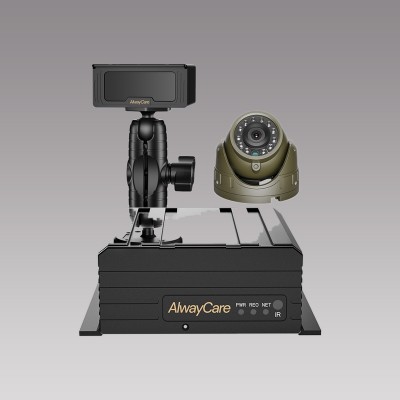
Dash Cam for Fleets: Rollout Checklist and Cost Factors
Fleet Dash Cam Rollout
The price of a fleet dash cam program is more than the price of the device. Storage, installation, data, platform and the time spent reviewing video all count. This guide lists the cost factors and gives a rollout checklist. It does not quote prices, because they depend on the model, volume and region.
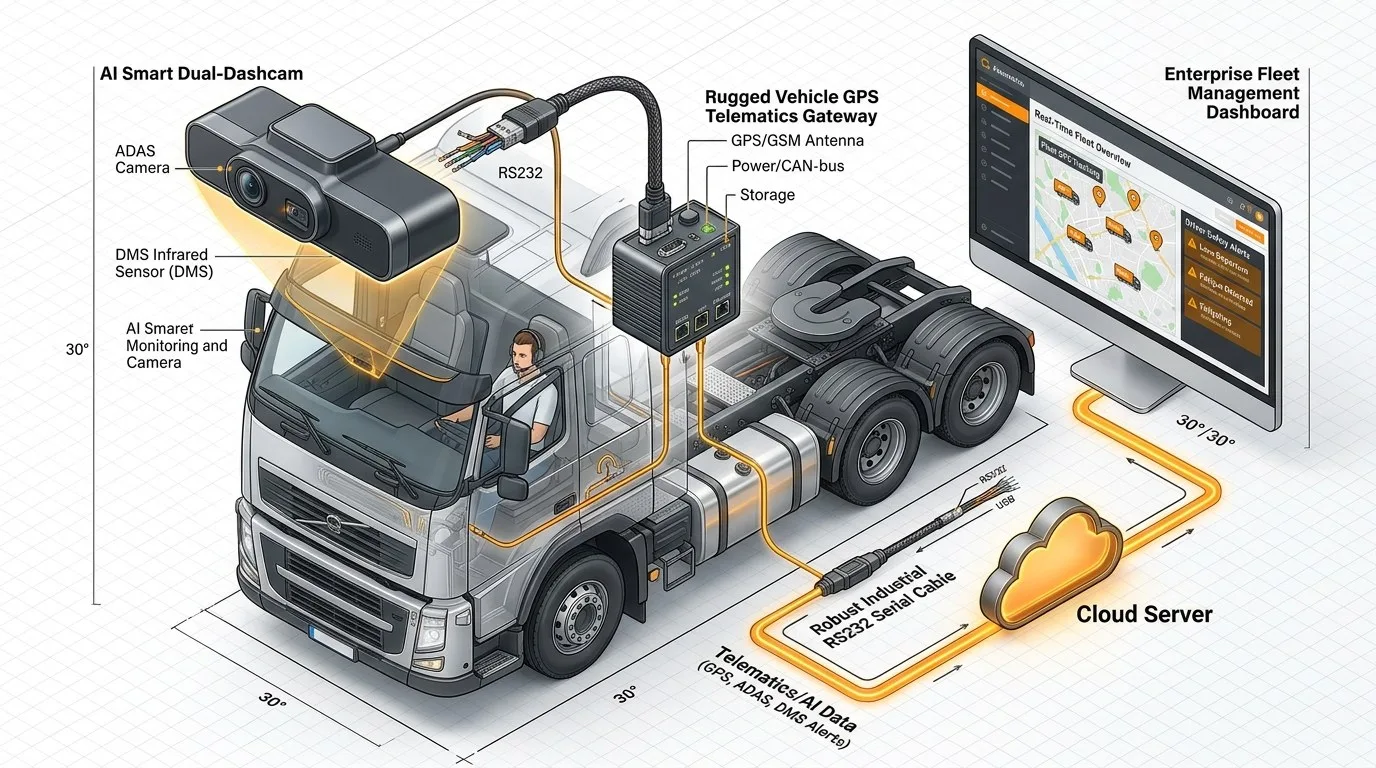
Cost factors to price
| Factor | What it covers | Question to ask |
|---|---|---|
| Hardware | Dash cam units, extra cameras and cables | Which channels and options are included? |
| Storage | Memory cards and replacements | What card size and how long do cards last? |
| Installation | Fitting time per vehicle, labour and downtime | Who fits it and how long does each vehicle take? |
| Connectivity | A SIM plan for 4G units | How much data does the unit use per month? |
| Platform | Software for events, video and reports | Is there a licence or a monthly fee? |
| Review time | Staff time to review events and coach drivers | Who reviews and how many events a week? |
| Training | Driver briefing and manager training | What policy and notices are needed? |
| Maintenance | Cleaning, checks and replacement of failed units | What is the warranty and how are faults handled? |
For the data side, read How Much 4G Data Does a Fleet MDVR Use?. For the platform side, read Integrating AI Dashcams with Your Existing Telematics Platform.
Rollout checklist
| Stage | What to do |
|---|---|
| 1. Policy | Write what is recorded, who can view it and how long it is kept. Tell drivers before fitting |
| 2. Pilot | Fit a small group with different duty, run for several weeks and record what goes wrong |
| 3. Review process | Decide who reviews events, how often and how coaching is recorded |
| 4. Install plan | Schedule vehicles to limit downtime and use a standard wiring routine |
| 5. Full rollout | Fit the rest in batches and check each unit before the vehicle leaves |
| 6. Maintenance | Check units on a schedule and replace failed storage |
For a wiring and test routine, read Mobile DVR Installation: A Fleet Wiring and Test Checklist. For the budget side of driver monitoring, read Driver Monitoring System Cost: A Budget Checklist for Fleets.
AlwayCare models to review
| Model | Type | Listed specifications |
|---|---|---|
| MR700 | AI dashcam with ADAS and DMS options | 12/24V; 1920x1080; GPS; 4G or Wi-Fi; 512GB TF card; 60×77×123mm; −20 to 70°C; warranty 15 months |
| MR910-D | 4-channel AI MDVR with DSM | 12/24V; 1920x1080; GPS and BeiDou; 4G and Wi-Fi; two SD cards, up to 512GB each; −20 to 70°C; warranty 15 months |
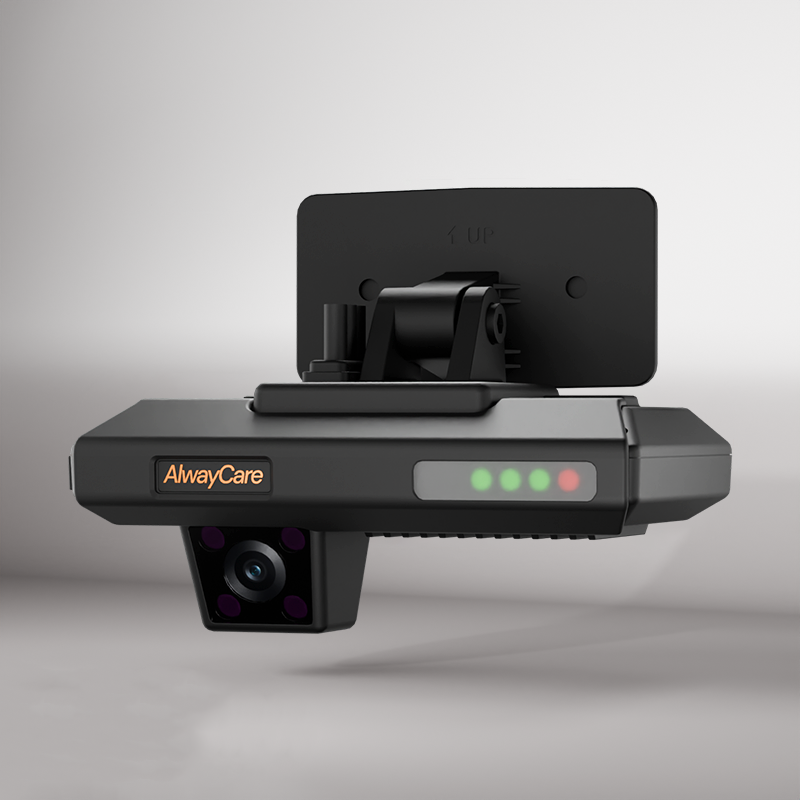
Specifications come from the product pages. Prices depend on model, volume and region. Ask for a written quotation.
Questions fleets ask about dash cam programs
What does a fleet dash cam program cost?
It depends on the model, the volume and the region, and on storage, installation, data and platform. Ask for a quotation that lists each item.
How long should a pilot run?
Several weeks, with vehicles of different duty, so that you see day, night and different routes.
Who should review the video?
Name a person or a team before the rollout. Without a review routine, events pile up unused.
Do drivers need to be told?
Yes. Tell them what is recorded, who can see it and how it is used, and follow local rules.
Is a 4G dash cam necessary?
Only if you want events or video sent to a platform. Without 4G, video stays on the card.
For recorder, camera and monitor packages and example layouts in one place, see the fleet vehicle video and mobile DVR solution.