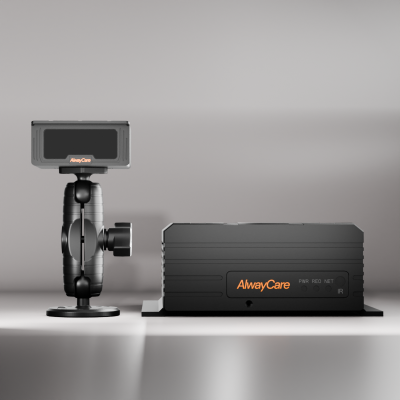
Driver Monitoring and Privacy: How to Introduce Cab Cameras to Drivers and Employee Representatives
Driver Monitoring Privacy Guide
A driver monitoring system points a camera at a person, so privacy and employee communication are part of the rollout. In Europe this is the most common reason DMS projects stall. This guide lists what a DMS records, what to decide before fitting and how to bring drivers and employee representatives in early. It is general information, not legal advice.
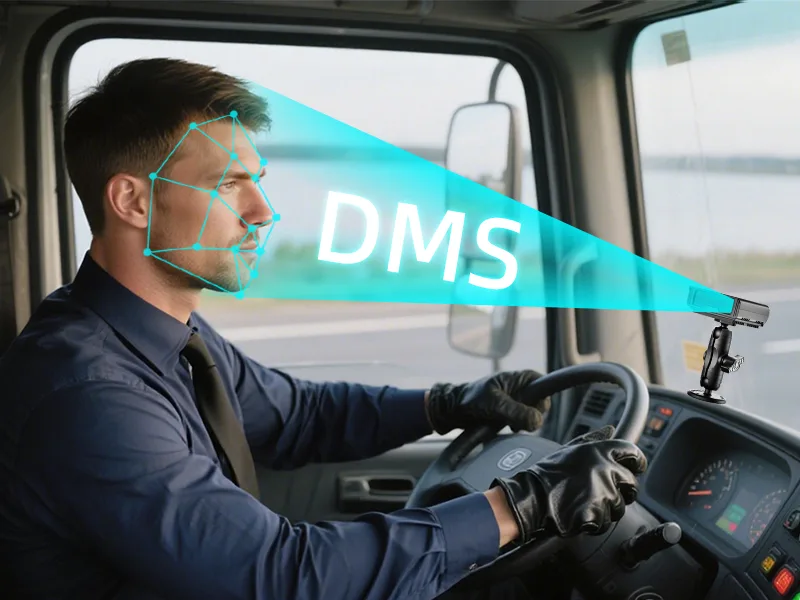
What a DMS records
| Data | Example | Decision to make |
|---|---|---|
| Driver video | Clips around an alert event | Who can view it and for how long |
| Alert events | Fatigue, distraction, phone use or smoking alerts | How alerts are reviewed and used |
| Location | Where the vehicle was at the time | Who can see it |
| Driver identity | Which driver was in the seat, on models that support it | How it is linked to events |
| Settings | Alert sensitivity and thresholds | Who can change them |
What a unit records depends on the model and firmware. Confirm it on the product page or in your quotation.
Before you fit
- Name the purpose: which risks the system supports, such as fatigue and distraction.
- Check the data protection and employment rules for each country you operate in. In the EU, GDPR applies to camera data about drivers.
- Document your legal basis and keep the document.
- Set a retention period and a deletion process.
- Limit access by job role and log who views video.
- Involve employee representatives, such as a works council, early.
- Brief every driver before fitting and give them a way to ask questions.
- Plan how an alert is reviewed with the driver before any action.
Features that help with privacy
| Feature | Why it helps |
|---|---|
| Privacy mode or off-duty suppression | Stops monitoring when the driver is off duty |
| Local processing or documented retention | Gives you a clear answer about where video goes |
| Role-based access | Limits who can see driver video |
| Export and deletion | Lets you follow your retention period |
| Operator-set sensitivity | Keeps alert settings under the operator, not the driver |
Ask the supplier how each one works on the exact model you plan to buy.
How to talk to drivers
- Explain what the camera sees and what it does not see.
- Say that an alert starts a review. It is not a finding on its own.
- Explain who can view video and how long it is kept.
- Use alerts to coach on patterns, not to punish single events.
- Share what you learn from the pilot with the drivers.
Read Driver Event Review and Coaching for the review and coaching workflow, the DMS pilot checklist for pilot testing and Driver Monitoring System Regulations by Country for the rules by country.
Questions fleets ask about DMS privacy
Does a DMS need driver consent?
It depends on the country and the legal basis you rely on. Check the rules that apply to you with a qualified person and document the result.
Do I need to involve a works council?
In many European countries employee representatives must be consulted before camera monitoring is introduced. Involve them early and check the rule for your country.
Can the driver turn the DMS off?
Choose a system where the operator sets sensitivity and the driver cannot soften it. Ask how this is enforced on the model.
How long should driver video be kept?
Keep it as long as your policy and the rules that apply to you allow, then delete it. Set the period before you fit.
Where do I start?
Write the purpose and the policy, brief the drivers and run a small pilot. See the DMS pilot checklist.
Summary
- A DMS records people, so privacy is part of the rollout.
- Check the rules for each country, document your legal basis and set retention and access.
- Involve employee representatives and brief drivers before you fit.
- An alert starts a review. It is not a finding on its own.
See the driver monitoring range or send an inquiry with your vehicle types and countries.
For example layouts, equipment packages and the full DMS range in one place, see the driver monitoring solution for fatigue and distraction alerts.