25-Year Manufacturer of Commercial Vehicle Safety Solutions

Smart Safety Solutions For Public Buses

Home / Public Bus Fleet

Successful Cases

Public Bus Safety and Fleet Monitoring Solutions | AlwayCare

Solution overview

One bus, multiple safety and operating zones

Public buses operate close to pedestrians, cyclists and other road users while carrying passengers through busy urban routes. A practical system should help the driver see risk, record key events and give fleet teams useful operating information without relying on one device to solve every problem.

01
Support the driverUse clear in-cab warnings and useful camera views.
02
Cover the vehiclePlan cameras and detection by front, cabin, sides and rear.
03
Record key eventsMatch video channels, storage and connectivity to the project.
04
Improve fleet visibilityConnect location, video and passenger data where required.

Bus safety zone guide

What should each area of the bus cover?

Use the zones below as a starting point. Final camera positions, warning functions, channel count and platform connection should be confirmed for the bus model and route conditions.

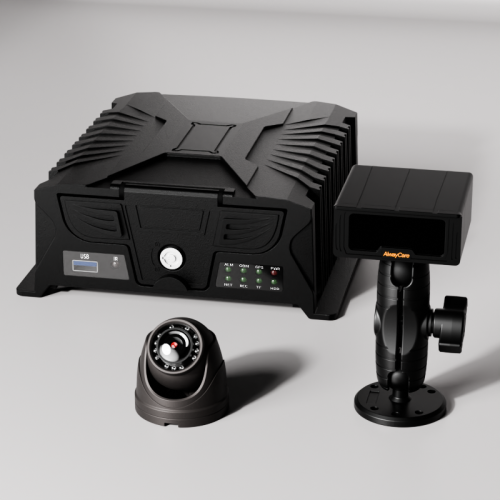
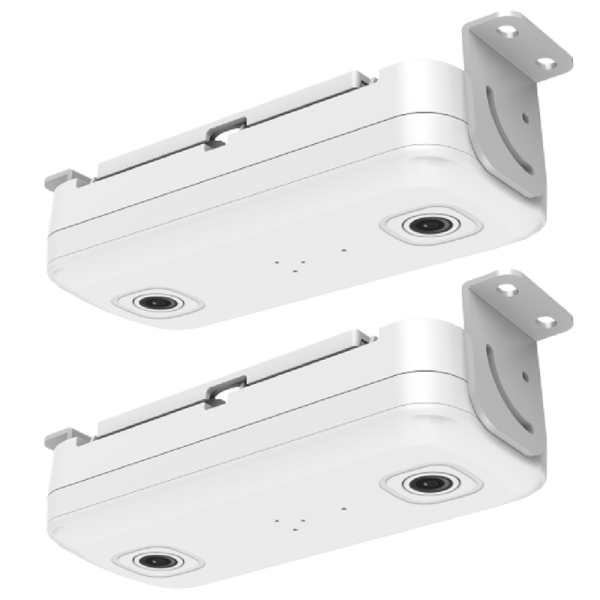
Driver monitoring for public bus operations
Driver and road ahead

Help the driver notice fatigue, distraction and forward road risk

Driver monitoring can provide alerts for configured driver behaviors. Forward-facing cameras and ADAS functions can support awareness of vehicles, lanes and vulnerable road users. These systems assist the driver; they do not replace safe driving or operator training.

DMS alertsForward cameraADAS warningsEvent recording
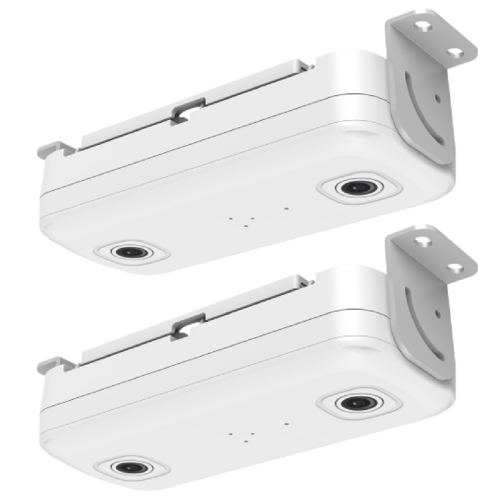
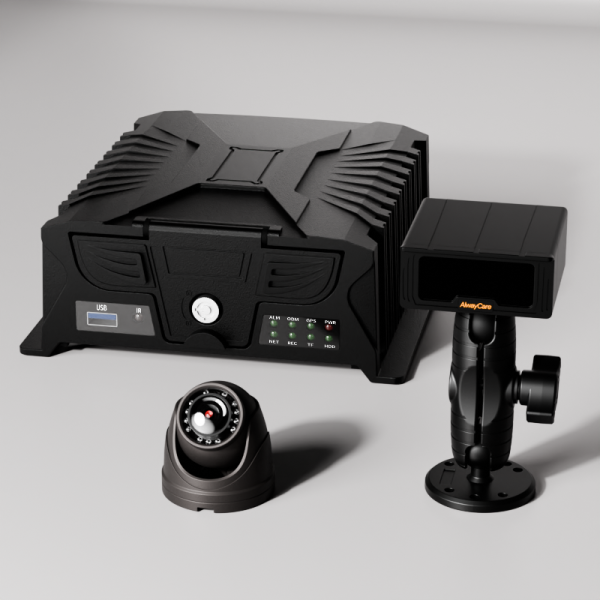
Video monitoring inside a public bus passenger cabin
Passenger cabin and doors

Record passenger areas and support boarding analysis

Internal cameras can provide video evidence for incidents and service review. Door cameras and an automatic passenger counting option can support boarding data where required. Privacy, retention and access rules should be set by the fleet operator.

Cabin camerasDoor camerasMobile DVRPassenger counting
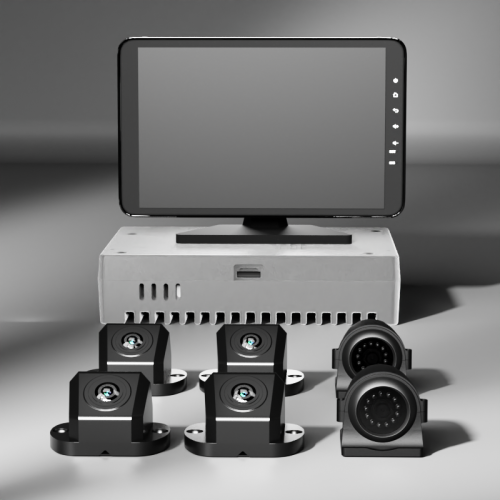
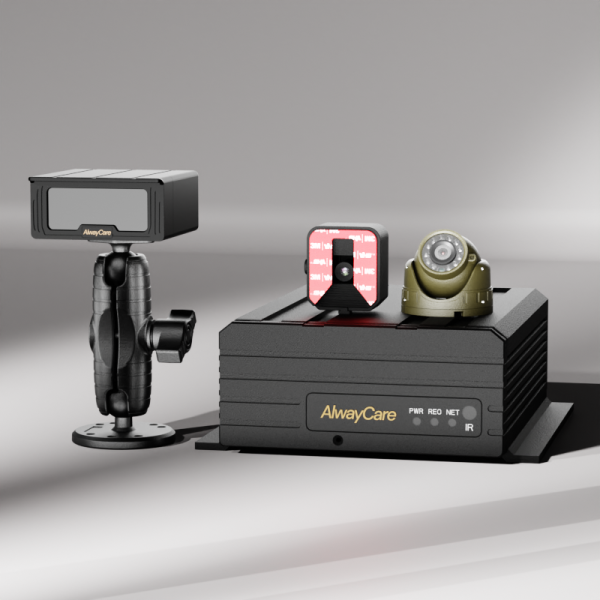
Blind spot and side-view awareness around a public bus
Sides and blind spots

Improve awareness near cyclists, pedestrians and adjacent vehicles

Side-view cameras, blind-spot detection and an in-cab monitor can give the driver an additional reference around restricted-view areas. Detection zones and warning behavior should be commissioned for the vehicle body and operating environment.

Side camerasBSD detectionIn-cab monitorConfigurable zones
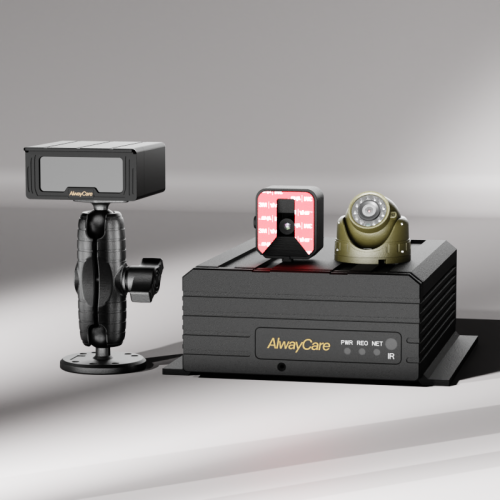
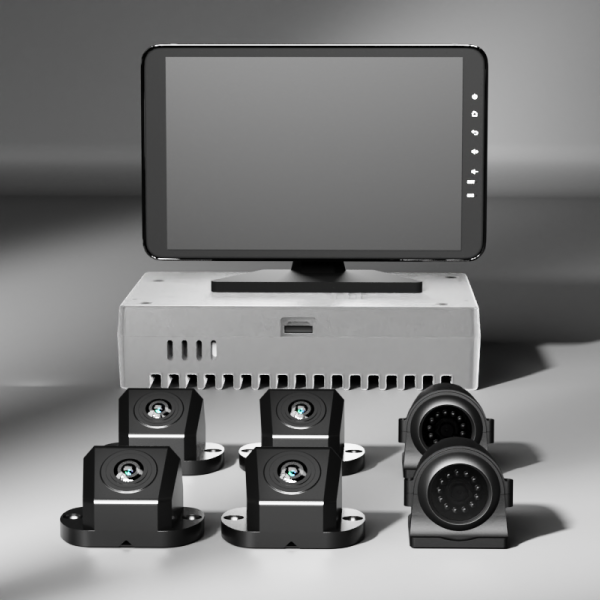
Rear-view monitoring and connected public bus fleet operations
Rear view and fleet operations

Combine rear visibility with connected fleet records

Rear cameras and reversing views can support low-speed maneuvers. A connected MDVR can combine multi-channel video, GPS and event data for authorized remote review, depending on network coverage and the selected platform configuration.

Rear camerasMulti-channel MDVRGPS tracking4G platform option

Recommended systems

Build the system around coverage and operating needs

These products are practical starting points for public bus projects. Final selection depends on channel count, storage, network, AI functions, passenger doors and integration requirements.

Choose a public bus solution configuration
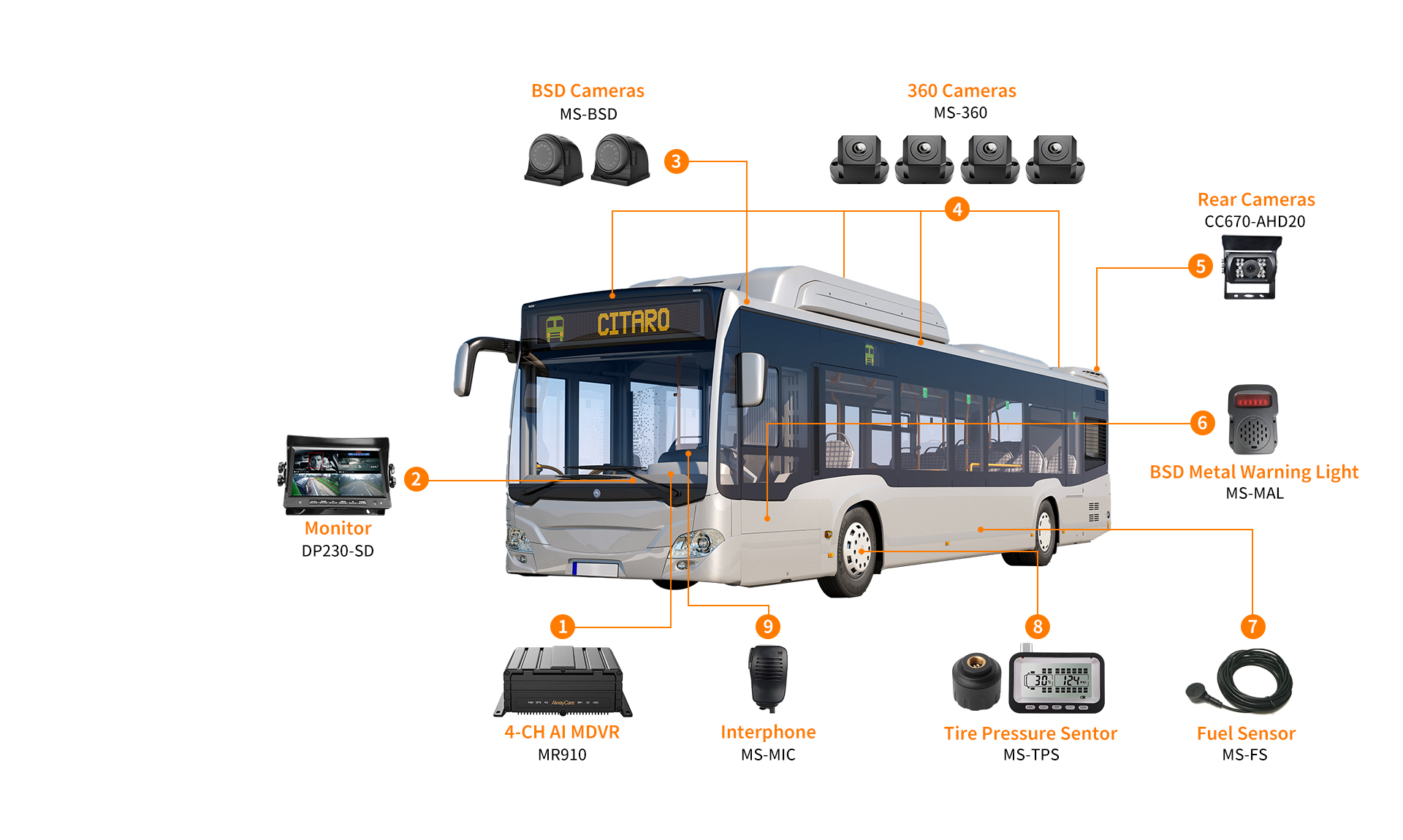
Example AlwayCare public bus solution showing camera, monitor, mobile DVR, warning light, interphone, tire pressure sensor and fuel sensor positions
Example public bus system configurationThis existing AlwayCare diagram shows one possible device layout. Product models, camera quantities and installation positions should be confirmed for each bus type and operating requirement.

Products shown in the diagram

Match each numbered position to a current product page

The diagram contains several legacy model labels. Cards marked “Current catalog match” link to the closest verified product currently published by AlwayCare, not an identical legacy model.

  1. 01AlwayCare MR910-DA AI mobile DVR
    Current catalog match for diagram MR910

    MR910-DA 5-Channel AI MDVR

    Current MR910-family listing with mobile video recording, DMS, ADAS and configurable fleet connectivity.

    View MR910-DA
  2. 02AlwayCare DP230 7-inch vehicle monitor
    Monitor

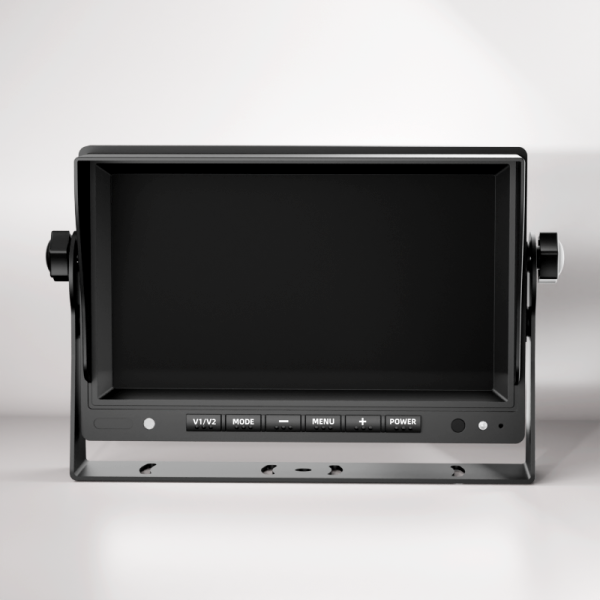
    DP230 7-Inch Vehicle Monitor

    A bus-oriented display with two AV inputs, automatic reversing view and AHD/CVBS signal support.

    View DP230
  3. 03AlwayCare CC1004-BSD blind spot camera
    Current catalog match for diagram MS-BSD

    CC1004-BSD AI Blind Spot Camera

    A current 1080p blind-spot camera listing with night-view and compatible sound or light warning support.

    View CC1004-BSD
  4. 04AlwayCare M360-2 360-degree camera system
    Current catalog match for diagram MS-360

    M360-2 6-Channel 360° System

    Combines four around-view camera channels with two BSD camera channels for large-vehicle visibility.

    View M360-2
  5. 05AlwayCare CC670 infrared rear camera
    Current catalog match for diagram CC670-AHD20

    CC670 Infrared Vehicle Camera

    A current 1080p infrared vehicle-camera listing with adjustable mounting for rear or exterior views.

    View CC670
  6. 06AlwayCare vehicle warning light accessory
    Related current listing for diagram MS-MAL

    Vehicle Alarm Warning Light

    The exact MS-MAL listing was not found. This is the current warning-light accessory page and compatibility must be confirmed.

    View warning light
  7. 07AlwayCare commercial vehicle fuel level sensor
    Fuel monitoring accessory

    Fuel Level Sensor

    A 12V accessory for compatible fleet systems and fuel-level monitoring workflows.

    View fuel sensor
  8. 08AlwayCare commercial vehicle tire pressure sensor
    Tire monitoring accessory

    Tire Pressure Sensor

    A 9–36V tire-pressure accessory with adjustable thresholds, pressure and temperature display, and audible alerts.

    View tire sensor
  9. 09AlwayCare real-time vehicle intercom accessory
    Communication accessory

    Real-Time Vehicle Intercom

    A 5–12V intercom accessory for compatible in-vehicle fleet systems.

    View intercom
AlwayCare MR920 9-channel AI mobile DVR fleet solution

Extended bus configuration

Use more channels when the bus needs wider camera coverage

The MR920 provides a current nine-channel starting point for projects that need more exterior or cabin views, connected event review and optional AI functions. Passenger counting and accessories should be selected around the bus layout and operating workflow.

  • 9-channel AI MDVR starting point
  • 360° and rear-view coverage options
  • Passenger-counting option
  • Configurable fleet connectivity

Extended configuration products

Recommended products for broader bus coverage

This is a planning combination, not a fixed kit. Confirm channel allocation, camera signals, connectors, storage, network service and accessory compatibility before ordering.

  1. E1AlwayCare MR920 9-channel AI mobile DVR
    Extended configuration core

    MR920 9-Channel AI Mobile DVR

    A nine-channel AI mobile DVR with optional DMS, ADAS and BSD plus configurable GPS, network and platform connectivity.

    View MR920
  2. E2AlwayCare M360-2 360-degree camera system
    Surround-view option

    M360-2 6-Channel 360° System

    Four around-view camera channels plus two BSD camera channels for wider visibility around a large bus.

    View M360-2
  3. E3AlwayCare DP230 7-inch vehicle monitor
    In-cab display

    DP230 7-Inch Vehicle Monitor

    A bus-oriented display for compatible camera views and automatic reversing-view workflows.

    View DP230
  4. E4AlwayCare CC670 infrared rear camera
    Rear-view option

    CC670 Infrared Vehicle Camera

    A current infrared vehicle-camera listing for compatible rear or exterior viewing positions.

    View CC670
  5. E5AlwayCare PC16 two-channel AI passenger counter
    Passenger-flow option

    PC16 2-Channel Passenger Counter

    A standalone two-channel AI passenger counter with configurable network and platform synchronization.

    View PC16
  6. E6AlwayCare real-time vehicle intercom accessory
    Communication accessory

    Real-Time Vehicle Intercom

    A 5–12V intercom accessory for compatible in-vehicle communication workflows.

    View intercom

Project planning

A clear path from vehicle survey to fleet rollout

Public bus systems should be configured around the actual vehicle, route, network and operating policy. AlwayCare can support product selection and project configuration; the final scope is confirmed during technical review.

01
Define the operating needConfirm safety goals, bus types, routes, camera zones and data requirements.
02
Match devices and channelsSelect cameras, MDVR capacity, driver alerts, passenger counting and accessories.
03
Verify installation conditionsCheck mounting positions, power, cabling, network coverage and environmental conditions.
04
Commission and trainVerify views and alerts on the vehicle, document settings and train authorized users.

Frequently asked questions

Planning a public bus safety system

How many cameras does a public bus need?
There is no single number for every bus. The answer depends on vehicle length, doors, passenger areas, blind spots, required evidence and whether external road views are needed. A vehicle survey should define the coverage before the MDVR channel count is selected.
Can driver monitoring, ADAS and blind-spot detection work together?
They can be combined in a project when compatible devices and interfaces are selected. Warning behavior, camera positions and platform functions must be confirmed for the exact configuration.
Can the system support remote video and GPS tracking?
Selected MDVR configurations can support 4G connectivity, GPS and an authorized fleet platform. Actual remote performance depends on network coverage, data plans, platform settings and project requirements.
Can AlwayCare support OEM or system-integration projects?
AlwayCare can evaluate hardware combinations, cable and connector requirements, branding and selected integration needs. Feasibility, sample approval and delivery scope are confirmed through technical review.

Plan the right configuration for your bus fleet

Share your bus type, fleet size, camera zones, required functions and connectivity needs. We will help you prepare a practical product and configuration proposal.

Request a configuration

Understand Product Solutions?

We have the latest technology to provide the best solutions for digital safety operation management of fleets. Contact us for a free consultation.

Consult Now

Want to Become Our Distributor?

We provide professional products, expert training, market support and technical support to help you expand the market and create success together!

Become a Distributor

Car Manufacturer Cooperation

We provide professional products, expert training, market support and technical support to help you expand the market and create success together!

Vehicle Manufacturer
Please send your message to us
We provide flexible customized production of unconventional products. Contact us for a quick quote.
*Email
*Name
*Phone
*Title
*Content
Upload
  • Only supports .rar/.zip/.jpg/.png/.gif/.doc/.xls/.pdf, maximum 20MB.