
- Tag Filter
- Problem Solving
- Collision Avoidance
- Blind Spot Monitoring
- Anti-fatigue
- Scenarios
- Vehicle Manufacturers
- Mining Fleets
- Logistics and Transportation
- Hazardous Chemicals Fleets
- School Bus Fleets
- Public Bus Fleets
- Forklift Fleets
- Insurance
- Government and Public Safety
- Business Attributes
- Customized
- Hot Sale
- New Product
- Fast Delivery
Vehicle Camera
Commercial Fleet Vehicle Cameras & Optical Sensors
Select vehicle cameras by the views your operation needs and the inputs supported by the recorder or monitor. Compare signal type, resolution, mounting, lighting and enclosure requirements for the intended vehicle. Confirm compatibility and coverage with the exact equipment before installation.
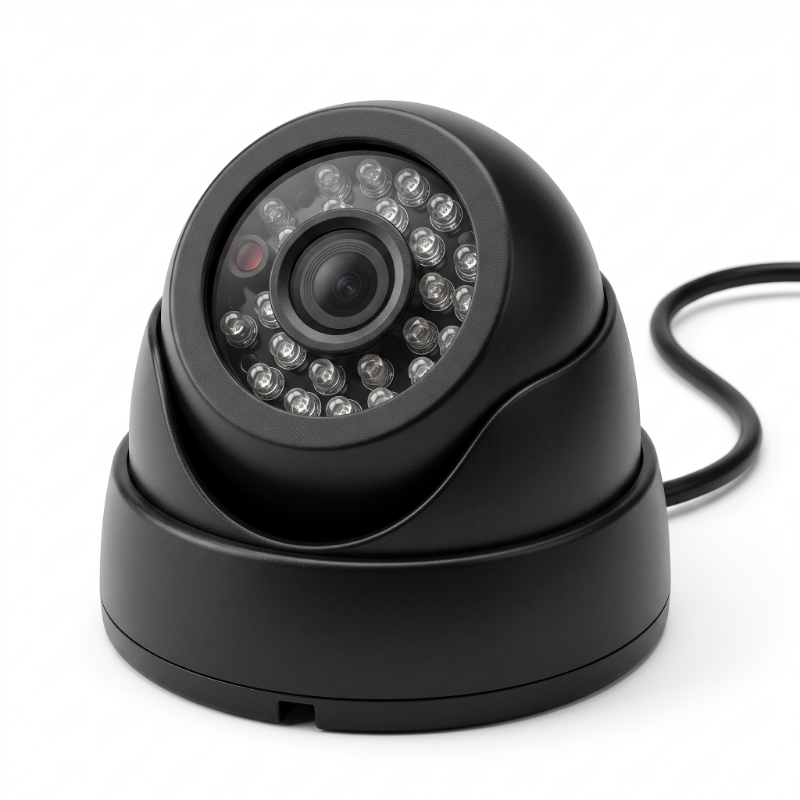
Commercial Vehicle Camera Series
Explore ruggedized cameras designed for exterior forward monitoring, passenger cabin oversight, high-vibration chassis mounting, and rear blind-zone coverage.
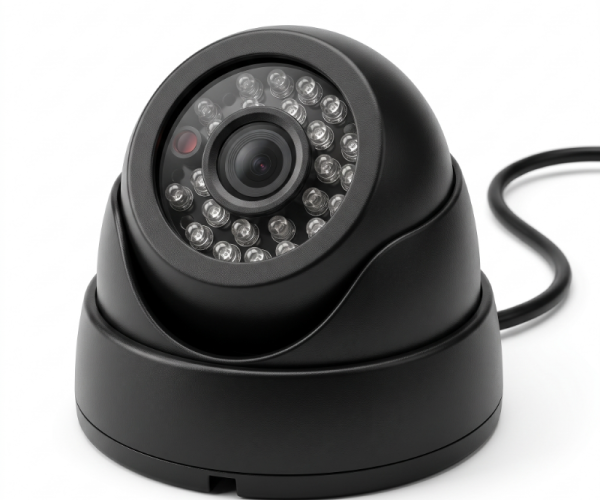
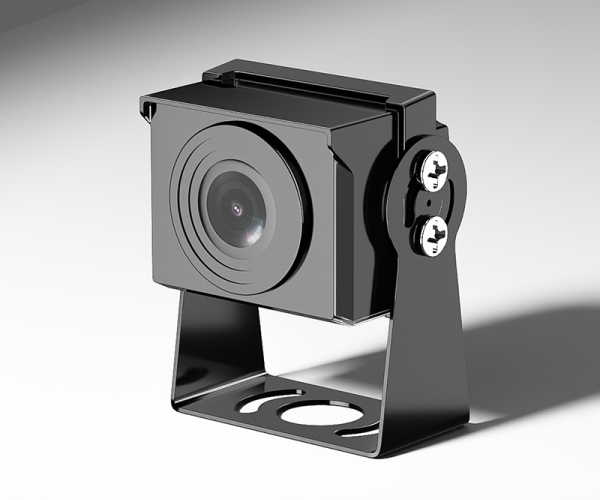
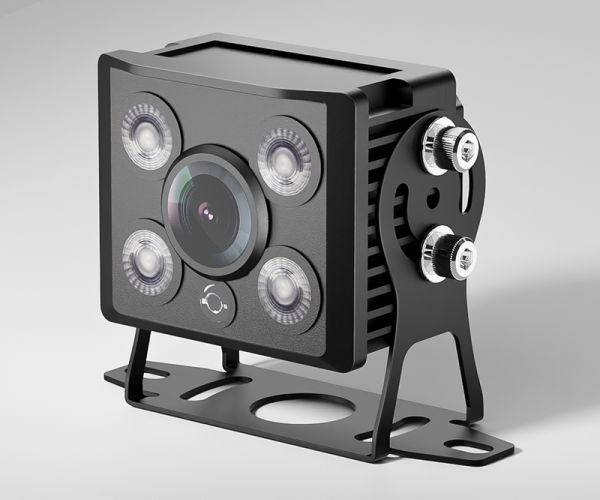
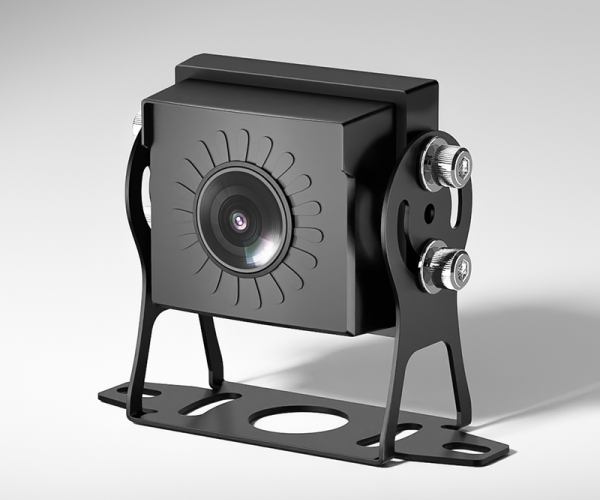
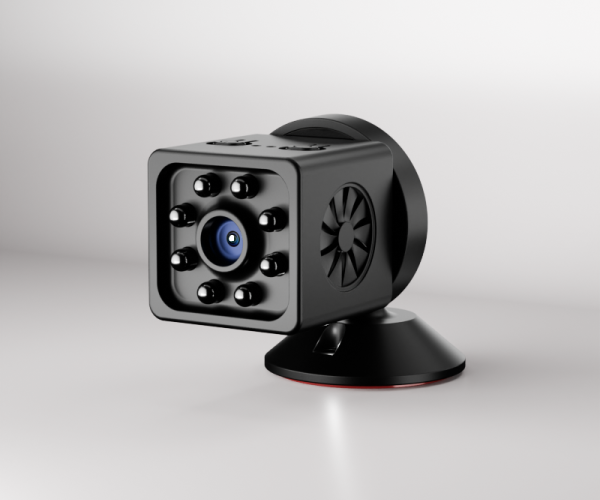
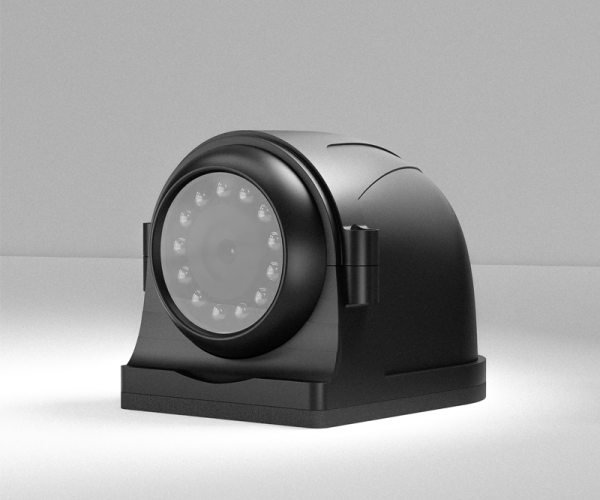
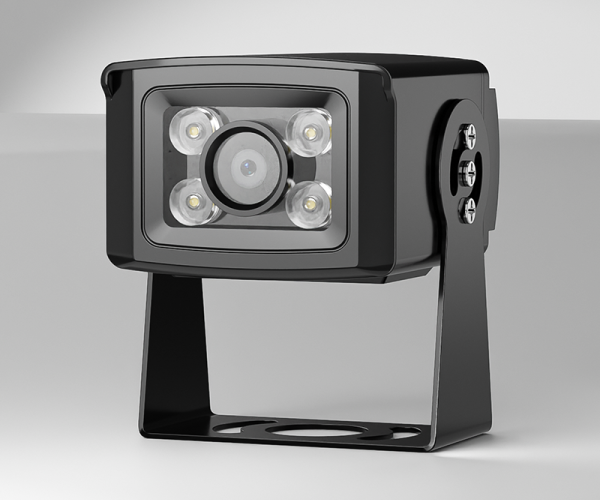
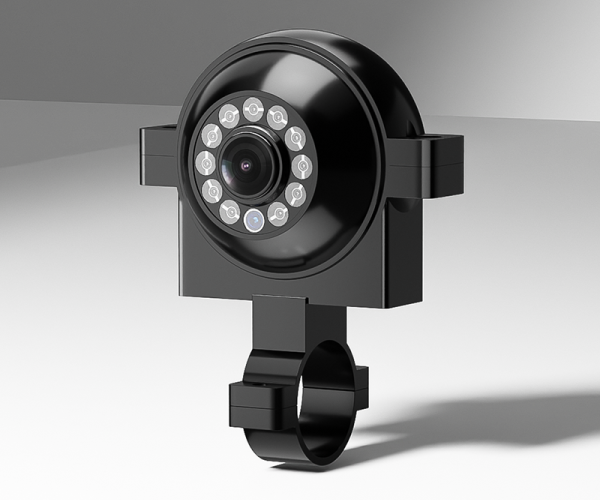
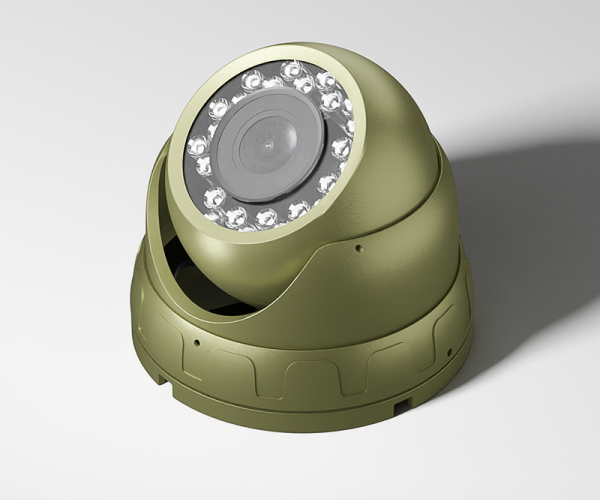
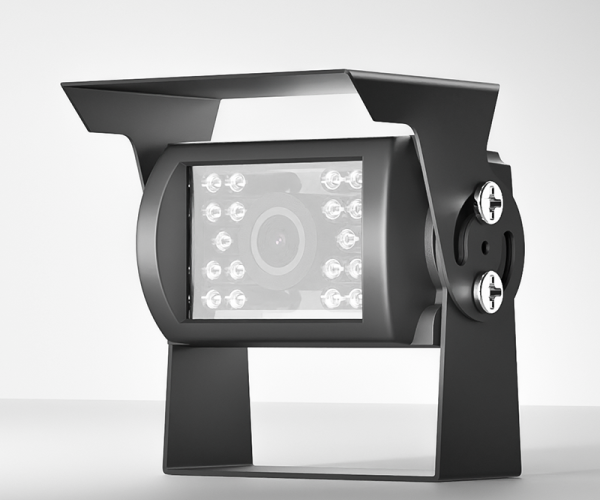
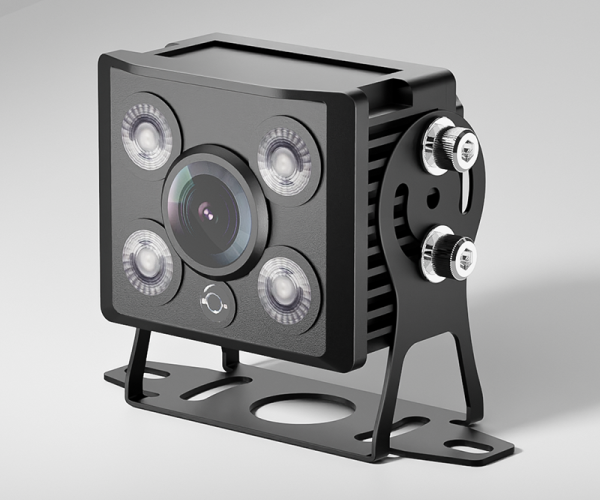
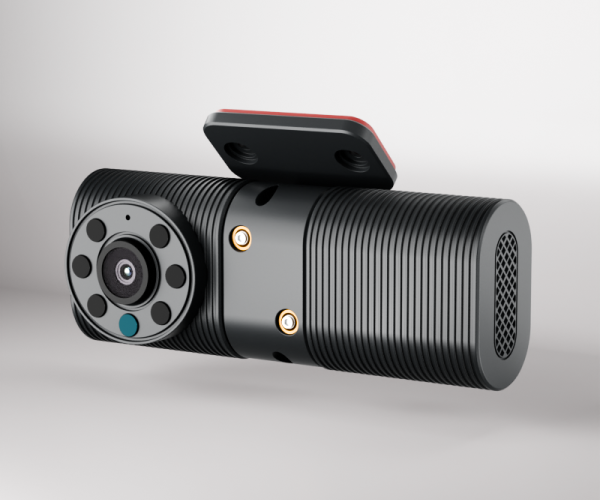
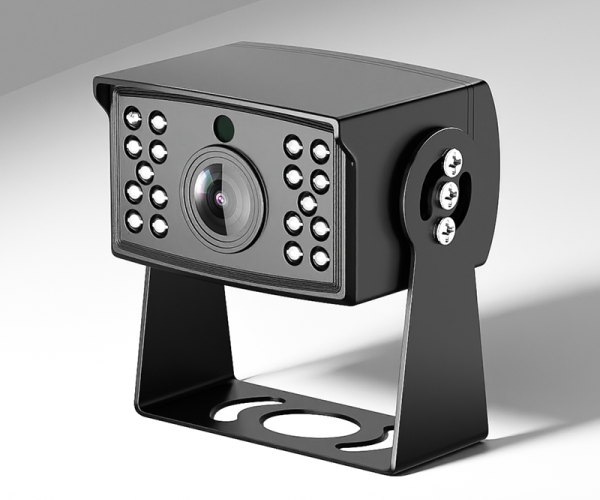
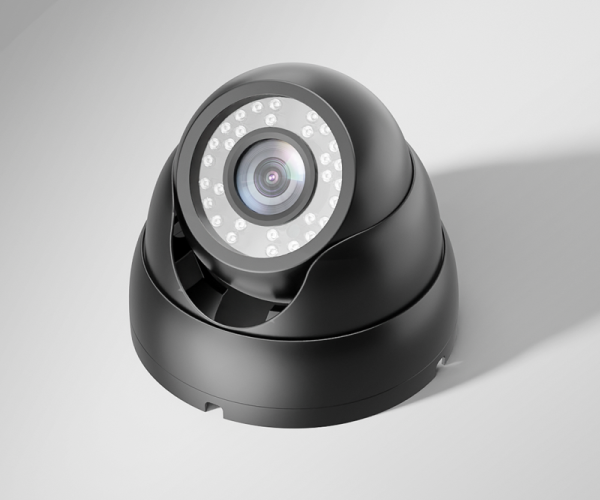
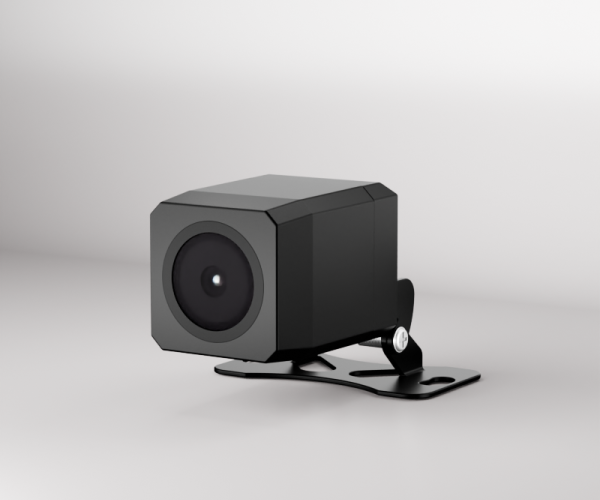
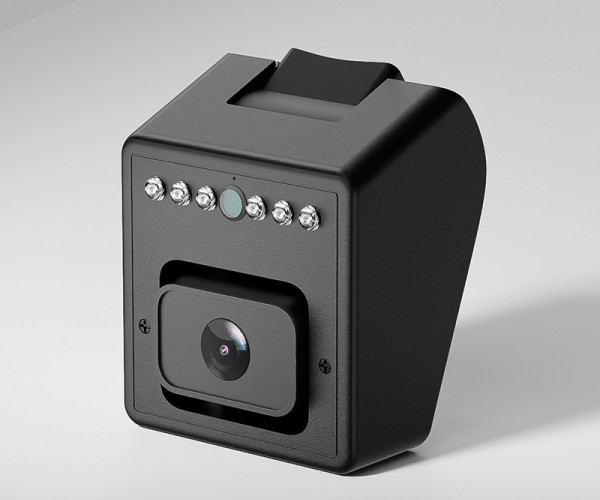
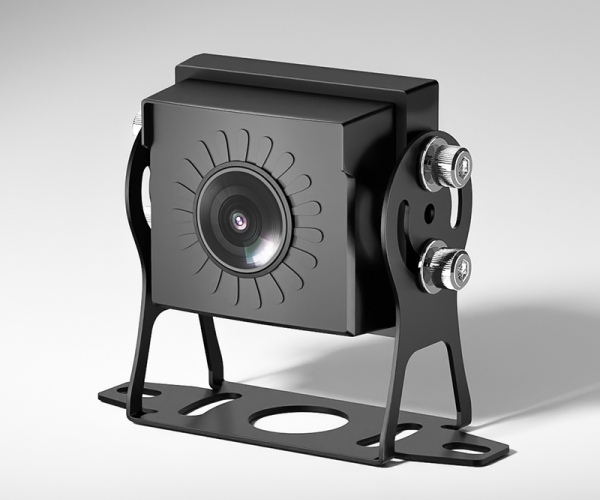
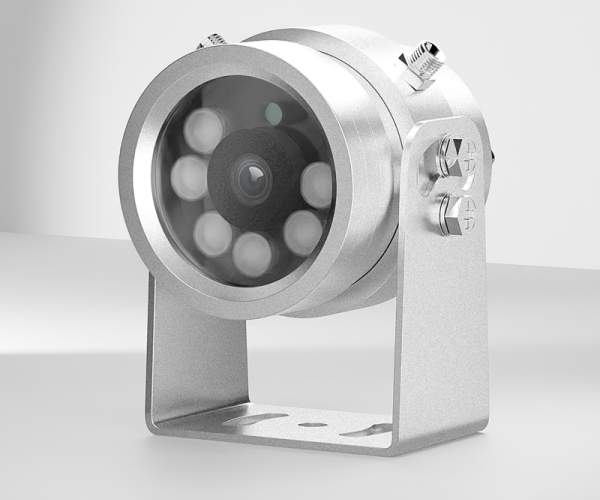
Vehicle Camera Specification Comparison
Compare optical sensors, resolution standards, field-of-view angles, and chassis form factors to select the ideal monitoring cameras for your fleet.
| Model | Type & Resolution | Field of View (FOV) | Protection Rating | Night Vision / Sensor | Recommended Mounting |
|---|---|---|---|---|---|
| CC806-IPC400 Flagship IP | 4.0 Megapixel IP (H.265AI) | 120° Horizontal FOV | IP68 Waterproof | IR-CUT Smart Night Vision | Bus / Coach Front & Saloon |
| CC990 Starlight | 1080P AHD / Starlight | 130° Wide Angle | IP68 Heavy-Duty Metal | 0.0001 Lux Ultra Starlight | Bus Saloon / Cargo Compartment |
| CC877-AHD20 Side / Blind Spot | 1080P Full HD AHD | 140° Wide Angle | IP68 Rugged Housing | Infrared IR Night Vision | Truck Left/Right Side Blind Spot |
| CC866-AHD20 Ultra-Wide | 1080P Full HD AHD | 160° Ultra-Wide Angle | IP68 Waterproof | Infrared IR Array | Trailer Rear Reversing / Step Well |
| CC998-AHD20 Compact Mini | 1080P Full HD AHD | 120° Wide Angle | IP68 Weatherproof | Smart IR Illumination | Lorry Bumper / Van License Plate |
IP68 / IP69K Sealed Housings
Die-cast aluminum and zinc-alloy chassis with dual O-ring sealing withstand high-pressure steam jet washers, salt spray, road grit, and continuous immersion.
Starlight & Smart IR Night Vision
Automotive-grade image sensors deliver vivid color imaging down to 0.0001 Lux without IR glare, switching automatically to anti-reflection IR arrays in total pitch black.
Locking 4-Pin Aviation Connectors
Threaded 4-pin aviation connectors transmit DC power, audio, and video over a single shielded cable, ensuring zero signal degradation despite extreme road shock and vibration.
Commercial Vehicle Cameras FAQ
What is the difference between AHD vehicle cameras and IP vehicle cameras?
AHD (Analog High Definition) cameras transmit uncompressed HD video (up to 1080P) over standard coaxial or 4-pin aviation cabling with zero latency and direct plug-and-play compatibility with AlwayCare MDVR units. IP cameras (such as the CC806-IPC400) encode video directly to digital H.265 streams at higher resolutions (up to 4MP), supporting standard ONVIF networking protocols for integration with modern network video recorders (NVRs) and Ethernet-based vehicle gateways.
How do AlwayCare vehicle cameras perform under night driving conditions?
Our cameras incorporate high-sensitivity Sony starlight CMOS sensors and dual IR-CUT optical filters. Models like the CC990 achieve crisp color rendition in low-light environments down to 0.0001 Lux, while models like CC877 and CC866 utilize anti-glare 850nm IR LED arrays to provide uniform illumination up to 15 meters in complete darkness without dazzling following motorists.
Can these cameras withstand commercial truck pressure washing?
Yes. All AlwayCare exterior commercial vehicle cameras are engineered with IP68 or IP69K ingress protection ratings. The sealed metal chassis and anti-fog front optical glass withstand continuous exposure to automated truck wash tunnels, road chemical sprays, and high-pressure steam cleaning.
What connector standards are used, and can extension cables be added?
AlwayCare cameras utilize industrial 4-pin threaded aviation connectors (M12 type) by default, providing integrated 12V DC power, audio, video, and ground in a single waterproof screw-lock interface. We offer heavy-duty shielded extension cables ranging from 5m to 25m, as well as specialized trailer spring coil interconnects for articulated trucks.
Upgrade Your Fleet with Rugged Optical Hardware
Connect with AlwayCare optical engineers to determine the ideal camera FOVs, bracket types, and cable runs for your commercial trucks, buses, or heavy equipment.