Vehicle Camera System Layouts by Vehicle Type: Box Truck, Tractor-Trailer, Bus and Van
Vehicle Camera Guide
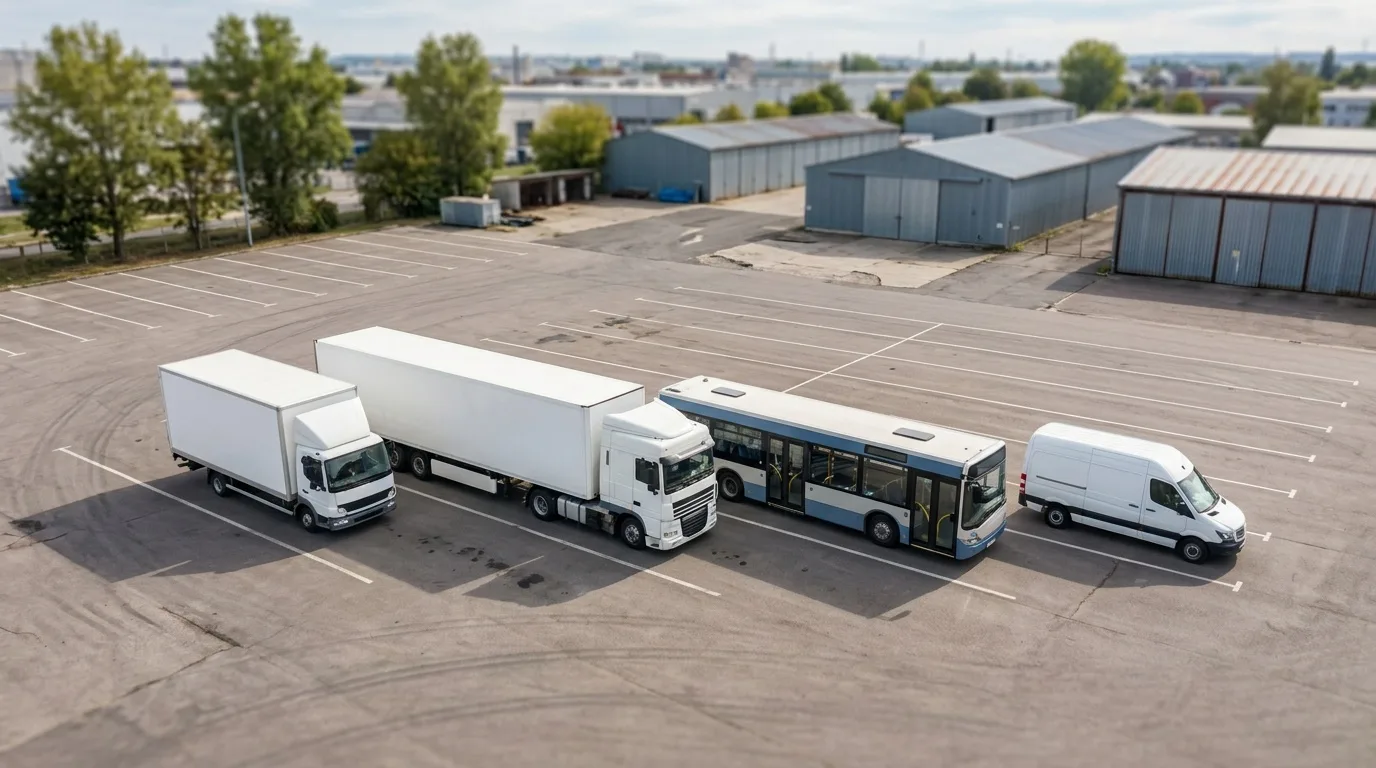
The right camera layout depends on the vehicle: its length, what the driver cannot see and what the fleet needs to record. This page is a quick guide by vehicle type. It shows the usual camera positions, a typical channel count and which detailed article to read next.
How to use this page
Find your vehicle type in the table, note the usual positions and channel count, then follow the link for the detail. Layouts here are starting points. A walk around your own vehicle with the driver decides the final plan.
Layouts at a glance
| Vehicle type | Common camera positions | Typical channels | Read next |
|---|---|---|---|
| Box truck | Rear, both sides, cab-facing and front | 4 to 5 | Backup Camera for Box Trucks |
| Tractor-trailer | Front, cab, sides and trailer rear, with a link across the gap | 4 to 6 | Semi Truck Dash Cams, 360 Camera for Semi Trucks |
| Bus | Front, rear, doors, saloon and driver | 6 to 8 | Bus Camera Systems |
| Van or light truck | Front, cab and rear, with side views if needed | 2 to 4 | Backup Camera for Trucks |
| Work and construction vehicles | Rear, sides and front, with a robust monitor | 3 to 5 | Heavy Equipment Cameras |
Channel counts are typical ranges, not rules. Your vehicle, work and budget decide the real number.
Common parts across layouts
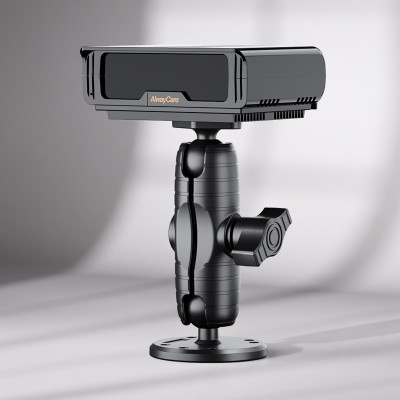
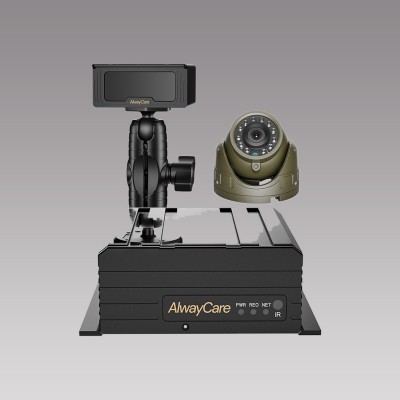
- Recorder. A dash cam for one to a few views, or a mobile DVR for more channels.
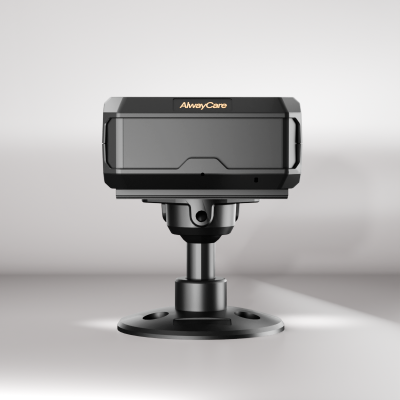
- Cameras. Front, rear, side and in-cab, chosen for the angle and the conditions.
- Monitor. A display where the driver can see it without blocking the mirrors.
- Cables and power. Cable lengths and a fused supply that suit the vehicle.
- Platform. Where events and video go, if you use remote viewing.
For parts, types and how to choose, read Commercial Vehicle Camera Systems: Components, Types and How to Choose.
What to decide before you ask for a quote
- Vehicle type, length and number of vehicles.
- Which areas the driver cannot see.
- Whether you need driver monitoring or only road views.
- Whether you need remote viewing and which platform.
- Where the monitor and recorder will go.
For the questions to put in a quotation request, read 360 Vehicle Camera System: Quotation Questions and Buyer Checklist.
AlwayCare equipment to review
| Model | Type | Listed specifications |
|---|---|---|
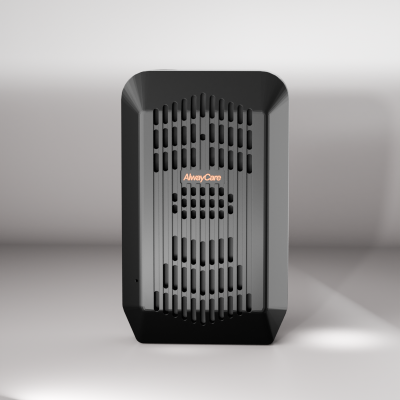
| M360-1 | 4-channel 3D 360° around-view system | 12/24V; 1920x1080; 512GB; -30℃ to 70℃; warranty 15 months |
| MR920 | 9-channel AI mobile DVR for larger vehicles | 12/24V; 1920x1080; GPS and BeiDou; 4G or Wi-Fi; 512GB SD card; H.264/H.265; -20℃ to 70℃; warranty 15 months |
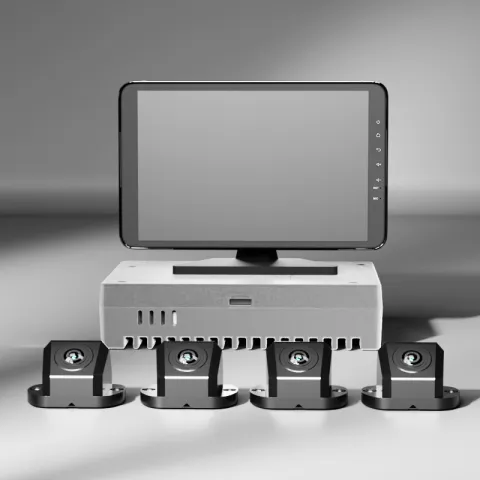 M360-14-Channel 3D 360° Around-View SystemRequest a quote
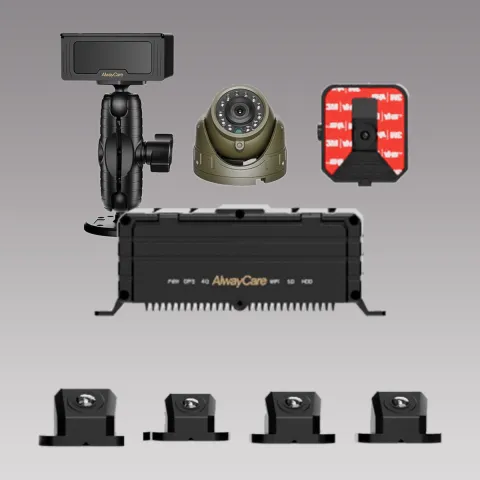 MR9209-Channel AI Mobile DVR for FleetsRequest a quote
Specifications come from the product pages. Your quotation confirms the configuration, channel layout and fitting plan for each vehicle.
Questions about camera layouts
How many cameras does my vehicle need?
It depends on the vehicle and the areas the driver cannot see. Walk around the vehicle and mark the blind areas first.
Is a dash cam enough for a larger vehicle?
A dash cam covers a few views. Longer vehicles and buses often use a mobile DVR with more channels.
Where does the monitor go?
Where the driver can see it without blocking mirrors or the road view.
Do trailers need their own cameras?
Often yes, with a wired or wireless link to the cab. Read the semi truck guides for the options.
Can I start with fewer cameras and add more?
Yes, if the recorder and platform have spare channels. Ask before you buy.
Key points
- Layouts depend on vehicle type, length and what the driver cannot see.
- Use the table as a starting point and walk around your own vehicle.
- Choose a recorder with room to add channels.
- Follow the links for the detail on each vehicle type.
For camera models, positions and example layouts in one place, see the fleet in-vehicle camera solution.