Semi Truck Dash Cams: Channel Layout, Cabin View and Trailer Coverage
Semi Truck Dash Cam Guide
A semi truck dash cam plan has to cover the road ahead, the cab and the long trailer behind. One camera is rarely enough. This guide shows how to build the channel layout, what to record in the cab and how to cover the trailer, and when to move from a dash cam to a mobile DVR.
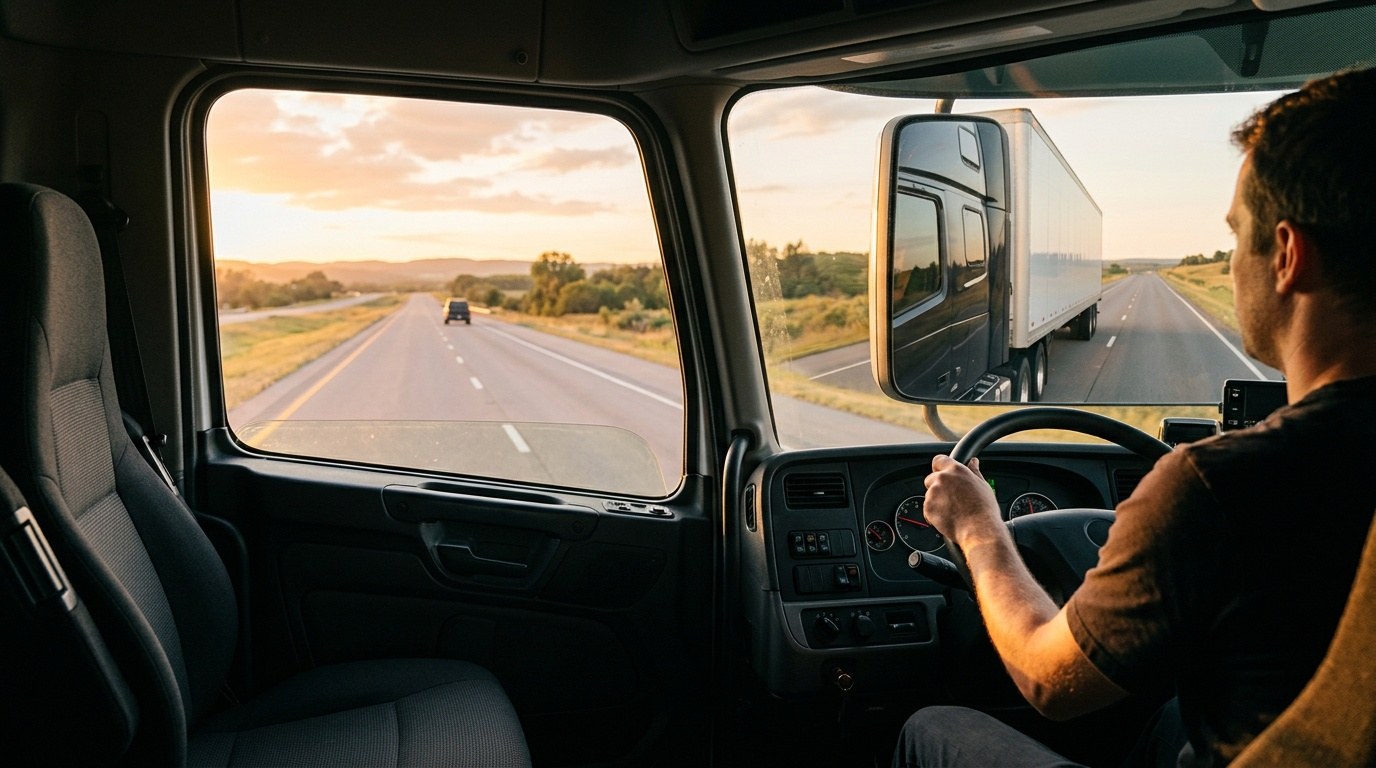
A channel layout for a semi truck
| Channel | Where it goes | What it records |
|---|---|---|
| 1. Road | Behind the windshield | The road ahead and the following gap |
| 2. Cab | On the dashboard or the pillar | The driver and the front seats |
| 3. Left side | On the left of the tractor or trailer | Lane changes and the left blind area |
| 4. Right side | On the right of the tractor or trailer | The right blind area, where most turning risk is |
| 5. Rear | At the rear of the trailer | Reversing and docking |
For how two, three and four channel layouts compare, read 2CH vs 3CH vs 4CH Fleet Dash Cams. For larger systems, read 4-Channel vs 8-Channel vs 12-Channel MDVR.
The cab view
- Decide first whether the cab is recorded and how drivers are told.
- Place the camera so the driver face is visible without blocking the road view.
- Check the image at night with infrared, and in direct sun.
- Set a policy on who reviews cab video and how long it is kept.
Trailer coverage
A tractor often pulls different trailers. A camera fixed to the trailer stays with it. A camera on the tractor stays with the tractor. Decide which you need, and how the video cable or wireless link will connect when a trailer is swapped.
- Fixed trailers: wired cameras are simple and steady.
- Swapped trailers: a wireless link or a plug-in connector avoids rewiring.
- Check cable length from the tractor to the rear of the trailer, including the bend at the fifth wheel.
When to move to a mobile DVR
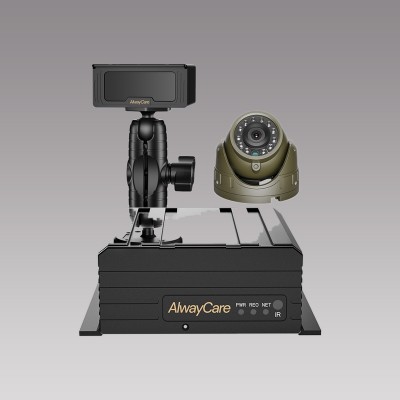
A dash cam suits up to four or five channels. When you need more views, more storage or several AI functions, a mobile DVR gives more inputs. The AlwayCare MR750 is a 5-channel AI dashcam. The MR920 is a 9-channel AI mobile DVR.
| Model | Type | Listed specifications |
|---|---|---|
| MR750 | 2K 5-channel AI dashcam with ADAS and DMS | 12/24V; 2K recording; GPS; 4G or Wi-Fi; H.264/H.265; −20 to 70°C; warranty 15 months |
| MR920 | 9-channel AI mobile DVR | 12/24V; 1920x1080; GPS and BeiDou; 4G or Wi-Fi; 512GB SD card; H.264/H.265; −20 to 70°C; warranty 15 months |
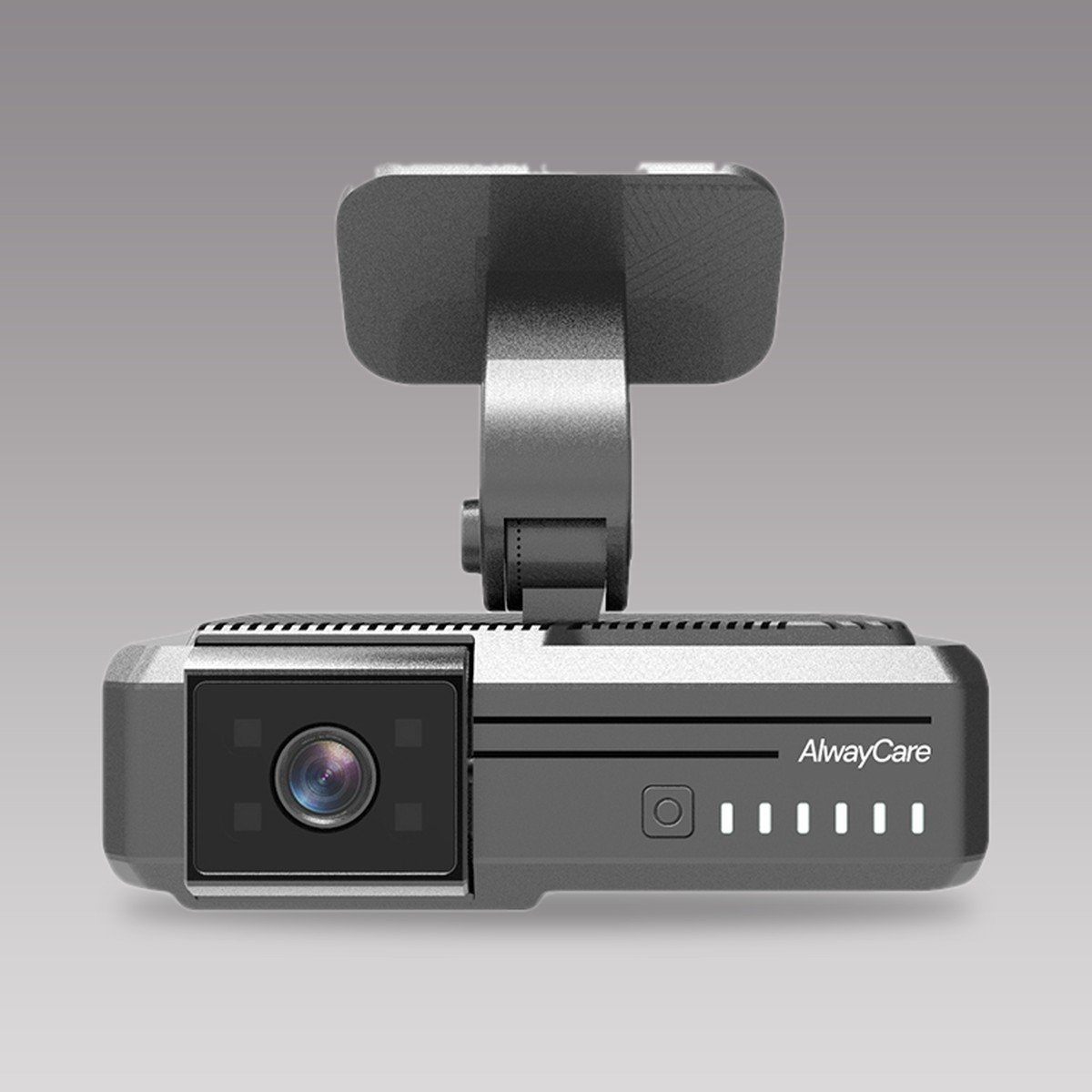
Specifications come from the product pages. Confirm the channel layout, cable lengths and platform in your quotation.
Questions fleets ask about semi truck dash cams
How many cameras does a semi truck dash cam system need?
A road view and a cab view are the common start. Many fleets add left, right and rear views, which makes five channels.
Can a dash cam record the trailer?
Yes, with a camera fixed to the trailer and a link back to the recorder. A wireless link or a plug-in connector helps when trailers are swapped.
Should the cab be recorded?
It helps with driver event review. Set a clear policy and tell drivers before you start.
Is a mobile DVR better than a dash cam for a semi truck?
A mobile DVR gives more channels and storage. A dash cam is simpler and fits fewer views.
How much storage do I need?
It depends on the channels and the video setting. Ask the supplier for recording time at your planned settings.
For recorder, camera and monitor packages and example layouts in one place, see the fleet vehicle video and mobile DVR solution.