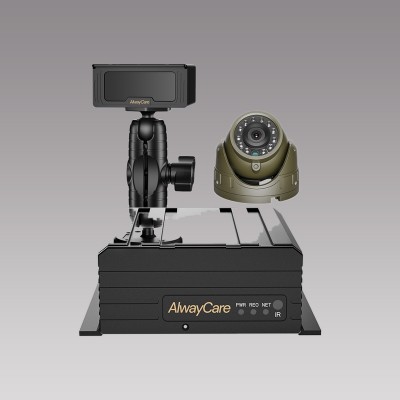
Backup Camera for Trucks: Types, Buyer Checklist and Installation
Backup Camera Guide
A backup camera for a truck shows the area behind the vehicle on a monitor in the cab. The camera sits outdoors on the rear, so water protection, supply voltage and cable length matter as much as image quality. This guide compares the main types, gives a buyer checklist and covers the installation steps.
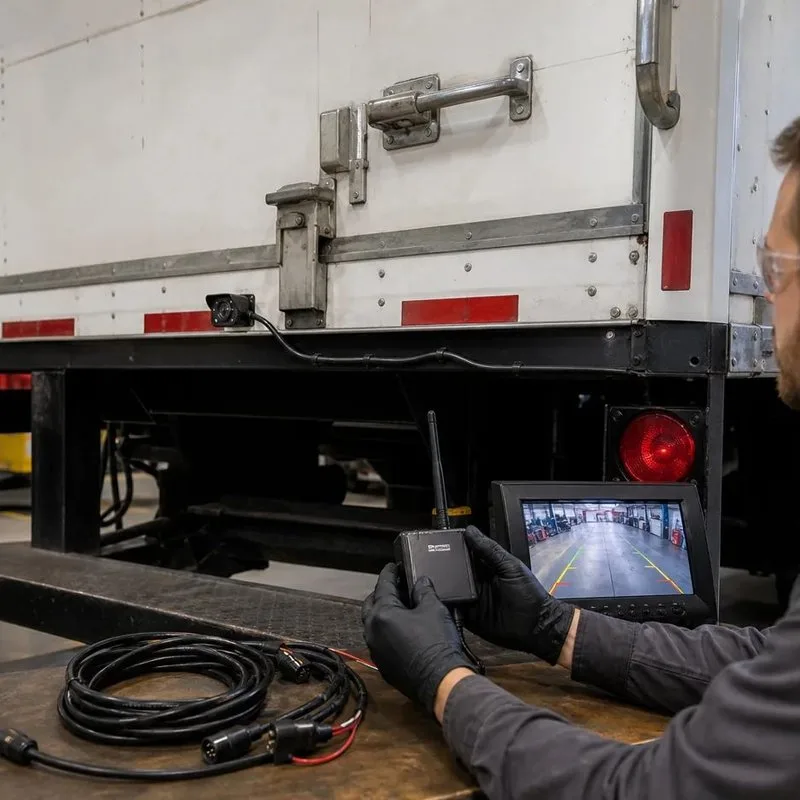
Types of truck backup camera
| Type | How the image reaches the monitor | Fits best when | What to check |
|---|---|---|---|
| Wired camera | Video cable from the rear of the truck to the cab | The truck is permanent and the cable can be routed along the chassis | Cable length, connectors and where the cable passes through the cab |
| Digital wireless kit | Camera and monitor pair over a 2.4GHz link | Trailers change often or a cable run is hard | Range, pairing and what is between the camera and monitor |
| Solar or battery wireless camera | Wireless link, camera powered by its own battery | There is no power at the camera position | Battery charge time and the charging plan |
For a full comparison of wired and wireless types, read Wired vs Wireless Backup Cameras for Trucks: Which Should You Choose?.
Buyer checklist
| Question | Why it matters |
|---|---|
| What is the water protection rating? | A rear camera faces rain, road spray and wash-down. IP68 is the listed rating on the AlwayCare CC866 and CC877. |
| Is the camera voltage the same as the vehicle supply? | Several cameras run on 12V. A 24V truck needs a matching camera or a suitable power arrangement. |
| How wide is the view? | A wider lens shows more of the area behind but makes objects look smaller. |
| How good is the night view? | Check the image at night, not only in daylight. |
| Which monitor will show the image? | Match the monitor input to the camera signal, and check the screen brightness for a bright cab. |
| How long is the cable? | Measure the real route from the camera to the cab and add a margin. |
AlwayCare products to review
| Model | Type | Listed specifications |
|---|---|---|
| CC866-AHD20 | IP68 wide-angle vehicle camera | 12V; 1920x1080; 160° wide angle; 1.6mm lens; 72.6×37.5×58mm; −30 to 75°C; warranty 15 months |
| CC877-AHD20 | IP68 starlight truck camera | 12V; 1920x1080; metal housing; 53×35×54mm; −30 to 75°C; warranty 15 months |
| DP210-B | 7-inch heavy-duty waterproof monitor | 7.0 inch; 1024x600; 500 cd/m² anti-glare; 2 video inputs (dual split); DC 9–36V; aluminium alloy enclosure; −20 to 70°C |
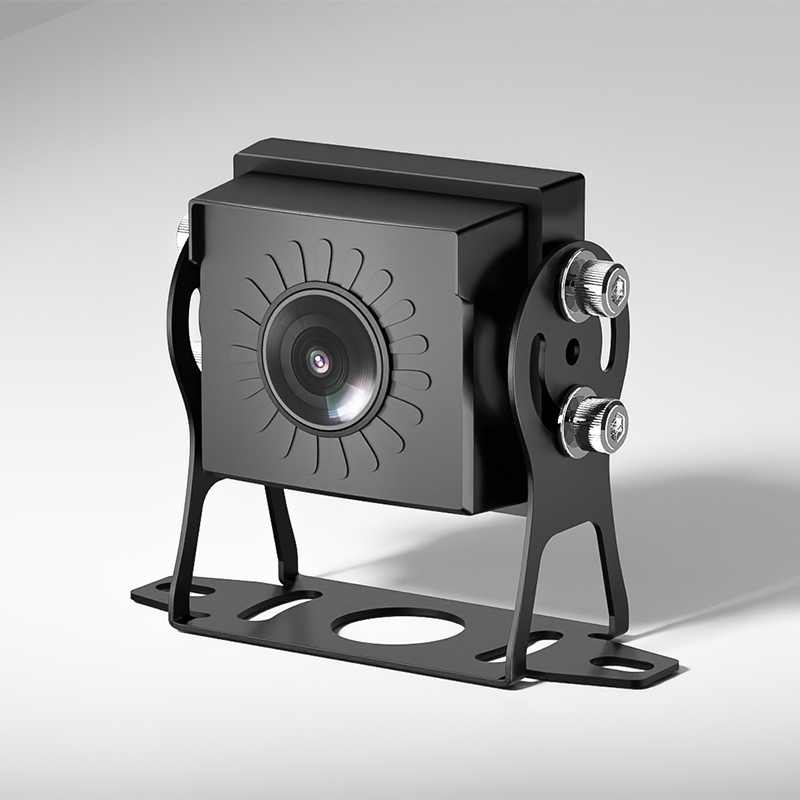
Specifications come from the product pages. Confirm the camera and monitor pairing and the cable length in your quotation.
Installation steps
- Choose the camera position on the rear, high enough to see the ground close to the bumper and centred where possible.
- Route the cable along the chassis, away from heat and moving parts, and protect it where it passes through metal.
- Seal the connectors and leave a drip loop so water does not run into them.
- Power the camera as the maker specifies, and fit a fuse on the supply.
- Fit the monitor where the driver can see it without looking away from the mirrors.
- Test with the truck loaded, then at night, and mark the view with a known object at a known distance.
For wireless options and range checks, read Wireless Vehicle Cameras: Selection and Installation Guide for Fleets.
Questions fleets ask about truck backup cameras
Does a truck backup camera work on 24V?
Only if the camera and the power arrangement are built for it. Check the listed voltage of each camera, since some run on 12V.
What does IP68 mean on a camera?
It is a dust and water protection rating from the IP code. Confirm the exact test conditions with the supplier.
Can I use a car backup camera on a truck?
Often not for long. Truck use needs a housing for vibration and weather, and a cable length that suits the vehicle.
How many cameras does a box truck need?
One rear camera is the minimum. Many fleets add side cameras for blind spot work.
Is a wireless backup camera as reliable as a wired one?
A wired link is simple and steady. A wireless link depends on range and what is between the camera and the monitor, so test it on your own vehicle.
For camera models, positions and example layouts in one place, see the fleet in-vehicle camera solution.