Collision Avoidance Systems for Commercial Fleets: Forward Warning, Radar and Camera Options
Collision Avoidance Guide
A collision avoidance system for a commercial fleet warns the driver, or the people near the vehicle, before a collision. The systems described here warn; they do not brake or steer. The right choice depends on where the risk is: the road ahead, the blind sides, a worker on foot near moving equipment or a reversing path.
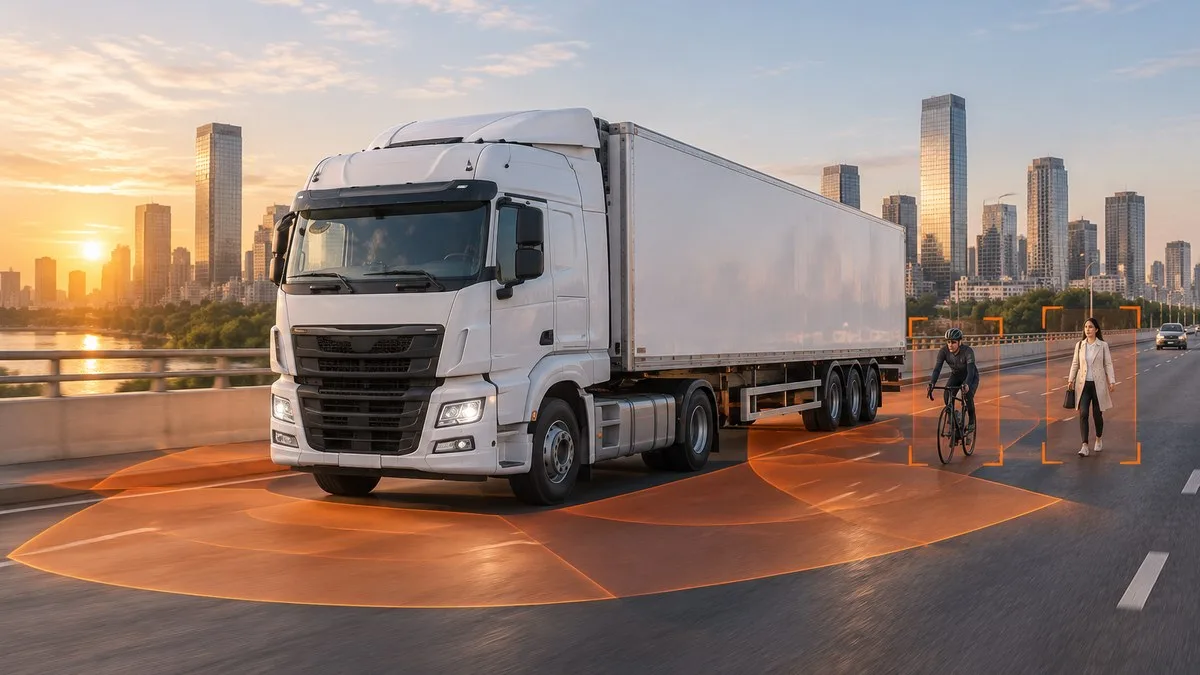
What is a collision avoidance system for commercial vehicles?
A collision avoidance system uses a sensor to detect a vehicle, person or obstacle in a set area and tells the driver by sound, light or a screen image. The sensor can be a forward-facing ADAS camera, a radar, an ultrasonic sensor or UWB tags worn by people. Suppliers also call these systems anti-collision or collision warning systems. Most aftermarket systems warn rather than take control, so they support the driver and do not replace a safe following distance, training or a clear view.
Active or passive collision avoidance?
A passive system warns the driver and leaves the response to the driver. An active system also acts on the vehicle, for example with automatic emergency braking. Active functions are normally part of the vehicle's own controls. The AlwayCare products below are warning systems. Do not treat any of them as automatic braking, and confirm any connection to a vehicle controller for your exact vehicle before relying on it.
Which sensor fits which hazard?
| Hazard | Typical sensing | AlwayCare example | What to check |
|---|---|---|---|
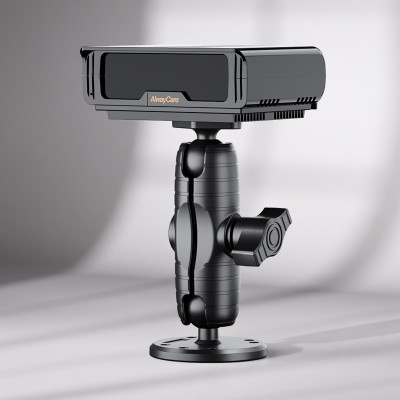
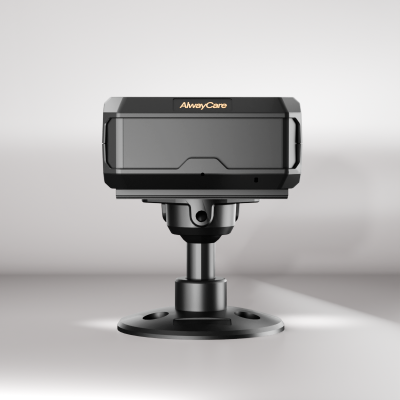
| Closing on the vehicle ahead, lane drift, pedestrian ahead | Forward ADAS camera | AWS302: forward collision, pedestrian, lane-departure and headway warnings | Warning thresholds, windshield mounting, calibration |
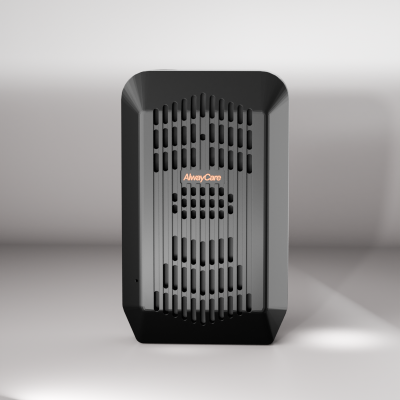
| Low visibility: dust, darkness, weather | 77GHz radar | R350: 0.2 m to 40 m detection range, three-stage audio-visual alerts, 12V to 24V input | Sensor coverage and alarm method for your vehicle |
| Tight aisles, reversing, close to the vehicle | Ultrasonic radar | R300: 0.3 m to 5.0 m detection range, IP67 sensors, 12V to 24V input | Mounting height, blind zones close to the body |
| Workers on foot near moving equipment | UWB tags and a base unit | UA350: ±10 cm ranging, three configurable warning zones, wearable tags | Tag distribution, battery checks, zone set-up |
| Blind sides and rear | AI blind spot camera or radar | CC1004-BSD: 1080p camera, -20°C to 70°C operating range | Mapping the real blind zone, see the blind spot detection guide |
Specifications come from each product's factory datasheet. Your quotation confirms the exact configuration for your vehicles.
Camera, radar or both?
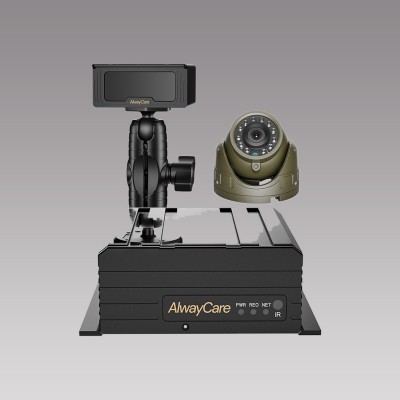
A camera can pick out what it sees, such as a pedestrian or a vehicle, and gives the driver a picture. Radar measures distance and is less affected by dust, smoke and darkness than optical sensors, which suits outdoor docks and yards. Many fleets combine them, as in the tanker layout below. For a side-by-side comparison on a worksite, read Camera vs Radar vs UWB Proximity Warning.
Match the system to the vehicle
| Vehicle | Example layout |
|---|---|
| Highway truck | AWS302 ADAS unit behind the windshield, with an optional in-cab display. |
| Tanker | Control box, obstacle detection radar, front, side, rear and starlight cameras, a DP230-5 monitor, buzzer, alarm light and an optional display. |
| Wheel loader | UWB base station, alarm light and optional helmet and wrist tags (PT202). |
| Forklift | Radar host with radar sensors, buzzer, DP230 monitor and a CC670-AHD20 front and rear camera. See the forklift collision avoidance guide. |
Component selection and cable routing are confirmed per vehicle in your quotation.
What to check before you buy
- Warning types: which warnings are included, and the range and speed they apply to, from the datasheet. The forward collision warning buyer checklist has a question list.
- How the driver is warned: sound, light or screen, and whether the alert stays clear in a loud cab.
- Power and fitting: input voltage, mounting position, calibration and cable routing for your vehicle type.
- Records: whether alerts are saved as events and whether they reach your fleet platform. Functions vary by model and firmware.
- Limits: what the system does not do. For forward warning, read Forward Collision Warning System for Trucks.
How to test on your own vehicles
Test on real routes and in the conditions that matter: night, rain, dust and glare, with several drivers. Count missed alerts and nuisance alerts, and agree what the driver should do after each warning type. Repeat the test after any change to the vehicle or its layout. The acceptance testing checklist gives a site-by-site format.
Frequently asked questions
What is the difference between active and passive collision avoidance?
A passive system warns the driver. An active system also acts on the vehicle, for example by braking. The AlwayCare systems described here warn the driver.
Can an aftermarket collision avoidance system brake the vehicle?
The AlwayCare systems above alert the driver and are not automatic emergency braking. Confirm any controller interface for your exact vehicle before relying on it.
Do I need radar, a camera or both?
Choose by hazard. A forward ADAS camera suits the road ahead, radar suits low visibility and distance warning, and UWB tags suit people working close to moving equipment. Many vehicles use a combination.
Key point to remember
Match the sensing method to the hazard, test it on your own vehicles and routes, and treat a warning as support for safe distance, training and a clear view, not a replacement. See also Top 7 Commercial Vehicle Safety Systems, ADAS for Commercial Fleets and What Is a BSD System?.
Forward collision warning and proximity systems for your fleet, or contact AlwayCare with your vehicle types and work areas for a configuration discussion.