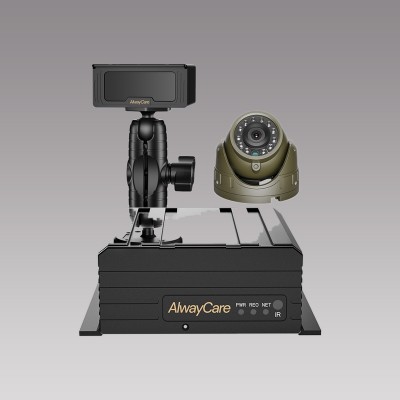
Top 7 Commercial Vehicle Safety Systems for Fleet Buyers
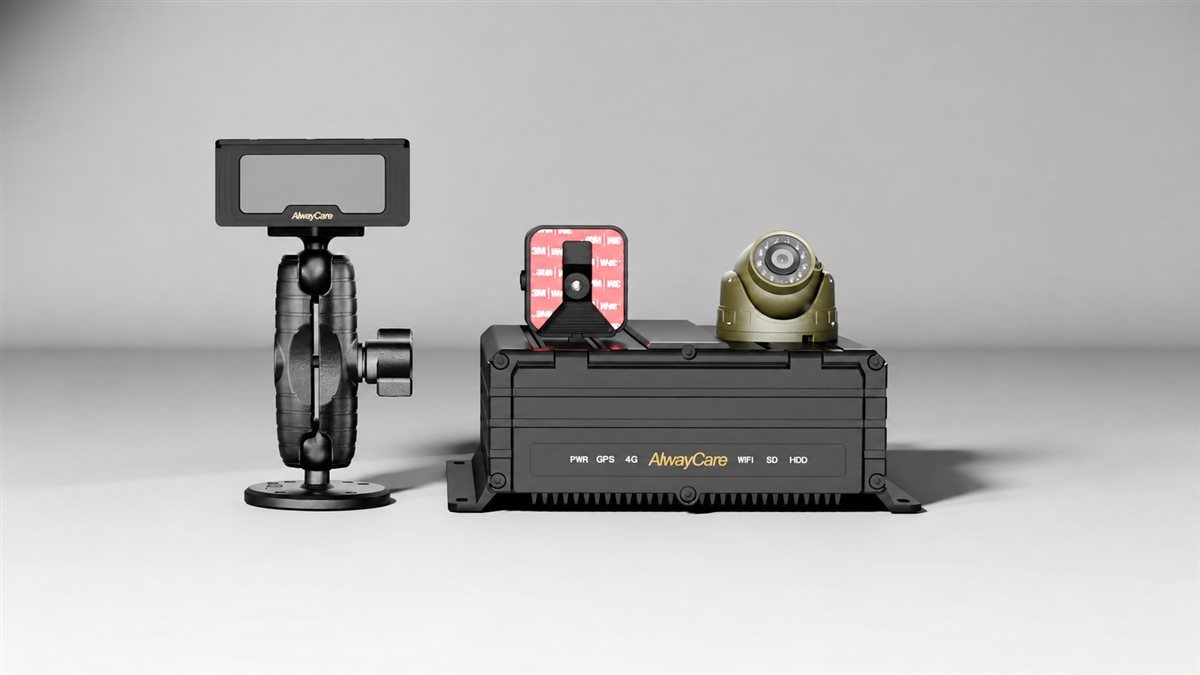
The commercial vehicle safety systems worth evaluating include driver monitoring, forward collision warning, blind spot detection, 360-degree camera systems, AI dashcams, mobile DVRs, and reversing camera systems. The right combination depends on your vehicles, operating environment, existing equipment, and the risks you need to address.
For fleet buyers, the key question is practical: which system helps your drivers or safety team respond to a specific problem?
A long-haul truck fleet may prioritize driver fatigue alerts and road-facing event footage. An urban bus operator may focus on side visibility and multi-camera recording. A fleet working in confined loading areas may need better reversing views before adding more advanced functions.
This guide compares seven system categories and the questions to ask before ordering.
Quick Comparison: Which Safety System Fits Your Fleet?
| System | Primary purpose | Consider when your fleet needs… | Main purchasing check |
|---|---|---|---|
| Driver Monitoring System (DMS) | Monitor driver-state indicators and issue alerts | Fatigue and distraction awareness | Detection functions and camera performance in your cab |
| ADAS collision warning | Alert drivers to supported forward-road risks | Additional warning during road operation | Warning functions, calibration and operating conditions |
| Blind Spot Detection (BSD) | Detect supported targets in configured zones | Side-zone awareness around large vehicles | Coverage, target recognition and alert behavior |
| 360-degree camera system | Provide a combined view around the vehicle | Better visibility during close maneuvering | Camera placement, stitching and calibration |
| AI dashcam | Combine event video with supported AI functions | A compact starting point for connected fleet video | Camera channels, event capture and platform compatibility |
| Mobile DVR (MDVR) | Record multiple vehicle cameras | Wider video coverage and incident review | Input compatibility, storage and footage retrieval |
| Reversing camera and monitor | Display the area behind the vehicle | A focused visibility upgrade for reversing | Installed view, image delay and rear coverage |
1. Driver Monitoring Systems for Fatigue and Distraction Awareness
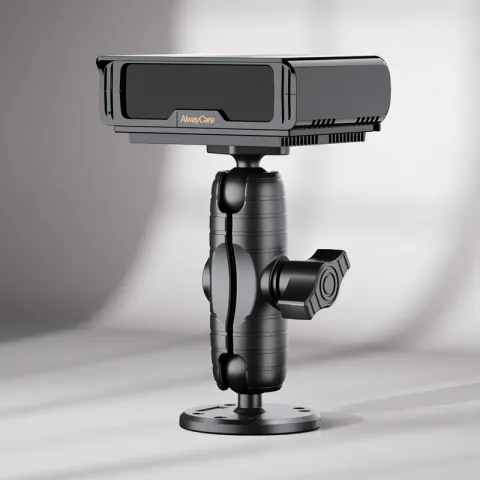
A driver monitoring system uses an in-cab camera and software to monitor supported driver-state indicators. Depending on the model, these may include prolonged eye closure, yawning, distraction, phone use, or camera obstruction. Its role is to provide driver alerts and, where supported, records for follow-up.
Start your evaluation with the conditions inside your actual vehicles. Camera position, driver seating range, eyewear, lighting, and cab layout should all be part of the demonstration.
Ask the supplier to distinguish between functions included in the quoted device and functions that require additional hardware or integration. Also establish what happens after an alert: does it sound locally, create a recording, or appear in a fleet platform?
Procurement priority: Test alert usefulness and nuisance alerts on representative routes, then agree how supervisors will review events.
AlwayCare describes standalone, integrated, and connected DMS deployment options, with functions dependent on the chosen model and configuration. See the driver fatigue monitoring solution.

2. ADAS Collision Warning Systems for Forward-Road Awareness
An advanced driver assistance system can provide warnings for supported road situations, such as forward collision risk or lane departure. Buyers should compare the exact warning functions and their operating conditions rather than relying on the broad “ADAS” label.
A warning-only system and a system that controls braking offer different capabilities. Make that distinction explicit in the purchase specification.
Installation requirements also deserve attention. Ask how mounting height, camera angle, vehicle dimensions, and calibration affect the proposed setup. During a pilot, include the road types your drivers regularly encounter.
Procurement priority: Request a written list of supported alerts, activation conditions, and recalibration requirements.
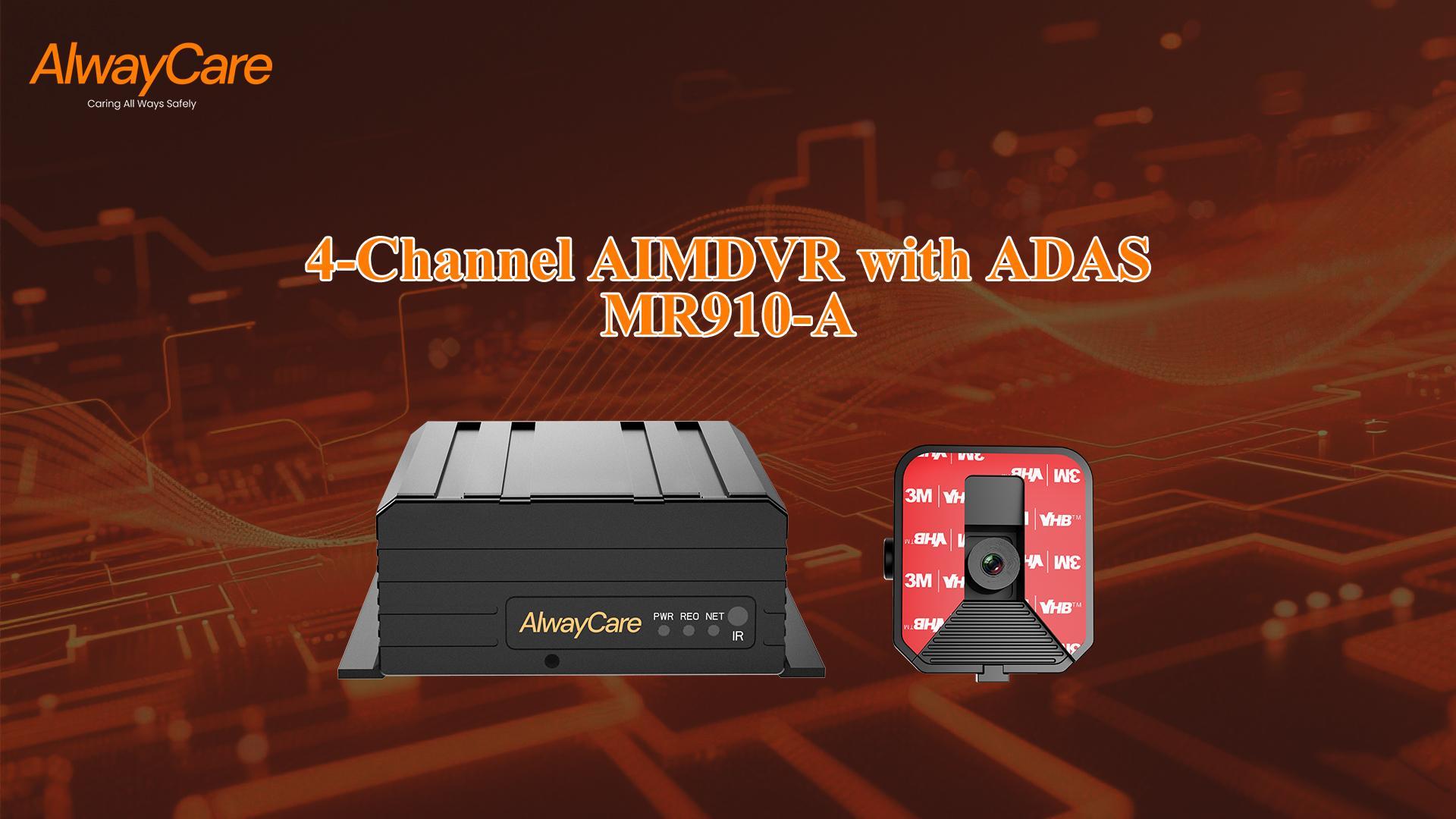
AlwayCare’s product catalog includes the AWS302 ADAS warning system and the MR910-A configuration combining ADAS with mobile DVR recording. These provide starting points for comparing standalone and recording-based deployments. See the AlwayCare ADAS range.
3. Blind Spot Detection Systems for Side-Zone Awareness
A blind spot detection system provides alerts when it detects supported targets within configured areas around a vehicle. For buyers, the critical distinction is between a camera that displays a view and a detection system that identifies targets and issues warnings.
Begin with a coverage drawing for each vehicle type. Mark the areas you need to monitor, proposed sensor or camera positions, and where the driver will receive alerts.
Then define practical test cases. How should the system behave when a person stands beside the vehicle? What should happen during a turn, while stationary, or near parked vehicles? Require the supplier to demonstrate the conditions relevant to your operation.
Procurement priority: Evaluate detection zones, missed targets, and nuisance alerts together. A wider advertised coverage area alone does not establish suitability.
For available approaches, explore AlwayCare’s blind spot safety solutions.
4. 360-Degree Camera Systems for Close Maneuvering
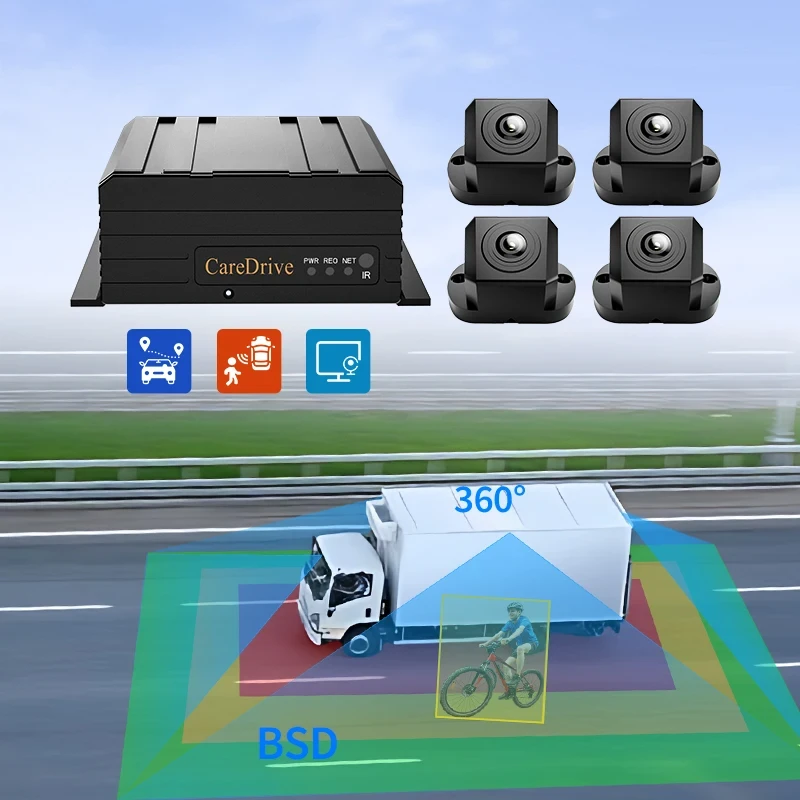
A 360-degree camera system combines images from cameras around the vehicle into a surrounding view. It can help drivers interpret the space near a large vehicle during parking, depot movement, and other close maneuvers.
Compare the installed image as carefully as the specification sheet. Check whether vehicle edges and nearby objects remain understandable across transitions between camera views.
Ask the supplier to show the system on a vehicle with dimensions similar to yours. Define how calibration will be completed and what maintenance is required after a camera is replaced or moved.
A surrounding view does not automatically include object detection. If you require pedestrian alerts or recording, list these as separate requirements.
Procurement priority: Approve the camera layout and actual displayed view before standardizing the installation.
AlwayCare lists M360-1, M360-2, and M360-3 around-view products, including a configuration described as combining a 360-degree camera system with BSD. See the M360 product page for the configurations.
5. AI Dashcams for Compact Fleet Video Deployment
An AI dashcam combines video capture with supported event-detection or driver-assistance functions. It is a useful category to evaluate when you want a compact installation and a manageable starting point for reviewing driving events.
The term “AI dashcam” covers different configurations. Check how many cameras the quoted unit supports, which views are included, and which AI functions are active.
For connected projects, walk through the complete review process. Can a supervisor find an event, play the relevant footage, and export it? What happens when a vehicle loses connectivity? Which functions require an ongoing service subscription?
Procurement priority: Evaluate the device and the review workflow together, including installation, data use, and service costs.
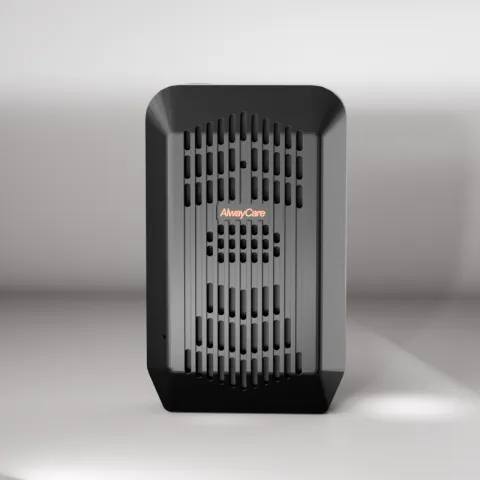
AlwayCare’s catalog includes MR700, MR720, and MR750 AI dashcams with differing video and camera-channel configurations. Confirm the required AI functions for the selected model. See the MR750 product page.
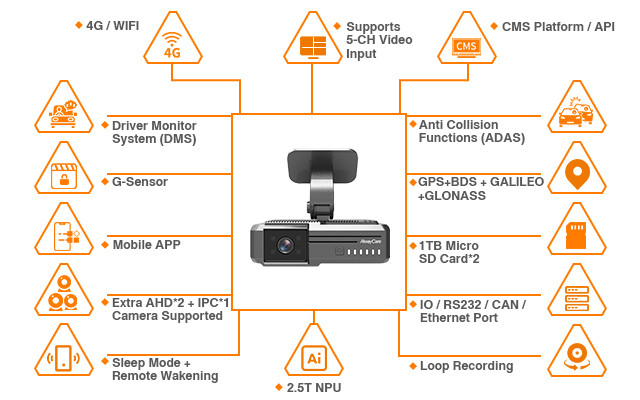
AlwayCare MR750 AI dashcam. Check camera-channel requirements and enabled AI functions when selecting a configuration. View MR750 specifications.
6. Mobile DVR Systems for Multi-Camera Recording
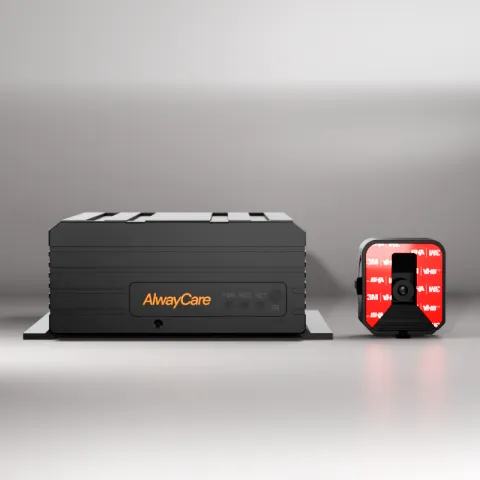
A mobile digital video recorder records feeds from multiple vehicle cameras. It is a category to assess when an incident may involve several areas of a vehicle and a single road-facing camera does not provide enough coverage.
Plan camera locations before choosing the recorder. Specify the areas you need to see, the required image quality, and how long footage should remain available.
Do not estimate recording duration from storage capacity alone. Ask the supplier to calculate retention using your proposed camera count, resolution, frame rate, encoding settings, and recording schedule.
Also test evidence retrieval. The most useful recording setup is one your team can reliably search and export when an incident occurs.
Procurement priority: Confirm camera-input compatibility, retention under the proposed settings, and the steps required to retrieve footage.
AlwayCare provides fleet video surveillance options for multi-camera recording and connected review. Explore the vehicle surveillance video solution.
7. Reversing Camera Systems for Focused Rear Visibility
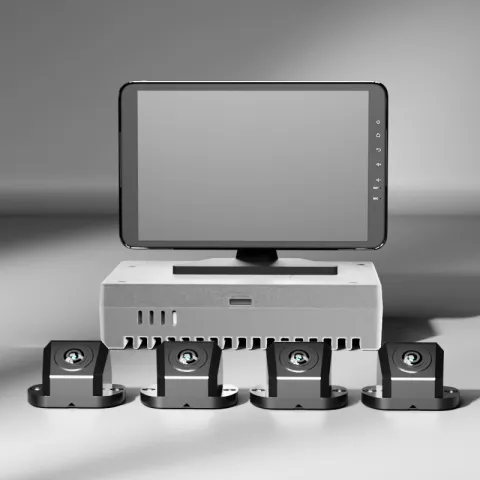
A reversing camera and in-cab monitor provide a view behind the vehicle. For fleets with a specific rear-visibility problem, this can be a focused first upgrade.
Judge the system by the view after installation. Can the driver see the area that matters? Is the displayed image understandable in the lighting conditions encountered at your loading bays and depots? Does the screen activate as expected?
For a wireless configuration, request a test on the actual vehicle or trailer arrangement. For a wired configuration, review cable routing, connector protection, and service access.
If automatic obstacle alerts are required, specify them separately from the camera display.
Procurement priority: Validate rear coverage, image delay, monitor placement, and installation durability.
How to Choose Your First System
Use recent incidents, driver feedback, and vehicle inspections to identify the problem you want to address first.
For example, a fleet reporting difficulty during depot reversing should start by inspecting rear visibility and maneuvering practices. A fleet that cannot reconstruct incidents should review camera coverage and recording access. A fleet concerned about driver-state events should evaluate DMS alongside its existing driver-management procedures.
Before requesting quotations, prepare these five details:
- Vehicle types and quantities: Include cab layouts, body dimensions, and trailer arrangements where relevant.
- Priority operating scenarios: Describe the routes, maneuvers, or events that drive the purchase.
- Existing equipment: List cameras, monitors, recorders, and fleet platforms already installed.
- Required response: Define whether you need a live view, driver warning, recording, remote notification, or a combination.
- Pilot acceptance criteria: Specify the scenarios to test and what constitutes an acceptable result.
Ask shortlisted suppliers to quote against the same requirements. This makes differences in hardware, integration, installation, and recurring costs easier to compare.
Frequently Asked Questions
What is the difference between DMS and ADAS?
DMS focuses on the driver and supported driver-state indicators. Forward-facing ADAS focuses on supported road situations. Some products combine these functions, but buyers should confirm which capabilities are included in the selected configuration.
Is blind spot detection the same as a 360-degree camera system?
No. Blind spot detection focuses on detecting supported targets and issuing alerts in configured zones. A 360-degree camera system focuses on providing a combined surrounding view. A product may offer both, but neither label alone confirms the other capability.
Should a fleet choose an AI dashcam or a mobile DVR?
Compare your required camera coverage and review workflow. An AI dashcam may suit a compact deployment, while an MDVR may suit projects requiring more camera inputs. The categories can overlap, so evaluate the exact channel count, supported functions, and integration requirements.
Can existing cameras be reused?
Possibly. Ask the supplier to verify the cameras’ signal formats, resolutions, connectors, power requirements, and compatibility with the proposed equipment. Include a sample installation in the evaluation before committing to fleet-wide reuse.
Do commercial vehicle safety systems automatically control the vehicle?
Do not assume they do. A device advertised as providing collision warnings may only alert the driver. Confirm any braking, speed-control, or other intervention capability explicitly in the product specification and proposed installation.
What should be included in a pilot?
Use representative vehicles, drivers, routes, lighting conditions, and operating scenarios. Check installation quality, image usefulness, alert behavior, recording access, and maintenance needs. Review the results with drivers and the team responsible for managing events.
Discuss Your Fleet Requirements with AlwayCare
Build your shortlist around the risks your fleet needs to address and the workflow your team can support.
Share your vehicle types, existing equipment, required camera coverage, and priority operating scenarios with AlwayCare. Use those details to compare a standalone installation, an integrated safety device, or a multi-camera recording configuration.
Explore AlwayCare’s DMS, ADAS and AI MDVR ranges and identify the options to include in your pilot.
For tracking, video and driver-safety hardware plus the CMS platform in one place, see the fleet management solution.