Vehicle Monitor Selection: Size, Split Screen, Inputs and IP Rating
Vehicle Monitor Guide
A vehicle monitor is chosen by six checks: where it mounts, how many views it must show, which signal types it accepts, the environment it works in, the vehicle voltage and whether it should record. Screen size comes after those answers, not before. This guide walks through each check and shows which AlwayCare monitors and wireless kits to review.
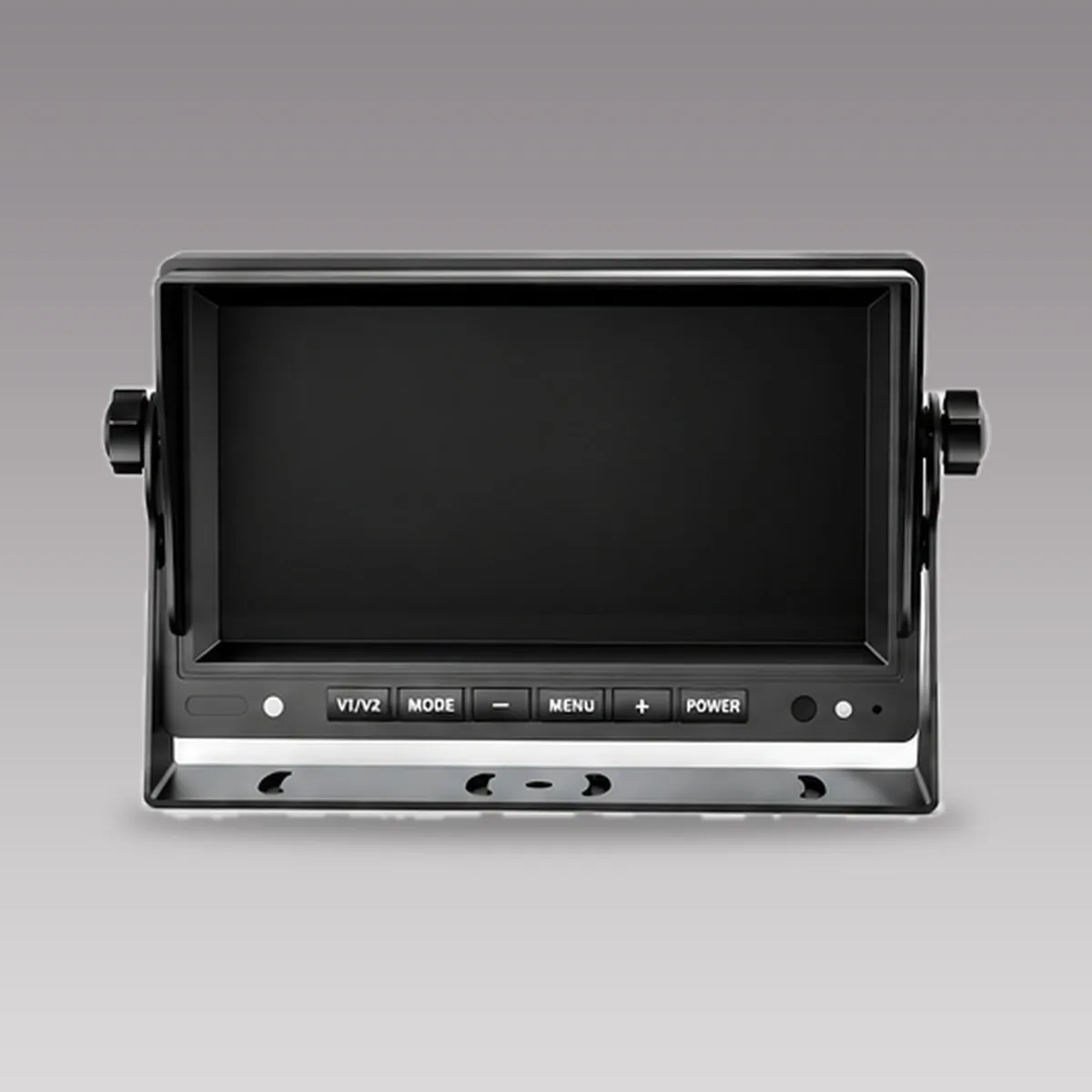
How many views must the screen show?
Start from the cameras you plan to fit. A reversing camera alone needs a single view that switches on when the vehicle reverses. A truck with side, rear and cab cameras needs a split screen so the driver sees several views at once.
| Screen layout | Typical use | Models to review |
|---|---|---|
| Single view, reversing priority | One or two cameras, reverse view shown automatically | DP230-C, DP970, DP312 |
| Dual split | Two views, such as rear and side | DP210-B, DP211, DP230-B |
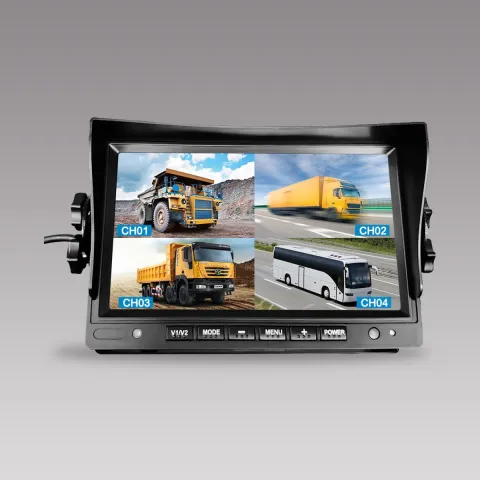
| Quad split | Four views on one screen | DP230-A, DP212, DP230-7 |
| Eight-channel split | Large vehicles and multi-camera layouts | DP1016 |
Which screen size suits the cab?
The product pages list 4.3-inch, 7-inch and 10.1-inch monitors. A larger screen shows split views bigger, but needs more dashboard space and must not block the driver's view of the road or the instruments. Mount it where the driver can see it without turning the head.
| Size | Models to review | Listed resolution |
|---|---|---|
| 4.3 inch | DP970 | 800x480 HD |
| 7 inch | DP230-A, DP212, DP210-B | 1024x600 on the listed models |
| 10.1 inch | DP1016, DP270 | 1280x800 IPS |
Match the signal type before you match the camera
Monitors accept different video signals, and a camera that sends one type cannot show on a monitor that only takes another. Check the input type on both the camera and the monitor before ordering.
| Input type | Models to review | Note |
|---|---|---|
| AHD (720P, 960P or 1080P) and CVBS | DP230-B, DP230-D | Takes both digital-over-coax AHD and analog CVBS cameras |
| CVBS only | DP230-4, DP230-C | Standard analog cameras |
| VGA or VGA with CVBS | DP270, DP312 | For sources that output VGA |
For how AHD and IP cameras differ in cabling and compatibility, read AHD vs IP Vehicle Cameras.
Choose protection by where the monitor sits
A monitor inside a closed cab needs less protection than one on an open machine or a vehicle that is washed with a pressure hose. The product pages list these protection levels:
- IP69K: DP211 and DP212. The pages also list shock resistance of 5.9G and automatic day and night brightness adjustment.
- IP68 aluminium housing: DP210-B and DP210-C.
- Standard PC and ABS housing: the DP230 series and DP1016, intended for the cab interior.
Check the vehicle voltage range
Trucks run on 12V or 24V, and the supply can swing during cranking. Read the operating voltage range on the product page and confirm it covers your vehicles.
| Operating voltage | Models to review |
|---|---|
| DC 9V to 36V | DP230-A, DP210-B, DP1016 |
| DC 12V to 32V | DP211, DP212 |
| DC 12V to 24V | DP230-C, DP230-D |
| DC 15V to 90V (wide, custom) | DP230-7 |
Monitors that also record
Some monitors record to a card, which gives a simple record of the camera views without a separate recorder. A mobile DVR is still the right choice for several cameras, long shifts and a fleet platform. For the difference, read MDVR vs Dash Cam, and size the card with Fleet MDVR Storage Calculator.
| Model | Recording listed on the product page |
|---|---|
| DP230-B | SD card, up to 256GB |
| DP211, DP212 | SD card, up to 512GB |
| WP240 | TF card, up to 128GB |
| WP250-B | SD card loop recording, up to 128GB |
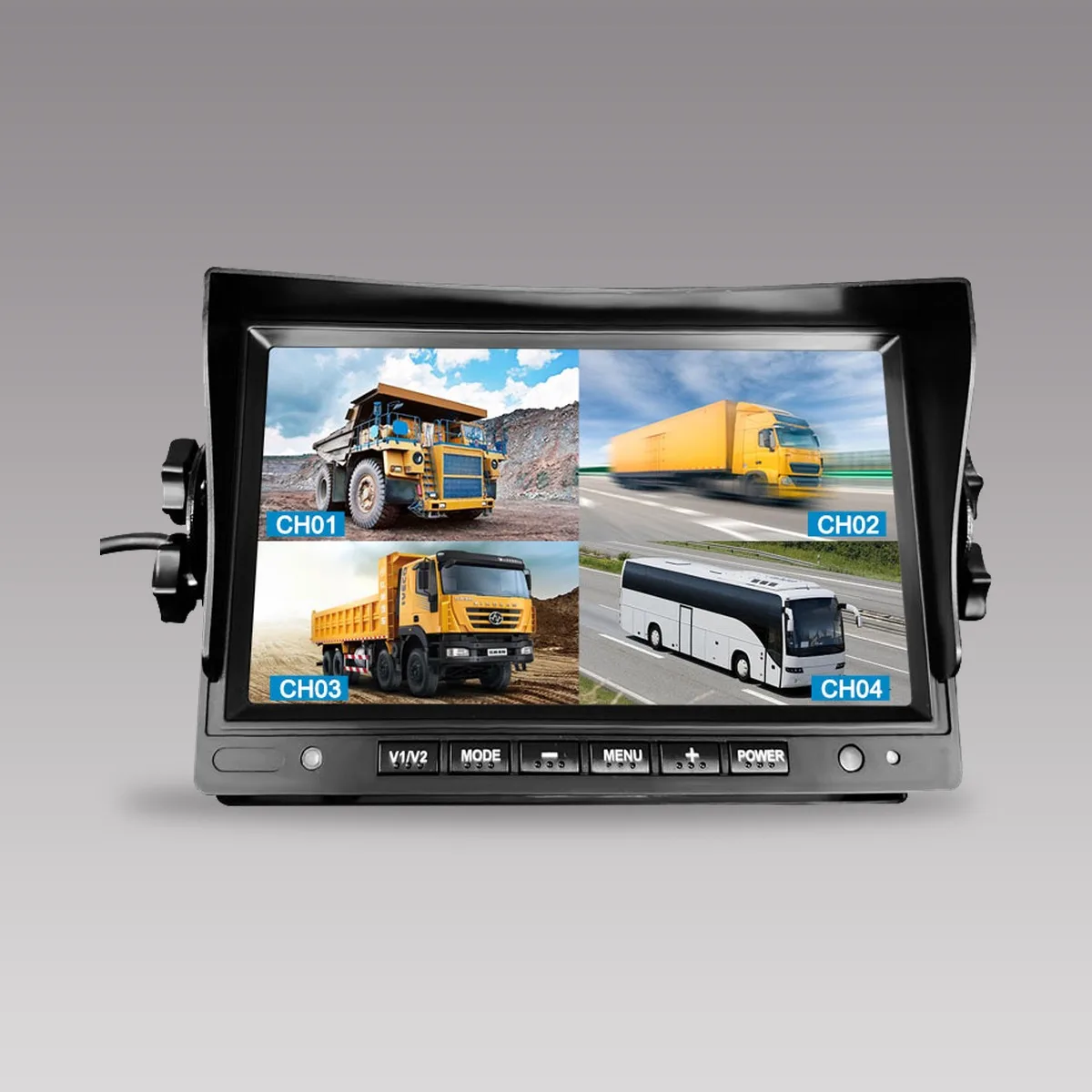
Wireless monitor kits
A wireless kit pairs a monitor with one or more cameras over a 2.4GHz digital link, so it avoids a long cable run on trailers and retrofit work. It still needs power at the camera and at the monitor. The listed range depends on the model and on obstacles between the two ends, so test it on the real vehicle.
| Kit | Screen | Cameras included | Range on the product page |
|---|---|---|---|
| WP200 | 7 inch | 1 (720P, infrared night vision) | 100m |
| WP200-B | 7 inch | 4 (720P, infrared night vision) | 100m |
| WP240 | 7 inch, IP68 | 1 (720P, infrared night vision) | 100m |
| WP250 | 10.1 inch | 1 (720P, infrared night vision) | 100m |
| WP250-B | 10.1 inch | 4 (720P, IP68 night vision) | 100m+ |
| WP235 | 7 inch, dual split | 2 solar magnetic cameras | 400m, barrier-free |
Read Wired vs Wireless Backup Cameras for Trucks and Wireless Vehicle Cameras: Selection and Installation Guide for Fleets for the signal, delay and range trade-offs of wireless links.
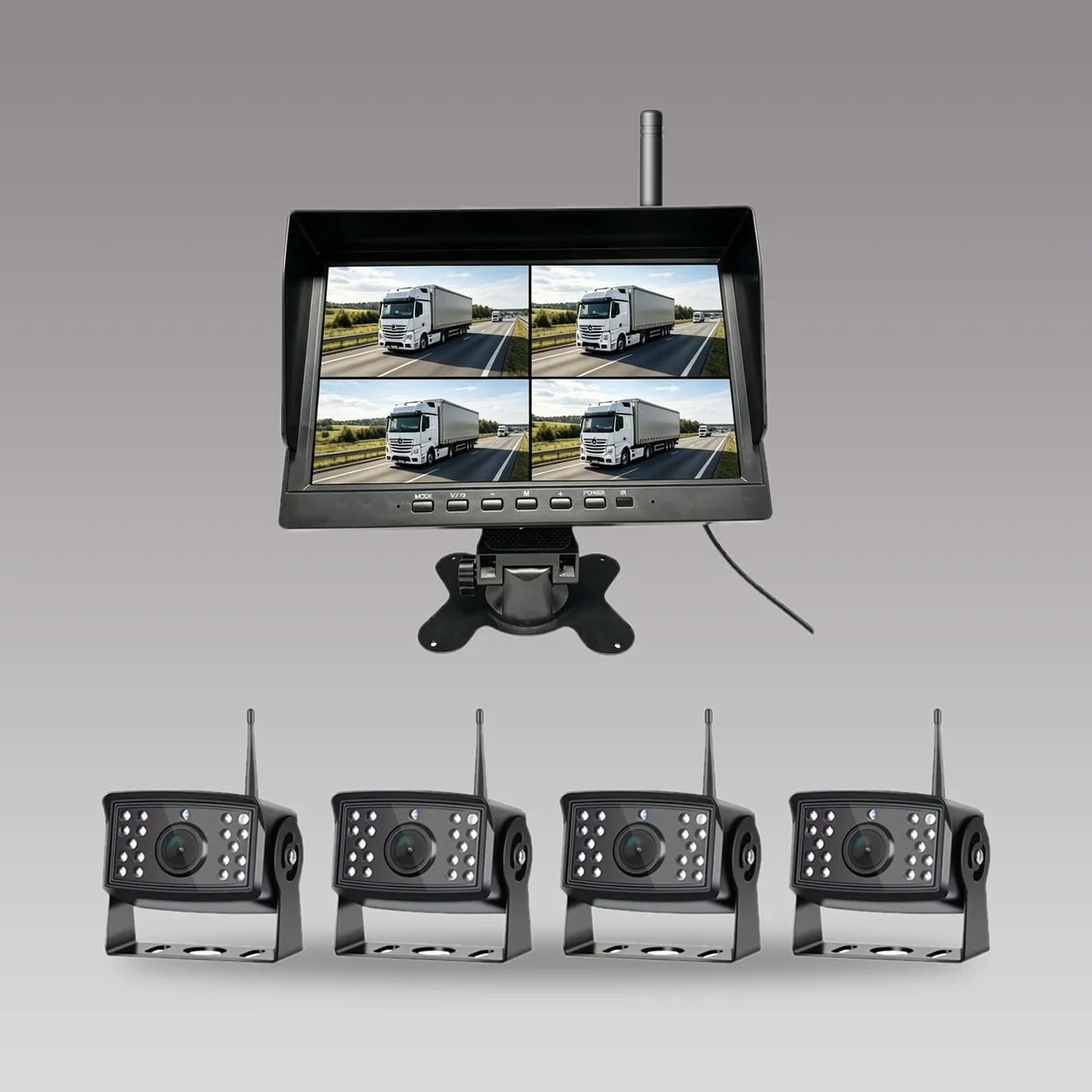
A quick way to shortlist
| If your vehicle is | Check first | Models to review |
|---|---|---|
| Truck with reversing camera only | Single view with reversing priority; voltage range | DP230-C, DP970 |
| Truck with side, rear and cab cameras | Quad split; AHD or CVBS match with the cameras | DP230-A, DP230-B |
| Vehicle washed with a pressure hose or working in rain | IP69K or IP68 housing | DP211, DP212, DP210-B |
| Large vehicle with many cameras | Eight-channel split; screen size | DP1016 |
| Trailer or retrofit where cabling is difficult | Wireless range and obstacles; power at the camera | WP250-B, WP235 |
Installation and acceptance checks
- Mount the monitor where the driver can see it without turning the head and where it does not block the road or the instruments.
- Confirm the camera and monitor use the same signal type and the same voltage range.
- Test the reversing trigger: the reverse view should appear when the vehicle reverses and clear afterwards.
- Check the view in daylight, at dusk and with the sun low; glare on the screen is a common problem.
- For wireless kits, test the link at the longest distance and with the trailer attached or the doors closed.
- Record the model, voltage and test result for the fleet file.
For wiring and test steps, use Mobile DVR Installation: A Fleet Wiring and Test Checklist and Fleet Camera Maintenance: A Practical Inspection Checklist. For a camera that suits forklifts, see Forklift Truck Camera System.
Questions about vehicle monitors
How many cameras can a quad-split monitor show?
Four. A quad-split monitor shows up to four camera views on one screen. Check the input type of each camera against the monitor, and confirm how reversing priority is set on the model you choose.
Can a vehicle monitor record video?
Some can. The DP230-B, DP211 and DP212 record to an SD card and the WP240 and WP250-B record to a card. For several cameras, long shifts or a fleet platform, use a mobile DVR.
What is the difference between IP68 and IP69K?
Both are dust-tight ratings. IP68 covers continuous immersion under conditions the maker states, and IP69K covers high-pressure, high-temperature water jets. Check the rating of the exact model on its product page.
How do I choose between a 7-inch and a 10.1-inch monitor?
Choose by dashboard space and the number of views. A 10.1-inch screen shows split views larger but takes more room. Mount it so it does not block the road or the instruments.
How far does a wireless monitor kit reach?
The product pages list 100m for most kits and 400m barrier-free for the WP235. Real range depends on obstacles and the vehicle, so test it on your vehicle before fitting.
Key points
- Choose a monitor by views, signal type, environment, voltage and recording, then by screen size.
- Match the camera signal (AHD, CVBS or VGA) to the monitor input before ordering.
- Pick IP69K or IP68 housings where the monitor is exposed to washing or weather.
- Read the voltage range on the product page and confirm it covers your vehicles.
- Test wireless kits on the real vehicle; listed range is not a guarantee in every layout.
Send us your vehicle types, the cameras you plan to fit and the voltage, and we will return a monitor shortlist. Review the vehicle monitor range and the wireless camera range, or contact AlwayCare.
 DP230-ADP230-A 7" Quad-Split 4-Channel Commercial Vehicle MonitorRequest a quote
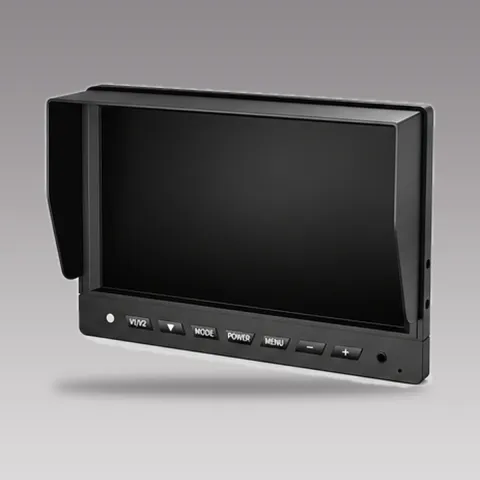
 DP212DP212 7" IP69K Waterproof Quad-Split Vehicle MonitorRequest a quote
 DP1016DP1016 10.1" IPS 8-Channel Split-Screen Commercial Vehicle DisplayRequest a quote
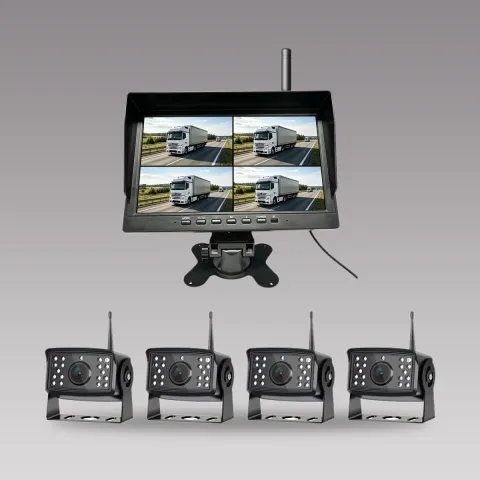 WP250-BWP250-B 10.1" Wireless Quad-Split Monitor Kit (4-Camera Package)Request a quote
For camera models, positions and example layouts in one place, see the fleet in-vehicle camera solution.