
Wireless Vehicle Cameras: Selection and Installation Guide for Fleets
Wireless Vehicle Camera Guide
A wireless vehicle camera sends its video to the in-cab monitor by radio instead of a full cable run. Most digital wireless kits still take power from the vehicle at the camera, so wireless does not mean no wiring.
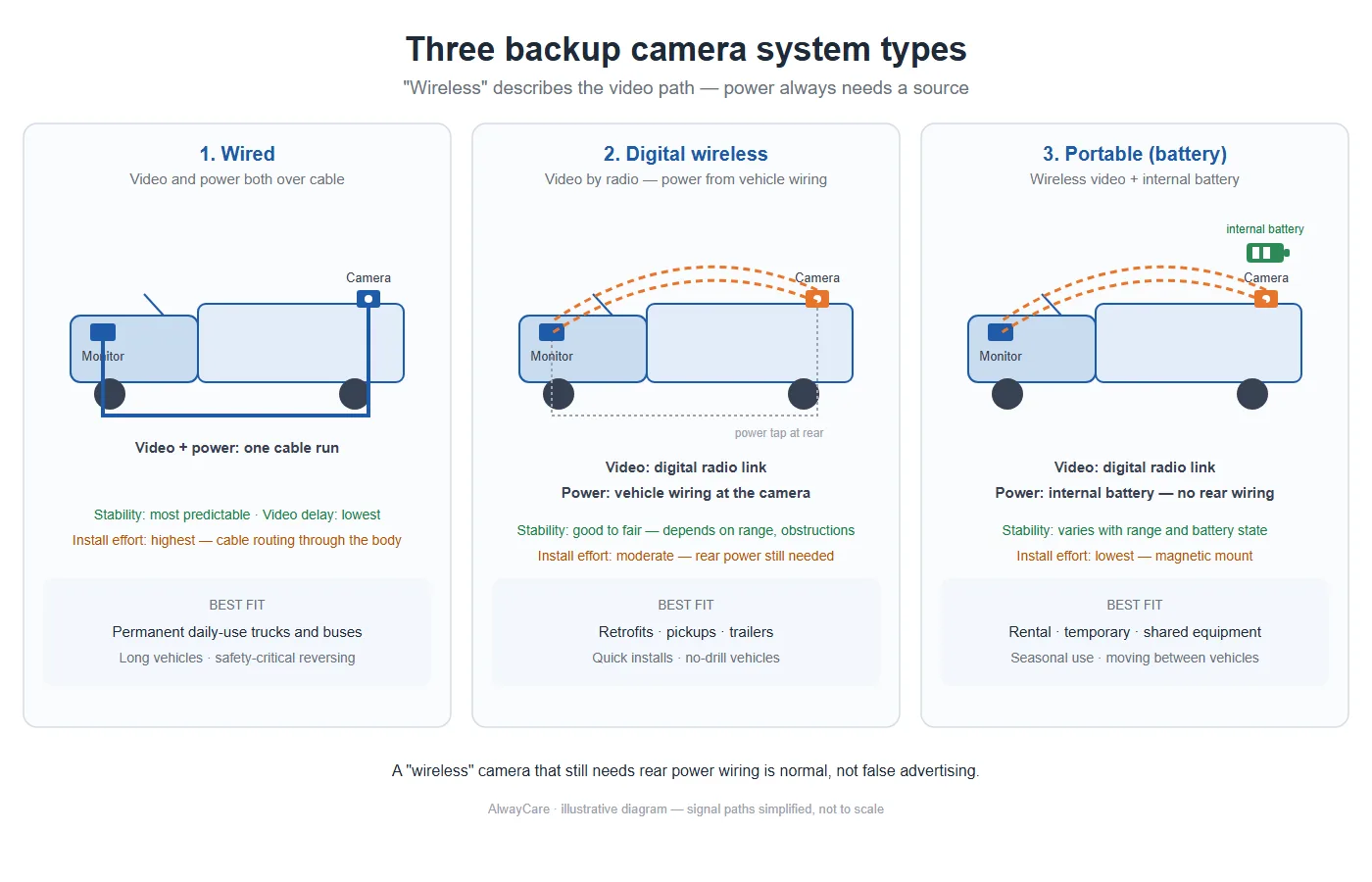
What a wireless vehicle camera does
The camera captures a rear, side or front view and transmits the image to a monitor in the cab. This helps where routing a cable through the vehicle body is difficult, for example on retrofits, pickups and trailers. The image is a driving aid for reversing and manoeuvring; it does not replace the driver's own checks.
Which type fits the job
| Type | Video path | Power | Best fit |
|---|---|---|---|
| Wired | Cable | Cable | Permanent daily-use trucks and buses |
| Digital wireless | Digital radio link | Vehicle wiring at the camera | Retrofits, pickups and trailers |
| Portable battery | Digital radio link | Internal battery | Temporary or shared equipment |
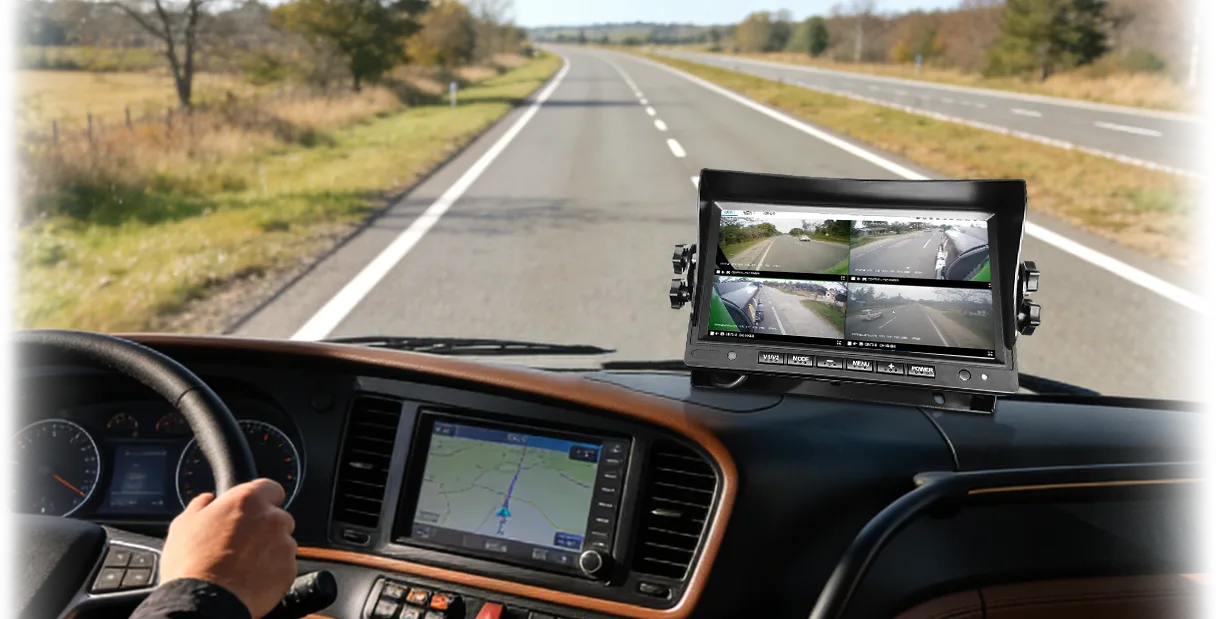
AlwayCare wireless models to compare
- CC982-W: 1 to 4 channel AHD input, 1080P or 720P, 2.4G video transmission, H.265 encoding, magnetic mount, IP68.
- CC981-W: solar-powered with a 9600mAh battery, 1920x1080 video, magnet base mount, IP69K, infrared night vision.
- WP240-A and WP240-B: 7-inch digital wireless monitor kits with two-camera and four-camera packages.
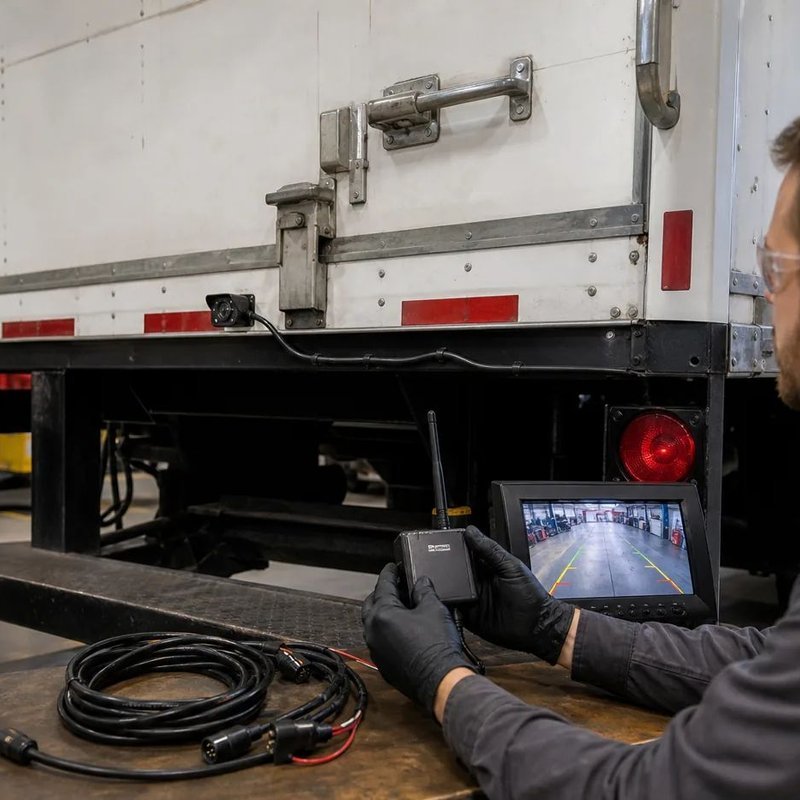
Five checks before you buy
- Input channels: match the number of camera views you need.
- Resolution: 1080P or 720P, according to how much detail the monitor needs.
- IP rating: IP68 for general protection; IP69K where high-pressure washing is routine.
- Mounting: magnetic, threaded or bracket, according to the body material.
- Power source: vehicle 12V or 24V wiring, or solar with a battery (CC981-W).
Where wireless fits and where it does not
Wireless suits reversing and blind-area views where routing a cable is hard. For recording, multi-camera storage and fleet-wide video management, a mobile DVR system is the better fit. See the AI MDVR range.
Installation checklist
- Confirm the power source at the camera position.
- Fix the camera with its mount and set the angle while watching the monitor.
- Route the cable away from moving parts and sharp edges.
- Pair the monitor and check the picture in daylight and at night.
- Recheck the picture after a short road test.
Key point to remember
Choose a wireless kit by channel count, resolution, waterproof rating, mount type and power source, then test the picture on the vehicle. Compare the Wireless Camera range or contact AlwayCare with your vehicle type.

