Driver Monitoring Systems for Fleet Fatigue and Distraction
Driver Monitoring Guide
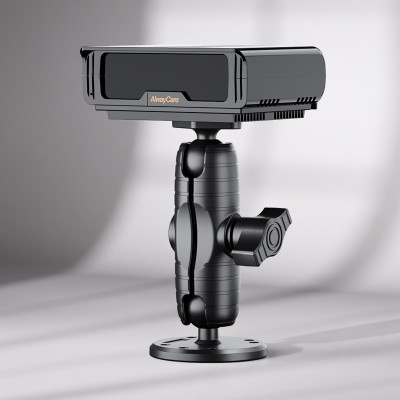
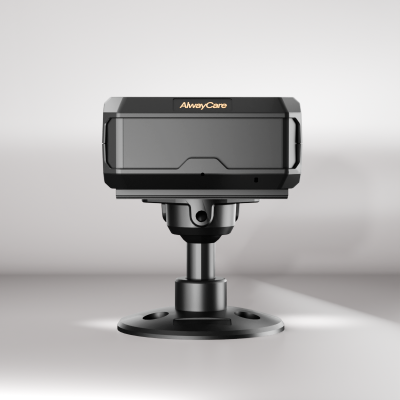
A driver monitoring system, or DMS, uses a camera and software to look for set signs of fatigue or distraction. It can warn the driver and save an event for review. It cannot prove how tired a person feels, and it does not replace rest. For product options, see the DMS category.
The short answer
DMS can add an early warning layer to a fleet safety plan. Results depend on camera position, alert settings, driver training and a fair review process. No public evidence supports a promise that one DMS will cut every fleet's fatigue risk by 95%.
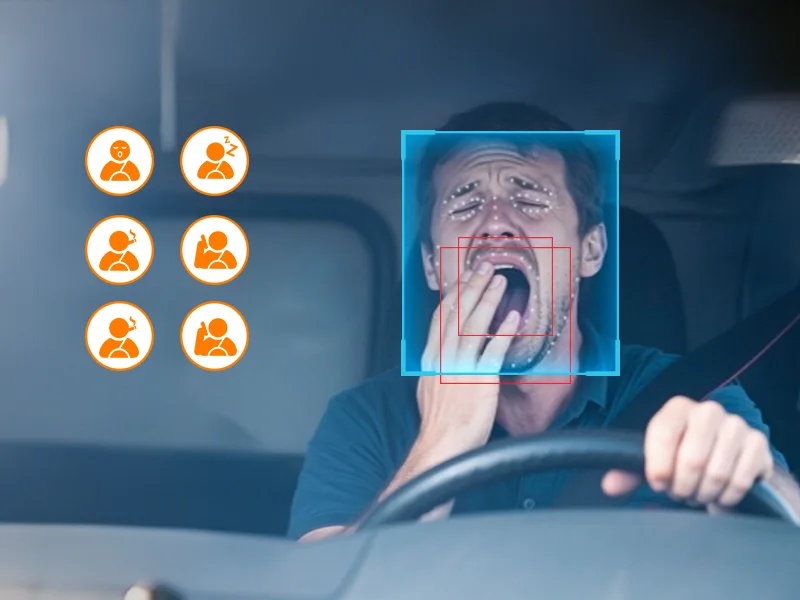
What can a DMS look for?
| Sign | What the camera may look for | Note |
|---|---|---|
| Closed eyes | Long or repeated eye closure | Fatigue sign |
| Head position | A head that stays turned away | Distraction sign |
| Phone use | A hand-held phone near the driver | Some models only |
| Smoking | A smoking event rule | Some models only |
| Seat belt | A set belt-use view | Some systems only |
The exact events depend on the product and setup. A fleet should test every event it plans to use.
What happens after an alert?
The camera sees a set pattern
The software compares the driver's face or action with an event rule.
The driver gets a warning
A sound or voice prompt asks the driver to refocus or stop safely.
The event may be saved
A connected system can store a clip, time or location for review.
The fleet reviews the cause
Staff check the event before using it for coaching or another action.
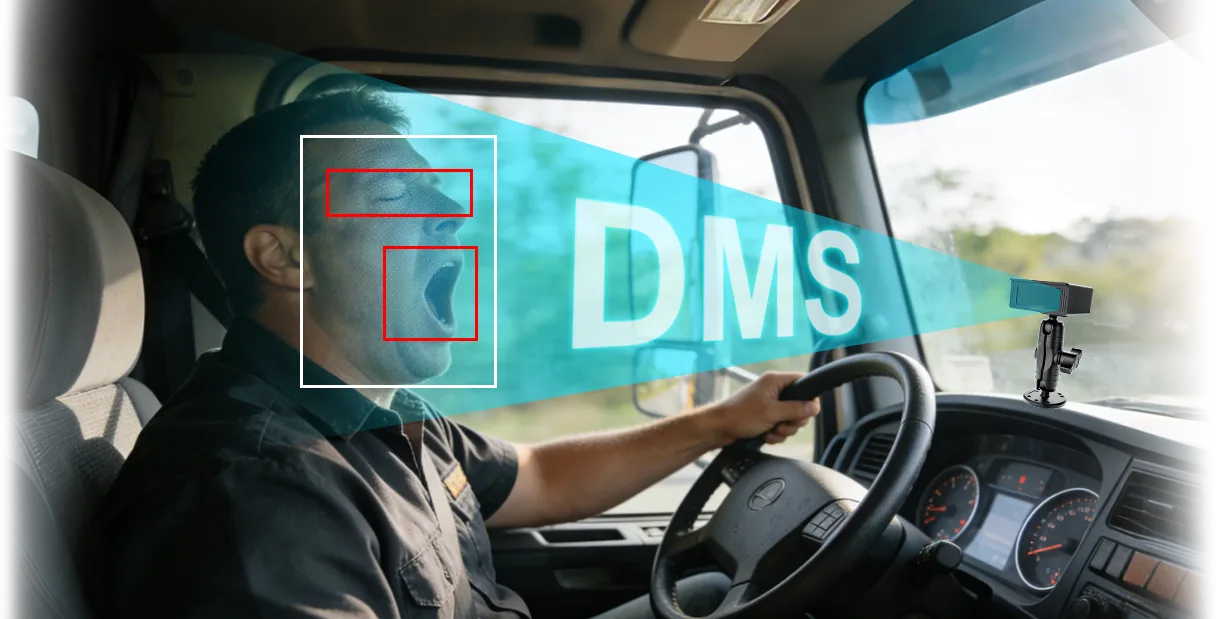
What can make a DMS alert wrong?
Sunglasses, hats, face coverings, poor light and a blocked camera can affect the view. A poor camera angle can also create missed or false events.
Drivers may ignore alerts if the system warns too often. Test alert rules in the real cab and review complaints quickly.
How should a fleet use DMS data?
- Set a clear purpose: explain which risks the system is meant to support.
- Tell drivers: explain what is recorded, who can see it and how long it is kept.
- Check events: do not punish a driver from one alert without review.
- Fix work causes: look at schedules, breaks, routes and workload.
- Track the process: measure alerts, confirmed events, coaching and repeat events.
DMS data should support a safety conversation. It should not hide poor schedules or replace a legal fatigue process.
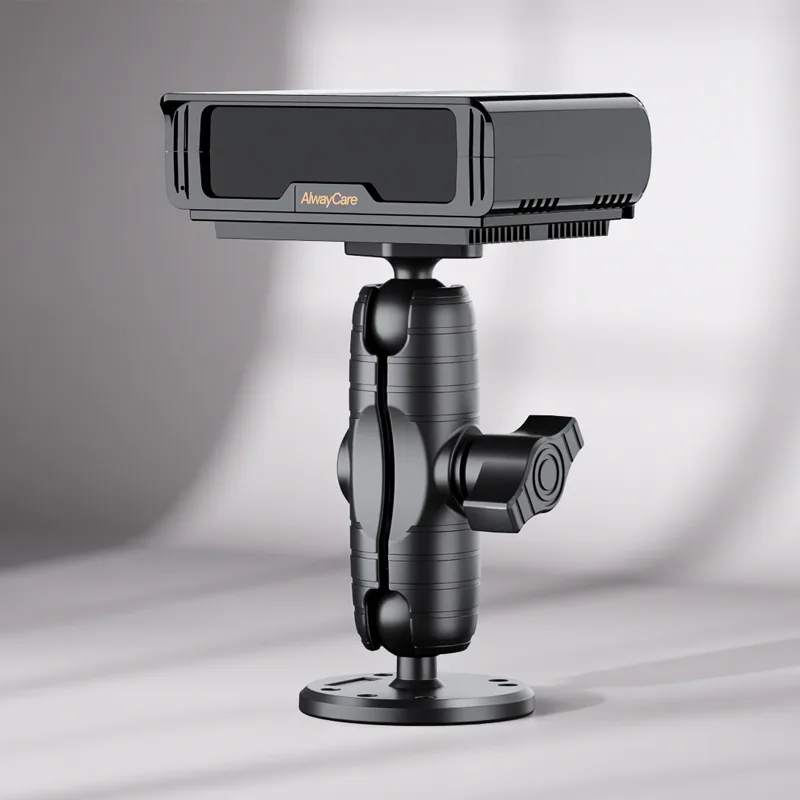
Which AlwayCare DMS fits which need?
| Model | Form | Listed functions |
|---|---|---|
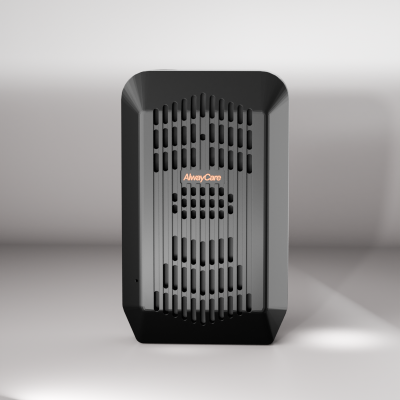
| MR688B | Standalone DMS, 12/24V | Fatigue, yawning, distraction and abnormal-driver alerts |
| MR810 | Standalone DMS, 720p recording | Alerts for fatigue, distraction, smoking and phone use |
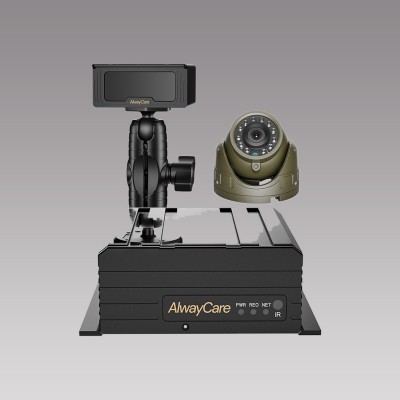
| MR830 | All-in-one DMS, 1080p recording | Driver alerts with optional ADAS, BSD, 4G and fleet-platform functions |
| MR910-D | DMS with multi-channel mobile DVR | DMS alerts, recording, GPS/Beidou, 4G or Wi-Fi |
Functions vary by model and firmware. Confirm the exact alerts on the product page or in your quotation.
Review the AlwayCare anti-fatigue solution and verify each model's exact configuration before ordering.
For the types and causes of distraction and what a cab camera can detect, read Driver Distraction in Commercial Fleets.
Common questions
Can DMS stop every fatigue crash?
No. It is a warning aid, not a guarantee.
Does an alert prove a driver was asleep?
No. Staff should review the event and context.
Can DMS replace breaks and safe schedules?
No. Rest, scheduling and fitness for duty still matter.
What is the difference between fatigue and distraction alerts?
Fatigue alerts look for signs such as long eye closure. Distraction alerts look for signs such as looking away or phone use. The same camera may report both, but they need different responses. See Driver Distraction in Commercial Fleets.
Key point to remember
DMS works best as an early warning and review tool. Set clear rules, train drivers, check alerts and act on the work conditions that cause fatigue.
Contact AlwayCare to compare DMS models for your vehicles.
Information checked
This guide uses public NHTSA information about drowsy driving and the current AlwayCare product records. It does not promise a fixed crash or cost reduction.
From deployment questions to procurement
To turn the fatigue and distraction workflow into installation, alert-response and pilot requirements, use the practical fleet DMS buyer’s guide. Confirm the selected model and configuration rather than assuming that every DMS has the same capabilities.
For the wider management process around alerts, evidence, driver feedback and follow-up, read driver management for commercial fleets. It connects the monitoring tools to a reviewed action without treating a device alert as a final finding.
For a documented evaluation of the deployment conditions and alert response, use the DMS pilot test and acceptance checklist. It separates reviewed false alerts from missed events that require an independent reference.