Distracted Driving for Fleets: Policy, Coaching and DMS
Distracted Driving Guide
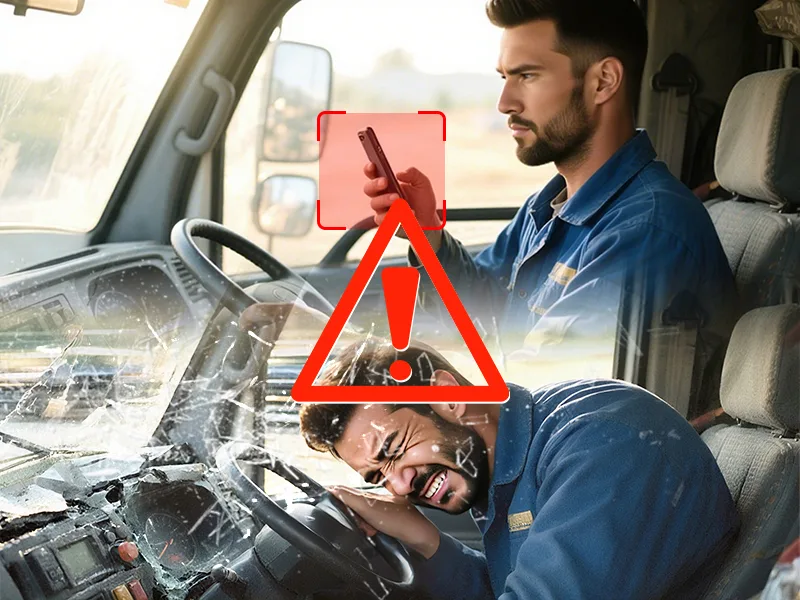
Distracted driving is any activity that pulls attention away from safe driving. Phones are a major concern, but food, passengers, navigation and in-cab tasks can also create risk.
The short answer
Set a clear phone and in-cab task policy. Remove work that expects drivers to read or respond while moving. Train dispatchers and drivers. Use DMS or video only as a support layer, then review events fairly and fix repeat work pressures.
What counts as distracted driving?
NHTSA includes phone use, eating, talking with passengers and adjusting entertainment or navigation. The key issue is attention leaving the driving task. A short glance can still matter at road speed.
What should a fleet policy cover?
State what must wait until the vehicle is parked. Give drivers a safe way to stop before responding to urgent work.
| Task | What the policy should say |
|---|---|
| Calls | Wait until the vehicle is parked |
| Messages | No reading or typing while moving |
| Dispatch tasks | Design work so the driver can stop first |
| Paperwork | Complete it when parked |
| Device setup | Set up before the journey, not while moving |
| Urgent work | Stop in a safe and lawful place before responding |
- Ban reading and typing while moving
- Design dispatch work for safe stops
- Train managers and drivers together
- Review alerts with video and context
How can a DMS support the policy?
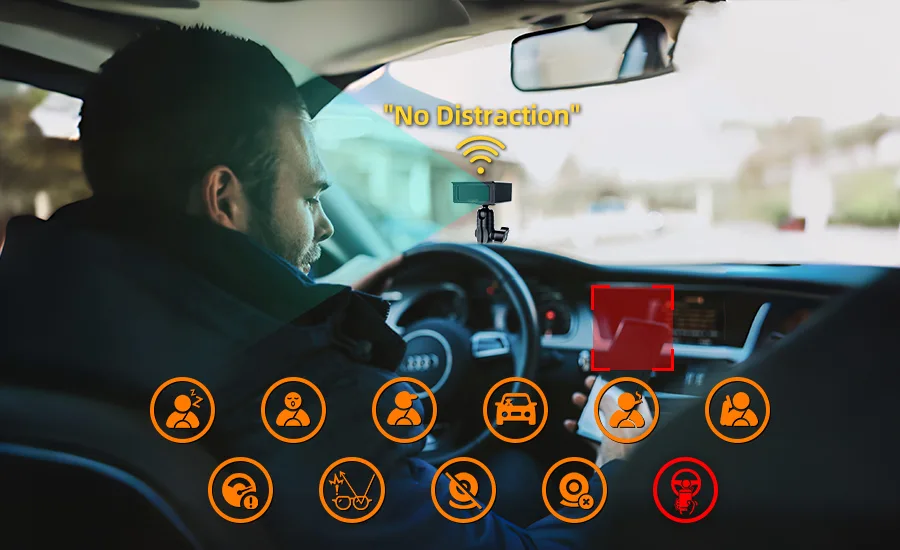
A compatible DMS may flag looking away or phone use. It can miss events or create false alerts.
| What a DMS may flag | What can affect detection |
|---|---|
| Looking away | Camera placement |
| Phone use | Glasses and face coverings |
| Other listed driver events | Light and cab movement |
How should managers coach an event?
- Check the video, task, route and dispatcher messages.
- Ask the driver what happened.
- Coach one safer action.
- Remove any work process that encouraged the distraction.

Where can AlwayCare fit?
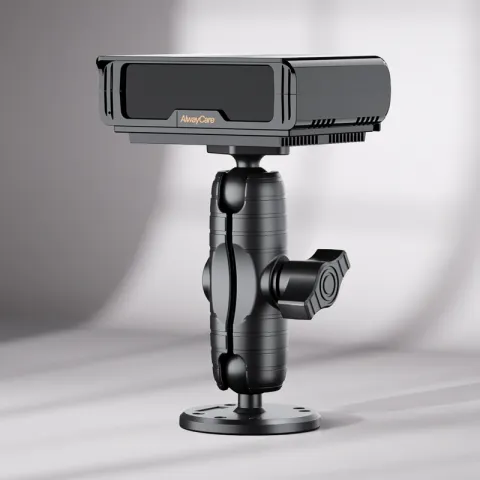
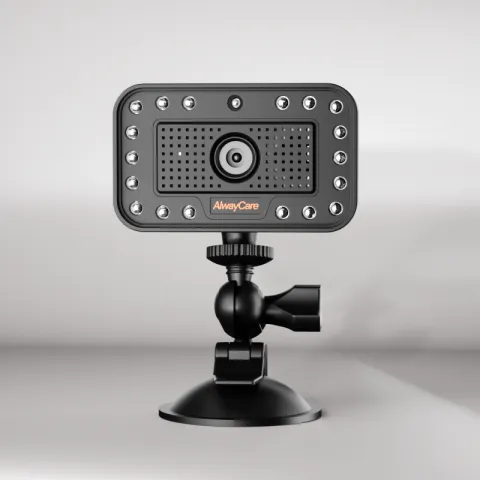
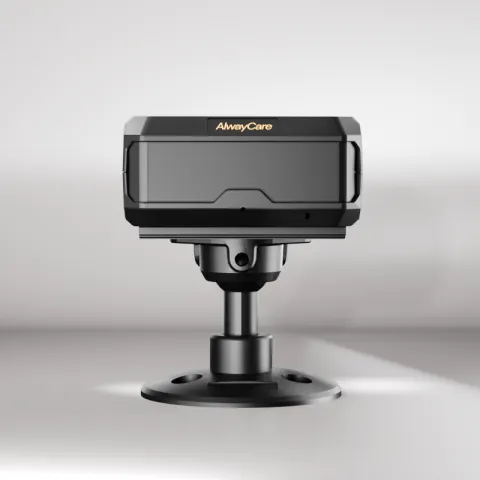
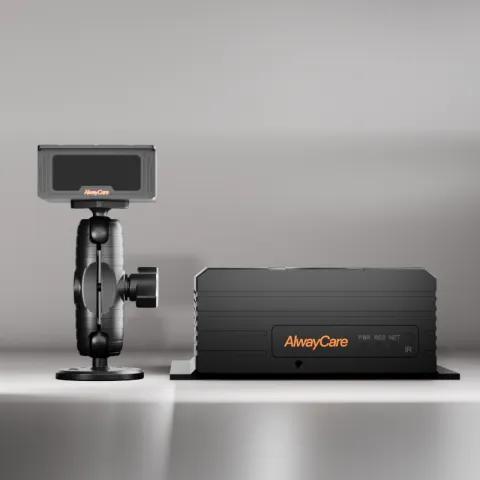
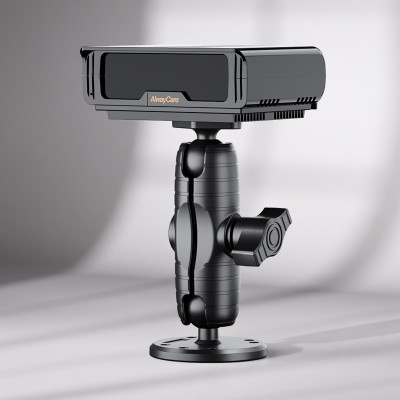
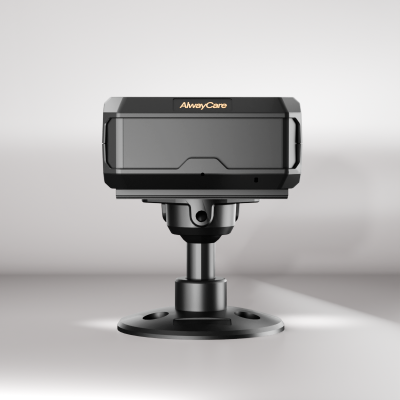
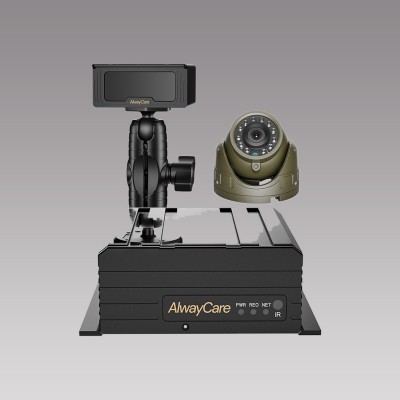
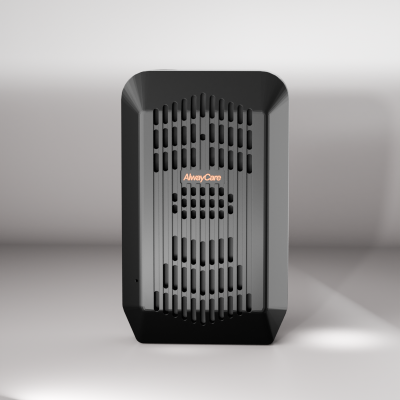
The MR830 DMS is one option for selected driver alerts. Compare AlwayCare DMS products and confirm functions for the exact model.
| Model | Form | Listed functions |
|---|---|---|
| MR688B | Standalone DMS, 12/24V | Fatigue, yawning, distraction and abnormal-driver alerts |
| MR810 | Standalone DMS, 720p recording | Alerts for fatigue, distraction, smoking and phone use |
| MR830 | All-in-one DMS, 1080p recording | Driver alerts with optional ADAS, BSD, 4G and fleet-platform functions |
| MR910-D | DMS with multi-channel mobile DVR | DMS alerts, recording, GPS/Beidou, 4G or Wi-Fi |
Functions vary by model and firmware. Confirm the exact alerts on the product page or in your quotation.
For the types and causes of distraction and what a cab camera can detect, read Driver Distraction in Commercial Fleets.
Common questions
Is hands-free phone use risk-free?
No. A conversation can still take mental attention from driving.
Can DMS detect every distraction?
No. It only detects defined signs within its camera view.
Should a driver answer an urgent dispatch message?
Only after stopping in a safe and lawful place.
What is driver distraction?
Driver distraction is any activity that takes attention away from driving. It can take the eyes, the hands or the mind. See Driver Distraction in Commercial Fleets for the types and what a cab camera can detect.
Key point to remember
The strongest distraction control removes the need to interact with a device while the vehicle is moving.
Contact AlwayCare to discuss the vehicle, work area and warning or recording needs.
Information checked
Checked against the current NHTSA distracted-driving page, which reports 3,208 U.S. deaths in crashes involving distracted drivers in 2024.
For example layouts, equipment packages and the full DMS range in one place, see the driver monitoring solution for fatigue and distraction alerts.