Dump Truck Camera System: Camera Positions, Monitors and Water Resistance
Heavy Vehicle Camera Guide
A dump truck camera system usually needs a rear camera, a side view where the driver cannot see, and a monitor that is bright and tough enough for a rough cab. Water, dust, vibration and a tipping body all affect the choice. This guide covers camera positions, monitor choice, ratings and wiring.

Where dump truck cameras help
| Position | What it shows | Notes |
|---|---|---|
| Rear of the body | The area behind the truck when reversing to a tip point or a loading area | Mount where the camera is protected from the load and from falling material |
| Sides | The side of the truck where the mirror view is limited | Useful on sites with workers and machines moving close by |
| Front | The area ahead and below the hood line | Helps on narrow haul roads and when pulling up to a hopper |
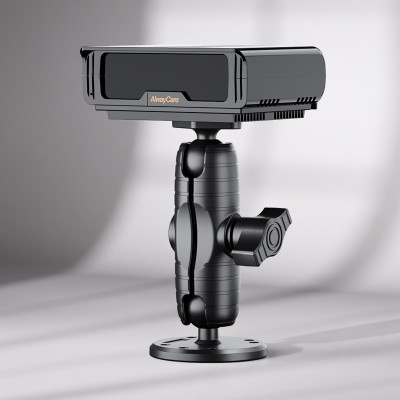
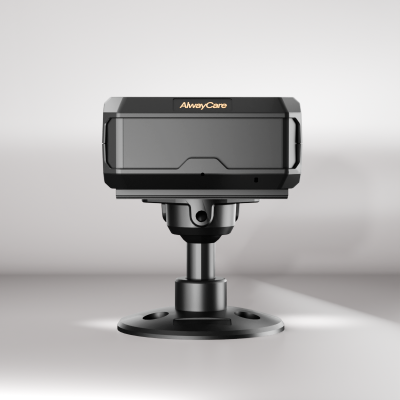
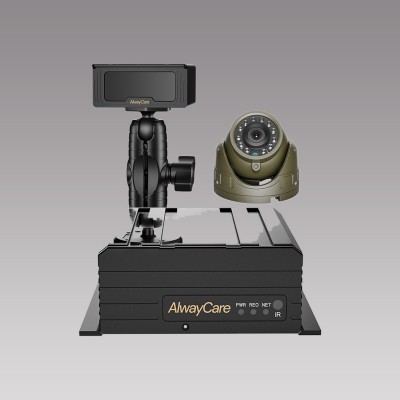
| Cab | The driver’s area, where a driver monitoring device is fitted | Only if you also want driver monitoring |
Monitor choice for a rough cab
- Choose a size the driver can read at a glance. Seven inches suits many cabs.
- Check brightness. Sun on a quarry face or a bright haul road washes out a dull screen.
- Check the supply voltage range against the vehicle.
- Check the number of video inputs against the cameras you plan to fit.
- Check the enclosure rating if the monitor sits where dust or water can reach it.
For monitor size, split screens and inputs, read Vehicle Monitor Selection: Size, Split Screen, Inputs and IP Rating.
Water, dust and wash-down
Dump trucks are washed down and work in mud and dust. Use the protection rating listed on each product page and do not assume a rating from the product type. Check how the connector is protected, because the connector is often the weak point. A wide-angle rear camera can also collect mud, so plan for lens cleaning.
Wiring around a tipping body
- Route cables so they do not stretch or pinch when the body tips.
- Leave a service loop at the hinge and secure the cable on both sides.
- Keep cables away from heat, sharp edges and moving parts.
- Protect connectors against water and vibration.
- Test with the body raised and lowered before the truck returns to work.
For camera layouts on similar work vehicles, read Heavy Equipment Cameras: Visibility, Alerts and Selection and Waste Collection Truck Camera Coverage. For construction fleet data and tracking, read Construction Fleet Telematics.
AlwayCare equipment to review
| Model | Type | Listed specifications |
|---|---|---|
| DP210-B | 7-inch IP68 waterproof heavy-duty commercial vehicle monitor | 7-inch; 1024x600; 500 cd/m2 anti-glare; DC 9V-36V; 2 channels (dual-split); IP68 aluminum alloy; -20℃ to 70℃ |
| CC877-AHD20 | IP68 starlight truck camera | 12V; 1920x1080; metal; 53*35*54mm; -30℃ to 75℃; warranty 15 months |
| CC866-AHD20 | IP68 160° wide-angle vehicle camera | 12V; 1920x1080; 160° wide angle; 72.6*37.5*58mm; -30℃ to 75℃; warranty 15 months |
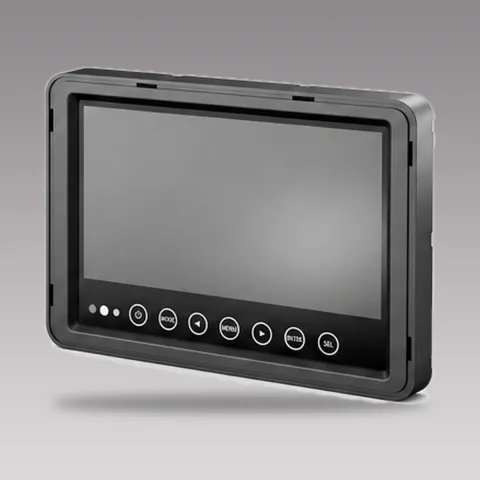 DP210-B7" IP68 Waterproof Heavy-Duty Commercial Vehicle MonitorRequest a quote
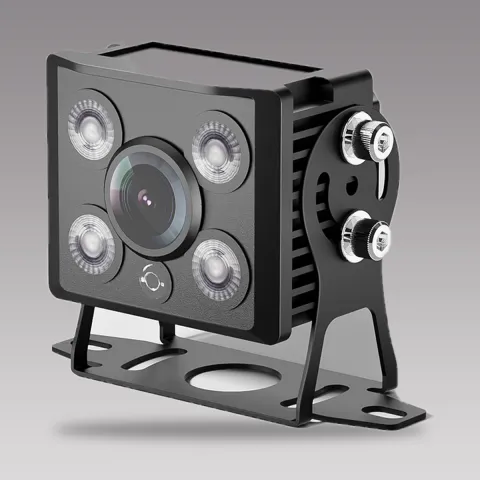 CC877-AHD20IP68 Starlight Truck CameraRequest a quote
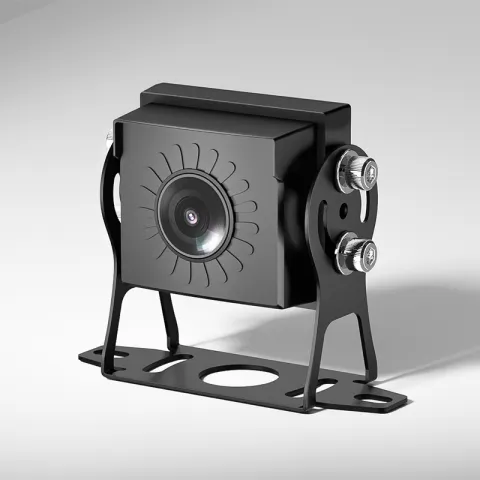 CC866-AHD20IP68 160° Wide-Angle Vehicle CameraRequest a quote
Specifications come from the product pages. Your quotation confirms the configuration, channel layout and fitting plan for each vehicle.
Questions about dump truck cameras
Where should the rear camera go on a dump truck?
Where it sees the area behind the truck and is protected from the load. Check it with the body raised as well as lowered.
Will the body tipping break the cable?
It can if the cable is stretched or pinched. Leave a loop at the hinge and secure the cable on both sides.
Can I use wireless cameras?
It depends on range and interference on your vehicle. Test on a real truck before you decide.
Where should the monitor go?
Where the driver can see it without blocking the mirrors or the road view.
Do I also need a radar or proximity system?
A camera shows a view. A radar or proximity system warns about distance or people nearby. Many sites use both.
Key points
- Start with the rear, then add the sides and the front where the driver cannot see.
- Choose a bright monitor with a voltage range that suits the vehicle.
- Use the protection ratings on the product pages and plan lens cleaning.
- Route cables for the tipping body and test with the body raised and lowered.
For camera, monitor and proximity options for construction and heavy equipment fleets in one place, see the construction fleet solution.