
Video Telematics for Remote Fleet Oversight and Driver Support
Video Telematics Guide
Video telematics links camera clips with time, place and vehicle events. It can help a manager check an incident or aid a remote team. It should not become constant, unchecked watching.
The short answer
Set the purpose before you turn on video. Decide when clips are saved or sent live. Name who can see them and how long they are kept. Give drivers a way to question an event. Use live views only when the task needs them.
What is video telematics?
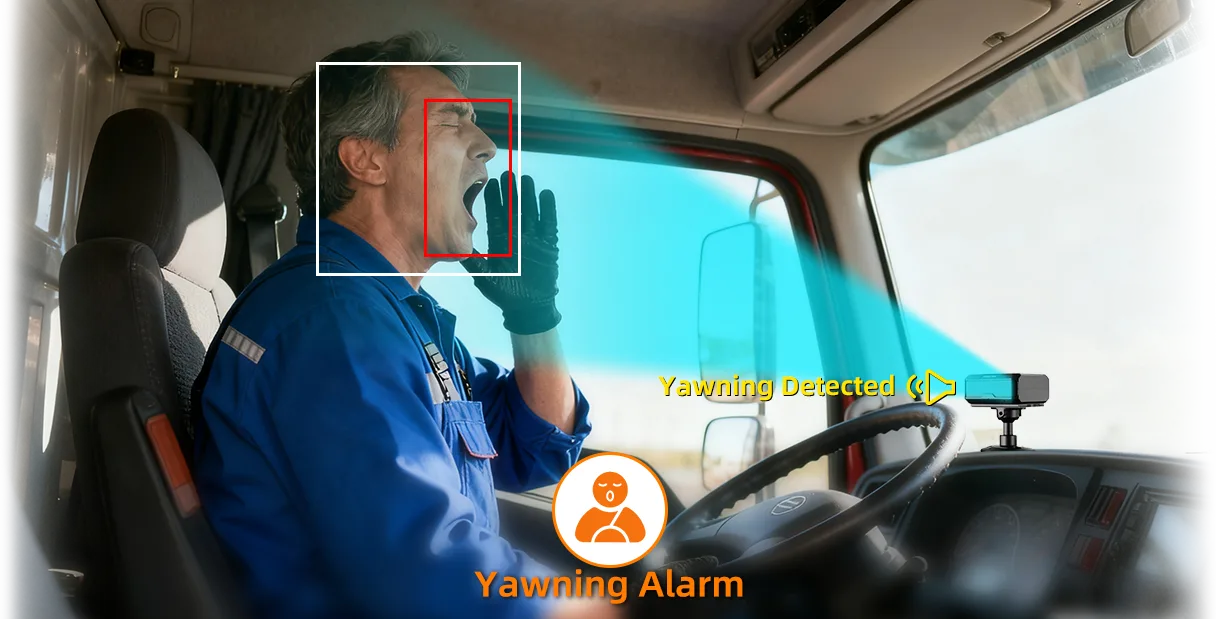
It joins a vehicle camera with GPS, time and event data. An app may store clips, show past trips or allow live viewing when the device and data plan support it.
Functions vary. Some systems upload only event clips, while others support scheduled uploads or live streaming. Confirm the actual setup instead of assuming every camera is always connected.
Which jobs can remote video support?
Uses include crash review, dispatch help, service checks, site access and safety checks. Saved video is often more useful than a live view all day.
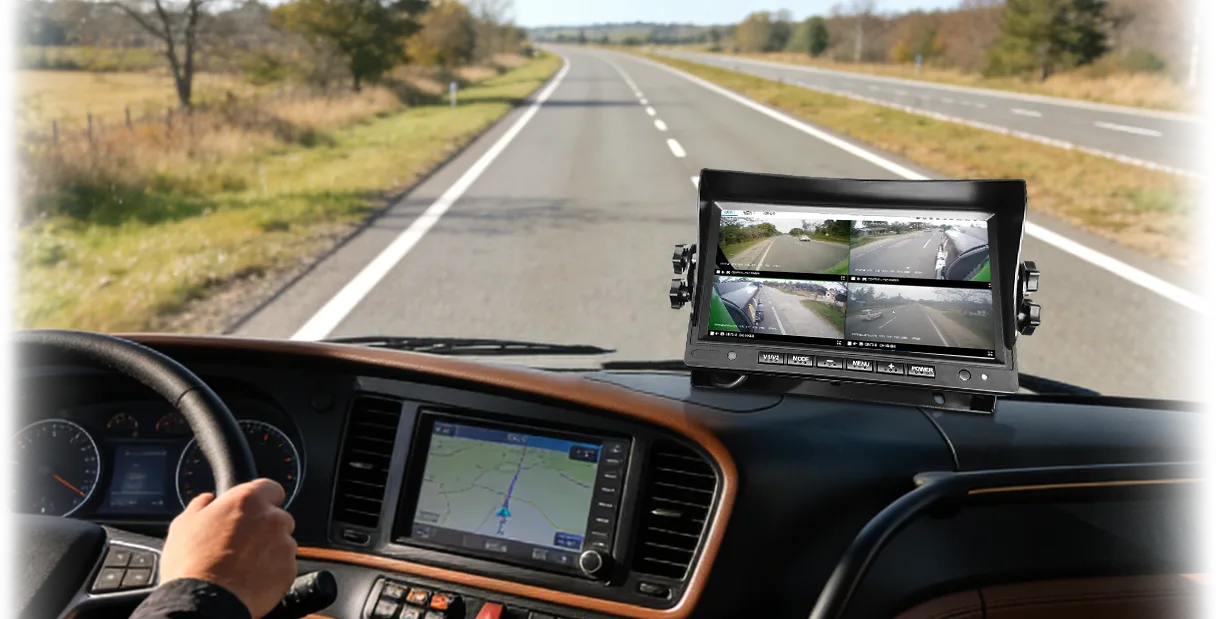
For workflows that need road, cabin or additional vehicle views, our 2CH, 3CH and 4CH fleet dashcam selection guide explains how to choose channel count. Check remote clip retrieval, live-view permissions and platform compatibility separately; channel count alone does not establish these capabilities.
- Review a flagged road or driver event
- Check a difficult access point with the driver
- Confirm service timing or vehicle position
- Select clips for fair, focused coaching
What privacy controls are needed?
Tell drivers what is saved, when a live view may happen and who has access. Set rules for storage, downloads and sharing. Lock each account to the people who need it.
Privacy and work rules differ by country and job. Seek local advice before you use a driver camera or live video.
How should footage be used for coaching?
Review one event and let the driver explain what happened. Focus on one clear action and one safer response. Do not judge a person from one short clip.
Record the review outcome and check whether the alert, policy or road condition also needs change.
Which AlwayCare setup may fit?
AlwayCare offers DMS, MDVR and multi-camera products with different recording and connection options. The exact number of channels, storage, network and platform functions depends on the selected model.
Start with the required views and retention period. Then confirm installation, bandwidth and user permissions with AlwayCare.
Common questions
Is video telematics the same as a dashcam?
A dashcam records video. Video telematics also links footage with connected vehicle data and a platform.
Should managers watch drivers all day?
No. Access should be limited to a clear and lawful work purpose.
Can live video work everywhere?
No. Coverage, bandwidth, hardware and data plans can affect availability and delay.
Key point to remember
Choose the control that matches the real risk, test it on the target vehicles and keep people responsible for the final decision.
Contact AlwayCare to discuss the vehicle, route and warning or visibility needs.
Information checked
This guide reflects current video-telematics search patterns and driver-coaching guidance. Check local privacy, workplace and recording laws before deployment.
Once the relevant footage is available, use the driver-event review and coaching workflow to document evidence, driver context, action owners and the closure decision.

