
Fleet Data Silos: How to Connect Systems Without Creating Risk
Fleet Data Guide
A data silo is a system that cannot share useful records with the people or tools that need them. The result may be duplicate work, slow incident review and reports that do not agree.
The short answer
Do not connect every system at once. Pick one costly workflow, define the records it needs and agree on a stable vehicle or driver ID. Check time zones, missing data, access rights and retention before adding another connection.

How do data silos affect fleet work?
Dispatch may see location while safety staff see video and service staff see maintenance. If records use different names or times, a team may spend hours matching the same event.
Which workflow should be fixed first?
Choose a task with a clear delay or risk. Incident review, maintenance handoff or driver coaching can be a useful start. Write the current steps and name the minimum data needed.
- One stable vehicle identifier
- One agreed time zone
- Clear event names and units
- Named owners and access rules

What should be checked before integration?
Check data quality before moving it. A connection will spread wrong IDs and missing fields faster. Decide which system is the main source for each record and how errors will be corrected.
How can a fleet protect the data?
Give each role only the access it needs. Set retention times for video, location and driver records. Log exports and changes. Review privacy and worker rules before sharing personal data.
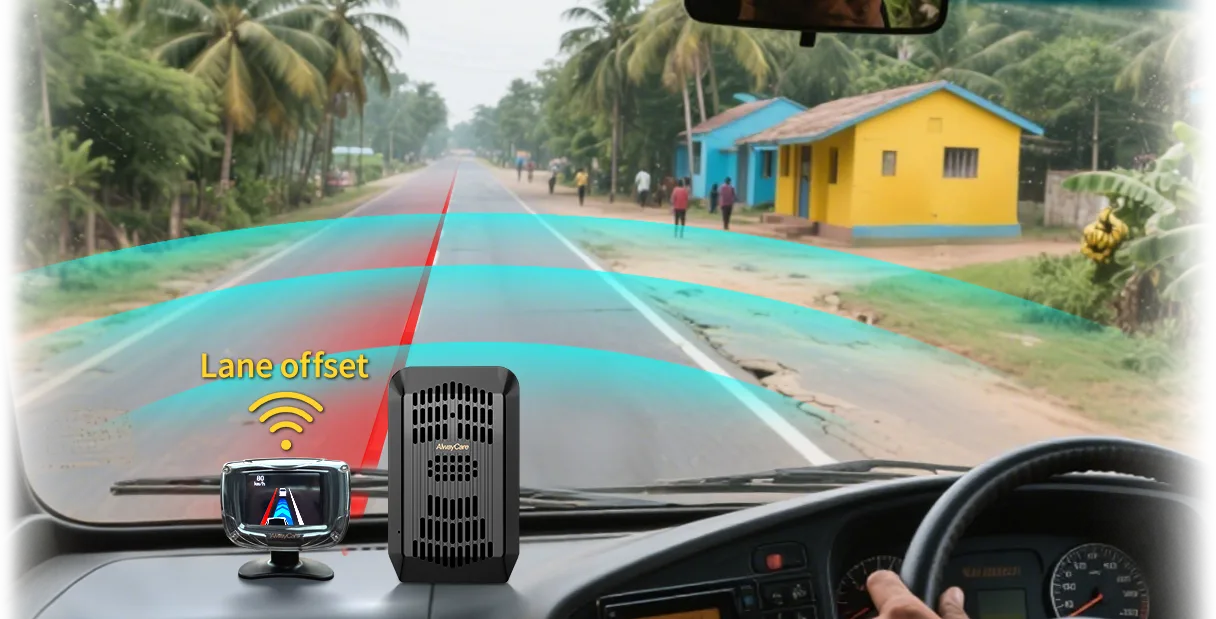
Where can AlwayCare fit?
AlwayCare connected recorders and fleet tools can provide video, alerts and vehicle data for supported setups. Confirm the available interface and fields before planning a connection. Ask about system compatibility.
Common questions
Should a fleet build one large dashboard first?
Usually no. Prove one useful workflow before expanding.
Does an API fix poor data?
No. It can move data, but it cannot correct unclear IDs or rules.
Should all staff see all video and location data?
No. Access should match a lawful work need.
Key point to remember
Start with the duty and measured risk. Choose one tool for one clear job, test it in real work and keep a person responsible for the final decision.
Information checked
This guide uses general data-governance and fleet-integration practices. Interface support must be confirmed for each product and software version.

