Lane Departure Warning Light: What It Means and What Fleets Should Check
ADAS Guide
A lane departure warning light is an indicator that tells the driver the lane system is on, off, unavailable or has just warned. What each light pattern means depends on the vehicle, so the vehicle manual is the final source. This guide explains common reasons the light comes on and what drivers and fleets should check.
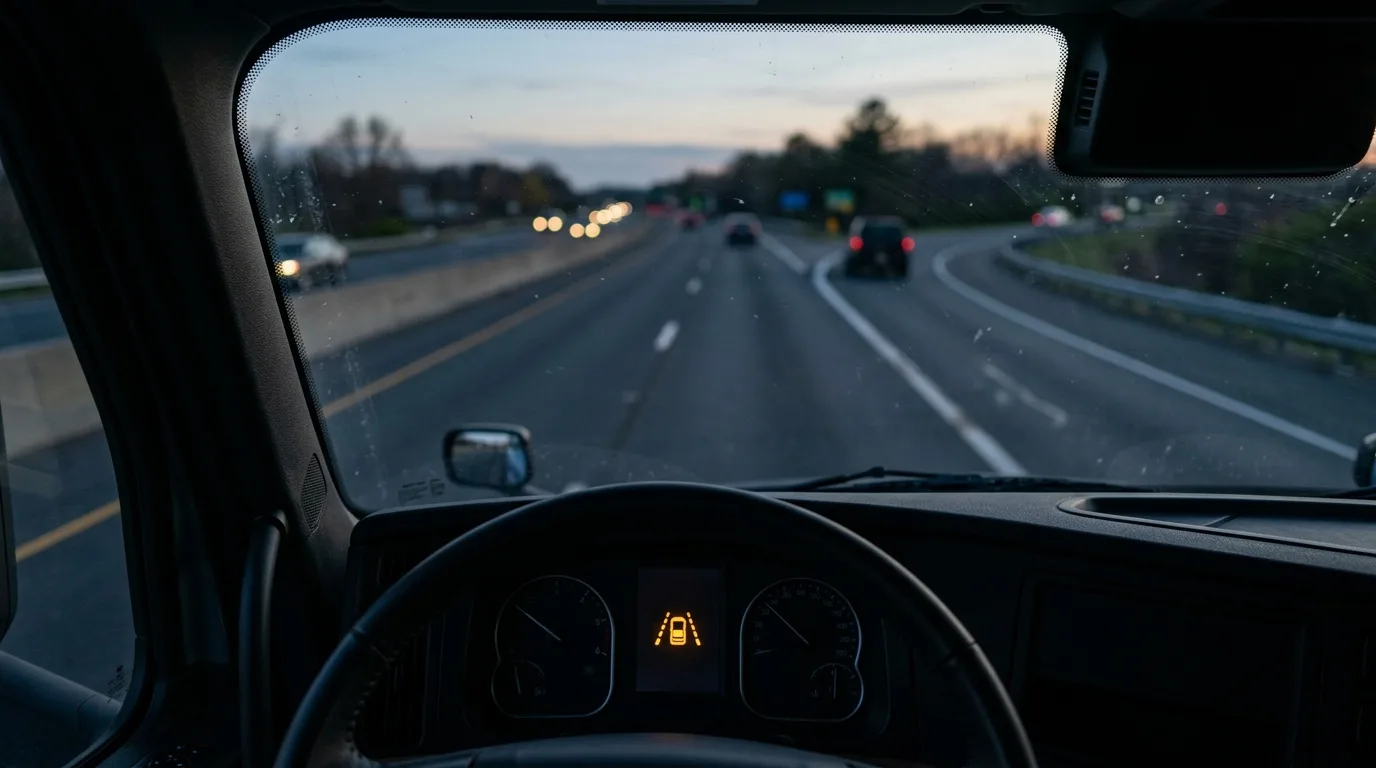
What the light shows
| Light behavior | What it often indicates | What to do |
|---|---|---|
| Steady light when the system is switched on | The system is on, or unavailable at that moment | Check the manual for what a steady light means on your vehicle |
| Flashing light with a sound or vibration | The system has warned about leaving the lane | Check the lane and steer back smoothly |
| Light stays on and the system does not work | A fault or a blocked camera, depending on the vehicle | Clean the camera area and check the manual. Ask a workshop if it stays on |
| Light off when it should be on | The system may be switched off or below its working speed | Check the switch and the speed range in the manual |
These are general patterns. Colors, symbols and behavior differ between vehicle makers, so use the manual for your vehicle.
Common reasons the light comes on
- The vehicle drifted toward the lane marking without a turn signal.
- The camera view is dirty, wet or blocked.
- The lane markings are faded, missing or unusual.
- Glare, rain or snow reduced what the camera could read.
- The speed was below or above the working range.
- A fault in the camera or the system.
What drivers should do
- Do not ignore the alert. Check where the vehicle is in the lane.
- Check mirrors and traffic, then steer back smoothly.
- If the light stays on without a reason, report it at the end of the shift.
- Do not tape over, cover or unplug the camera.
What fleets should check
- Clean the camera area and the windshield as part of the daily check.
- Check that the camera has not been moved after a windshield change.
- Check settings such as sensitivity and speed range.
- Review repeated alerts on the same route for road or marking problems.
- Record faults and send persistent ones to a workshop.
Aftermarket devices and their indicators
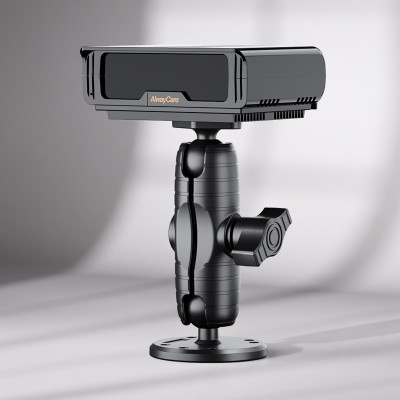
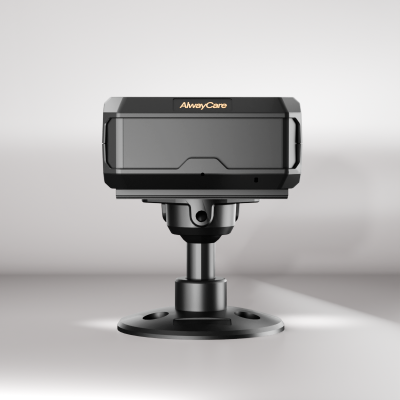
On an aftermarket camera or dash cam, the indicator may be a small LED or a voice prompt on the device. It warns the driver. It does not steer or brake the vehicle. The listed alert types and what each indicator means are in the product documents, so ask your supplier for them.
For how lane warnings work and what they do not do, read Lane Departure Warning for Fleets: How It Works and What It Does Not Do. For the difference from lane keep assist, read Lane Departure Warning vs Lane Keep Assist. For the matching guide on the collision warning light, read Forward Collision Warning Light.
AlwayCare device to review
| Model | Type | Listed specifications |
|---|---|---|
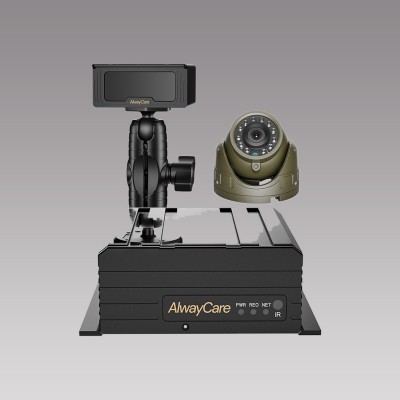
| MR700 | AI dashcam with ADAS and DMS options | 12/24V; 1920x1080; GPS; 4G or Wi-Fi; 512GB TF card; -20℃ to 70℃; warranty 15 months |
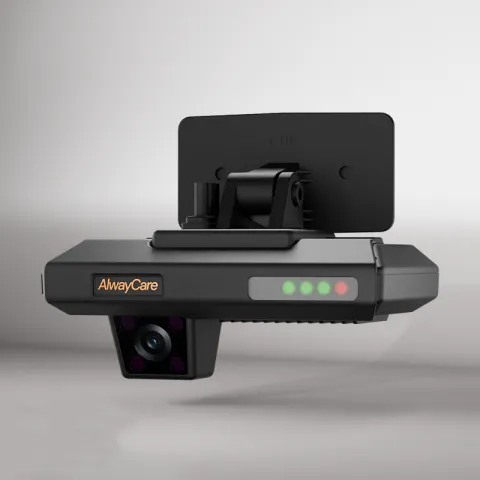
See the product page for the ADAS alert types the model lists. Your quotation confirms the configuration for each vehicle.
Questions about the lane departure warning light
What does a steady lane departure light mean?
It depends on the vehicle. It often shows that the system is on or unavailable. Check the manual for your vehicle.
Why does the light come on when I did not leave the lane?
Faded markings, glare, a dirty camera area or a fault can cause it. Clean the area and check the manual.
Is it safe to drive with the light on?
The light does not mean the vehicle cannot be driven, but the lane warning may not be working. Drive with extra care and report it.
Can I turn the warning off?
Some vehicles have a switch. Switching it off removes the warning, so decide with your safety manager.
Does an aftermarket device have the same light?
It has its own indicator or voice prompt. Check the product documents.
Key points
- The meaning of the light depends on the vehicle. Use the manual.
- Dirty cameras, faded markings and glare are common reasons for alerts.
- Drivers should check the lane and steer back smoothly, not ignore the alert.
- Fleets should clean, check settings and record faults.
For forward-collision, lane-departure and proximity warning options in one place, see the forward collision warning and proximity systems for commercial fleets.