Fleet Video and Insurance Claims: Building a Claims Evidence Workflow
Fleet Video and Claims
After an incident, video helps only if it is saved, matched to the right vehicle and time, and handed over in a form the insurer can use. This guide gives a simple workflow for collecting claims evidence from fleet video, and the points to settle before you need it. It does not make any claim about premiums or legal outcomes.

Why claims need a workflow
When a collision happens, people look for video quickly. Without a routine, clips are overwritten, the wrong vehicle is searched or the footage reaches the insurer weeks late. A short written workflow, owned by one person, avoids most of these problems.
What video can and cannot show
| Video can help show | Video cannot show |
|---|---|
| What happened before, during and after the event | Everything outside the camera’s field of view |
| Road, traffic and signals as the camera saw them | Why a person acted as they did |
| Time, position and speed when linked to position data | Who is legally at fault. That is decided by the parties and the insurer |
| The state of the vehicle and the scene at the moment of recording | Events that were not recorded or were overwritten |
A claims evidence workflow
- Record the event: vehicle, driver, date, time and place, as soon as the report arrives.
- Lock the clip. Save the event video and the footage around it before the card loops over it.
- Match the clip to the event: check the time stamp, the vehicle and the position data.
- Make a protected copy. Keep the original file and work from a copy.
- Note who viewed, copied or shared the footage, and when.
- Send the footage to the insurer or adjuster in the format they request, with the event record.
- Record the outcome and any follow-up so the next claim starts from a known routine.
Retention and access
- Decide how long event video is kept and who may view it.
- Keep a log of access and exports.
- Check local rules on recording and on sharing footage that shows people.
- Tell drivers what is recorded and why.
For a template to write these rules down, read Dash Cam for Fleets: Rollout Checklist and Cost Factors. For how much storage and data this needs, read Fleet MDVR Storage Calculator.
What to ask your insurer
- Which file formats and metadata do you accept?
- How soon after an event do you need the footage?
- Do you need the original file or is a copy enough?
- Who is the contact for video evidence?
- Does your policy say anything about camera use?
The answers come from your insurer and your policy. Do not assume that video changes the premium or the outcome of a claim.
For where claims and insurance sit in a wider AI vision programme, read AI Vision for Commercial Fleet Safety: Detection, Coaching, Claims and Rollout. For reviewing events fairly, read Driver Event Review and Coaching.
AlwayCare devices to review
| Model | Type | Listed specifications |
|---|---|---|
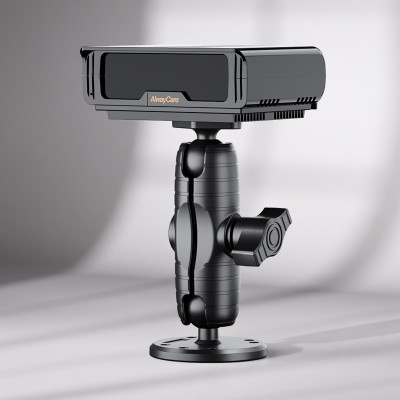
| MR750 | 2K 5-channel AI dashcam with ADAS and DMS options | 12/24V; 2K recording; GPS; 4G or Wi-Fi; H.264/H.265; -20℃ to 70℃; warranty 15 months |
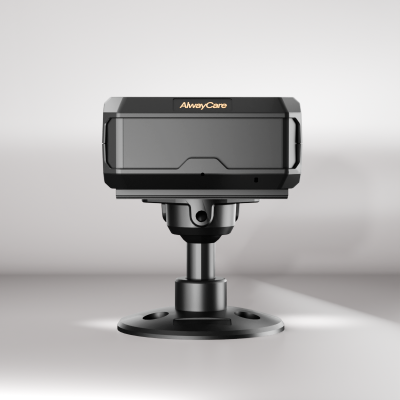
| MR700 | AI dashcam with ADAS and DMS options | 12/24V; 1920x1080; GPS; 4G or Wi-Fi; 512GB TF card; -20℃ to 70℃; warranty 15 months |
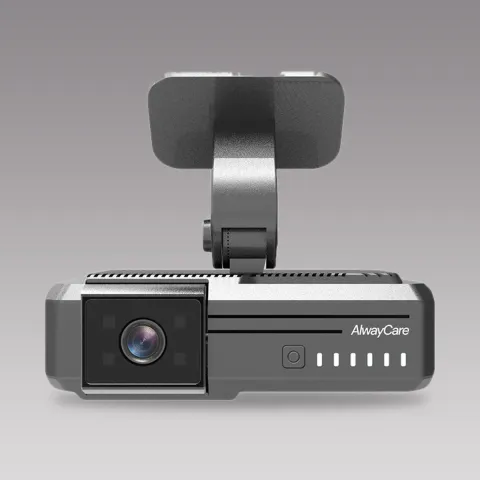 MR7502K 5-Channel AI Dashcam with ADAS/DMSRequest a quote
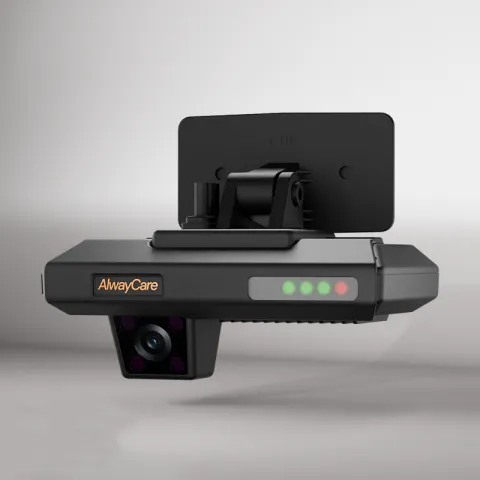 MR700AI Dashcam with ADAS and DMS for FleetsRequest a quote
Specifications come from the product pages. Your quotation confirms the configuration, channel layout and fitting plan for each vehicle.
Questions about video and insurance claims
Will a dash cam lower my insurance premium?
That depends on the insurer and the policy. Ask your insurer in writing before you plan around it.
How long should we keep event video?
Set a fixed period in your policy and check local rules. Keep video that belongs to an open claim until it is closed.
Who should handle claims footage?
Name one owner and one backup, and keep an access log.
Can we share footage that shows other people?
Check local privacy rules and your insurer’s process before you share.
What if the clip was overwritten?
Loop recording replaces old files. Lock event clips automatically where the device allows it, and download important footage soon after the event.
Key points
- Video helps only if it is saved, matched to the event and handed over properly.
- Write a short workflow and name an owner.
- Keep the original, work from a copy and log who accessed it.
- Ask your insurer what they need. Do not assume premium effects.
For fleet video, claims and insurance topics in one place, see the fleet insurance and claims page.