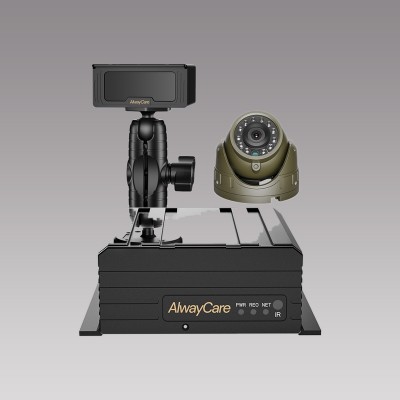
360 Camera for Semi Trucks: Coverage Limits, Placement and Calibration
360 Camera Guide
A 360 camera system stitches views from cameras around a vehicle into one overhead picture on a monitor. On a semi truck the picture has limits, because a tractor and trailer move relative to each other and the vehicle is very long. This guide explains the coverage limits, where cameras go and how calibration works.
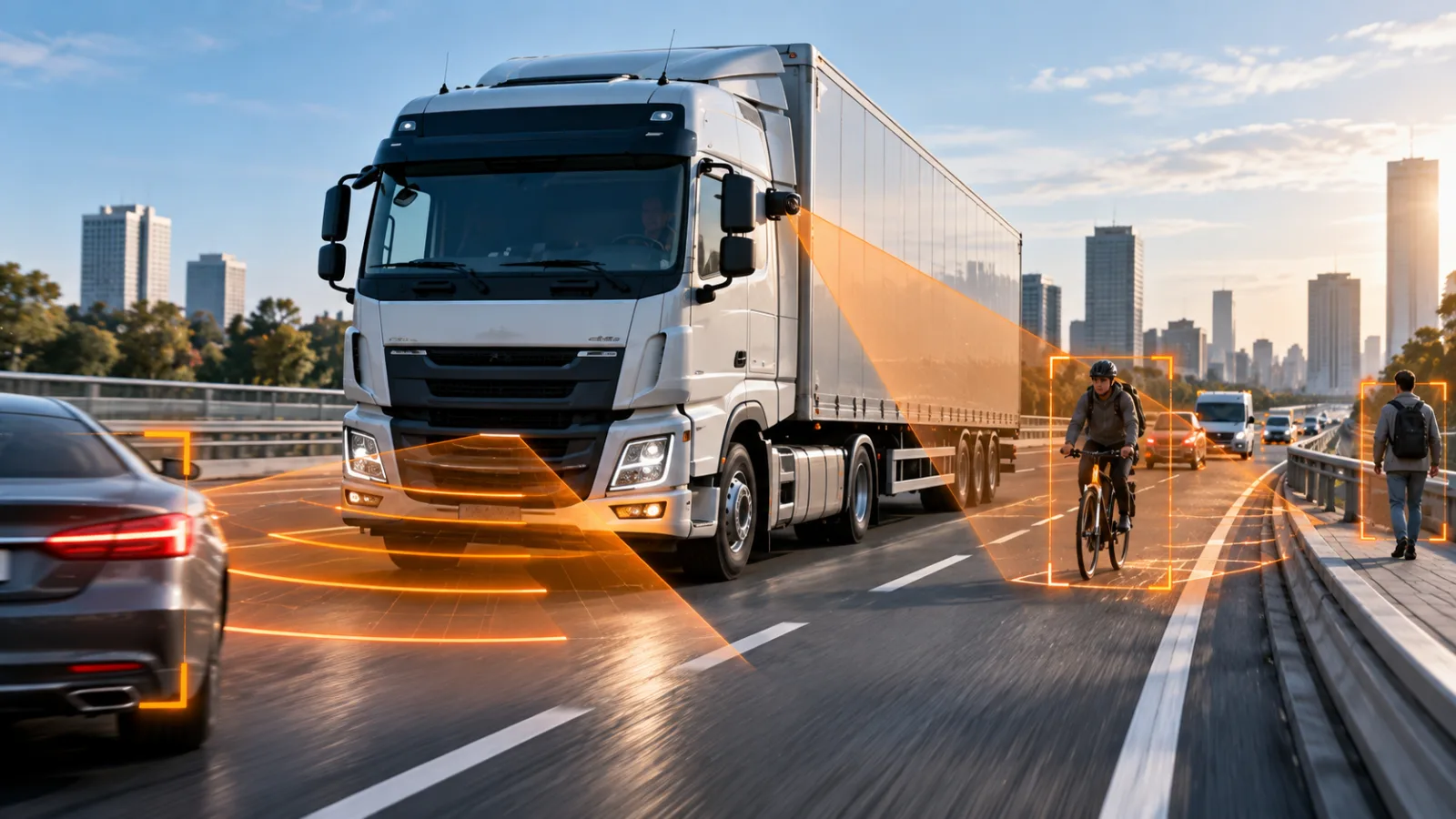
What a 360 view shows and what it does not
| Question | Answer to plan around |
|---|---|
| What area is covered? | The ground close to the vehicle on each side, front and rear, within the range of the cameras |
| Is the view live video or a model? | The overhead picture is built by stitching camera images, so objects near the stitch lines can look distorted |
| Does it work while the vehicle is moving fast? | It is designed for low-speed work such as docking, yards and tight turns |
| Does a tractor and trailer count as one vehicle? | Not automatically. A system built for one rigid body does not know the trailer angle. Ask the supplier how the system treats an articulated combination |
| Does it detect people? | Only models with a detection function do. Check the exact model |
Camera placement on a semi truck
- Front: centred high on the cab or bumper to cover the area ahead and the corners.
- Sides: one camera each side of the tractor, mounted so the lens looks down along the body.
- Rear of the tractor or trailer: the choice depends on which part the system is built to cover.
- Keep every lens clear of mud flaps, steps and mirrors that block the view.
- Fix each camera rigidly. A camera that moves after calibration shifts the stitched picture.
For a full parts list and types, read 360 Camera System for Trucks and Buses: Types, Components and How to Choose.
Calibration
Calibration aligns the camera views so the overhead picture matches the real ground around the vehicle. It is done with the vehicle parked on flat ground, using markers laid out around it. Repeat it after a camera is moved or replaced. Our checklist 360 Camera Installation and Calibration for Trucks covers the steps.
AlwayCare 360 systems to review
| Model | Type | Listed specifications |
|---|---|---|
| M360-1 | 4-channel 3D 360° around-view system | 12/24V; 1920x1080 recording; 512GB storage; −30 to 70°C; warranty 15 months |
| M360-2 | 6-channel 360° camera system with BSD | 12/24V; 1920x1080 recording; 512GB storage; −30 to 70°C; warranty 15 months |
| M360-3 | 3D 360° all-in-one around-view monitor | 12/24V; 1920x1080 recording; 128GB storage; 10.1 inch; −30 to 70°C; warranty 15 months |
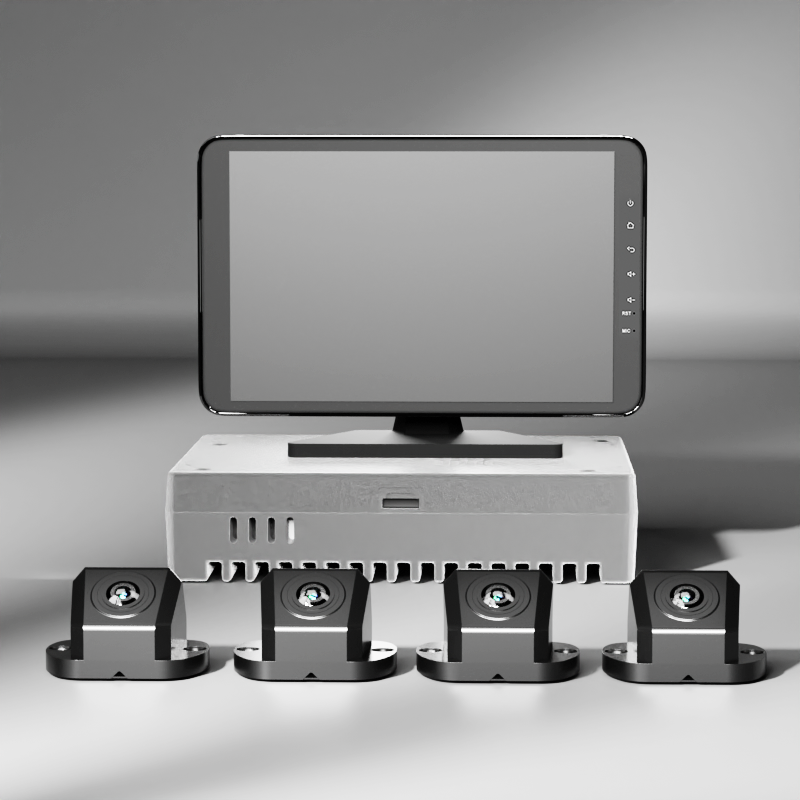
Specifications come from the product pages. Ask the supplier how the chosen model treats a tractor and trailer, and confirm the camera count for your vehicle.
Questions fleets ask about semi truck 360 cameras
Can a 360 camera system see the whole semi truck?
It shows the area around the vehicle the cameras cover. A long articulated combination usually needs a system planned for it, so ask for a layout drawing.
How many cameras does a semi truck need?
Four cameras is the basic layout for one rigid vehicle. A longer combination may need more. The supplier should confirm the count for your tractor and trailer.
Does a 360 camera replace mirrors?
No. It adds a view at low speed. Mirrors and a careful approach are still needed.
Do I need to calibrate again after changing a camera?
Yes. Any camera that is moved or replaced changes the stitched picture, so calibrate again.
Can a 360 system record video?
Some models record. The AlwayCare M360-1, M360-2 and M360-3 pages list recording resolution and storage.
For 360° around-view layouts, camera counts and systems for trucks and buses in one place, see the 360 vehicle camera system solution.