Wireless Backup Camera for Trucks: Digital vs Analog Transmission and Range
Wireless Backup Camera Guide
Wireless backup cameras for trucks send the picture over a radio link, either as an analog signal or as a digital signal. The two behave differently when the link is weak and when many cameras are in the same area. This guide compares them and shows what sets range and delay. For wired against wireless, read Wired vs Wireless Backup Cameras for Trucks.
Digital and analog compared
| Point | Analog wireless | Digital wireless |
|---|---|---|
| Picture as the link weakens | Gets noisy and grainy before it drops | Stays clean until it freezes or drops |
| Pairing | Often tuned to a channel | Paired between camera and monitor |
| Interference in a busy yard | More likely to show noise | Pairing helps keep a link separate |
| Image delay | Short | Small, and listed by some makers in milliseconds |
| What to check | Channel setting and antenna | Range, pairing and the delay figure |
Behaviour varies by product. Use the figures on the product page and test on your own vehicle.
What sets range and delay
- Open space range is a maximum. Metal trailers, loads and buildings shorten it.
- Antenna position and direction change range more than most buyers expect.
- Transmit power and receiver sensitivity are listed by some makers. Compare them where given.
- Image delay is the time between the camera and the screen. Check it if the driver reverses by watching the monitor.
AlwayCare products to review
| Model | Type | Listed specifications |
|---|---|---|
| CC982-W | IP68 wireless camera with laser guide | 1–4 channel AHD input; 1080P/720P; 2.4G video link; strong magnetic mount; working voltage 10–36VDC; IP68; −20 to 70°C; warranty 15 months |
| WP200 | 7-inch wireless quad-split monitor kit | 2.4GHz digital point-to-point; transmission range 100m; quad split, 4 channels; 1024x600; image delay 120ms; DC 10–36V |
| WP235 | 7-inch wireless dual-split monitor kit with 2 solar magnetic cameras | 2.4GHz digital; 400m barrier-free range; 720P/1080P receiver; IP68 cameras; 9600mAh camera battery; DC 9–35V |
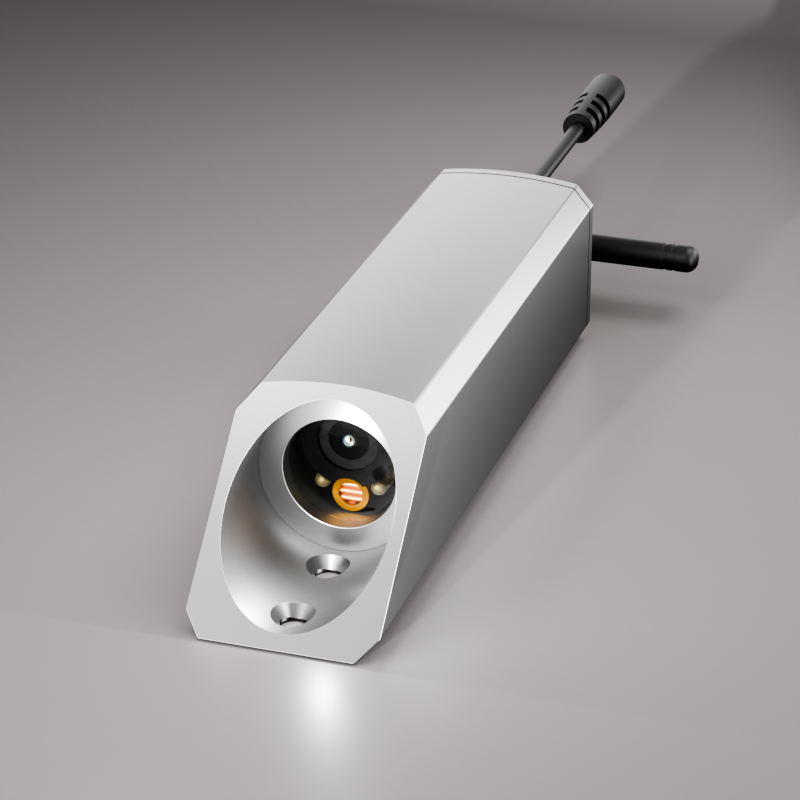
Specifications come from the product pages. The listed range is for open space. Confirm the range for your vehicle in your quotation.
For selection and installation, read Wireless Vehicle Cameras: Selection and Installation Guide for Fleets.
Questions fleets ask about wireless backup cameras
Is digital wireless better than analog for a truck?
Digital links usually stay cleaner and can be paired to a monitor. Either can work if the range and the vehicle suit it, so test both on your truck.
How far does a wireless backup camera reach?
The listed range is for open space. On a truck it is shorter, because of the metal body and the load.
Is there a delay on a wireless backup camera?
Yes, a small delay. Some makers list it in milliseconds. Check the figure if the driver reverses by watching the monitor.
Can I use more than one wireless camera?
Many kits support more than one camera and show them on a split screen. Check the number of channels.
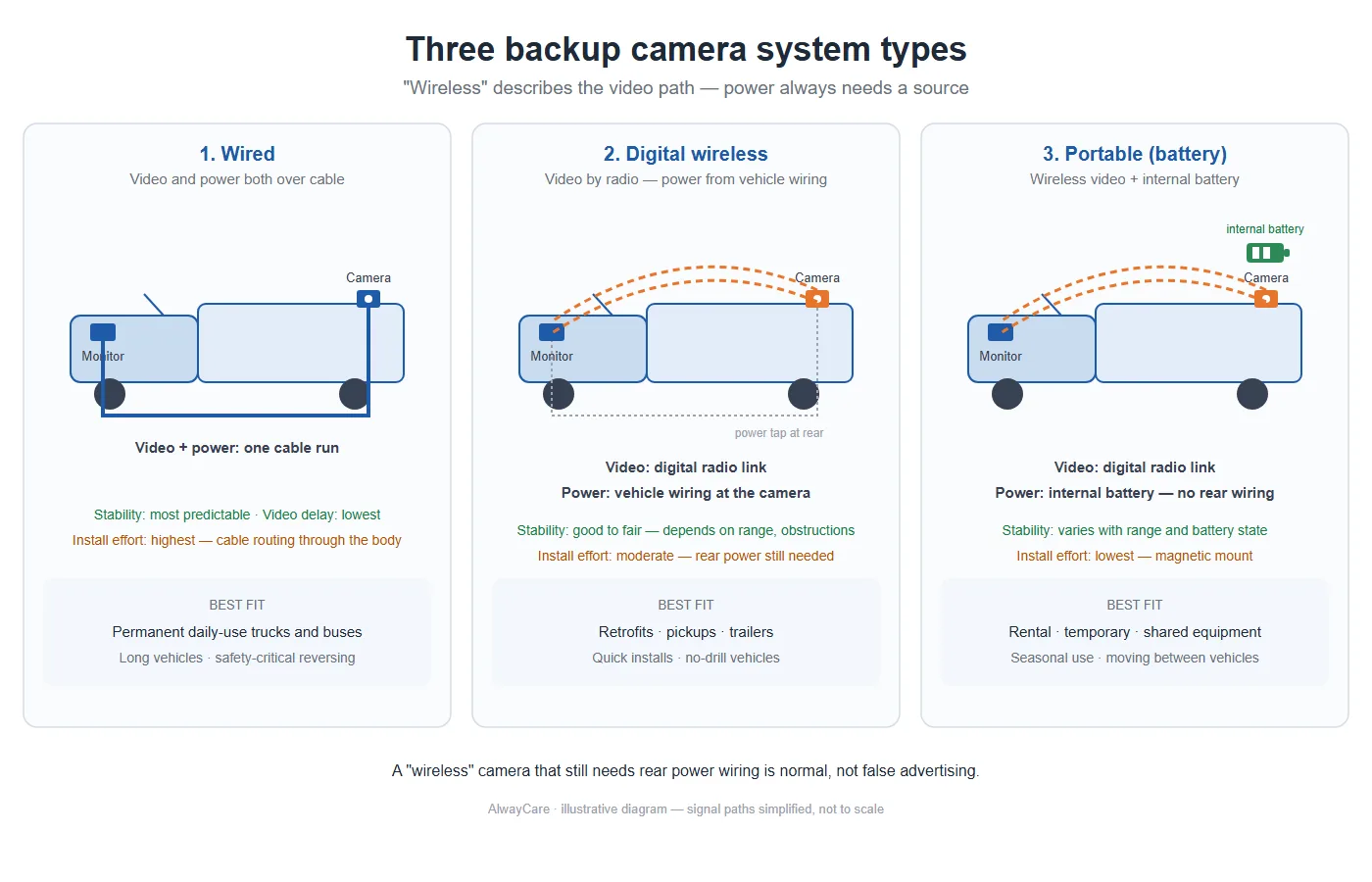
Do wireless cameras need power?
Yes. Some take it from the vehicle and some use a battery. Check the supply or the charging plan.
For camera models, positions and example layouts in one place, see the fleet in-vehicle camera solution.