
Waste Collection Fleet Tracking: A Practical Guide
Waste Fleet Guide
Waste collection fleets work close to homes, parked cars, workers and people on foot. They also repeat many low-speed stops and reversing tasks. Tracking and cameras can add useful context, but safe routes and work rules still come first.
The short answer
Map each collection route, check low-speed and reversing risks, and decide which events need proof. Use GPS for route and service records. Use cameras or sensors for defined visibility gaps. Test the setup on the real truck before a full rollout.
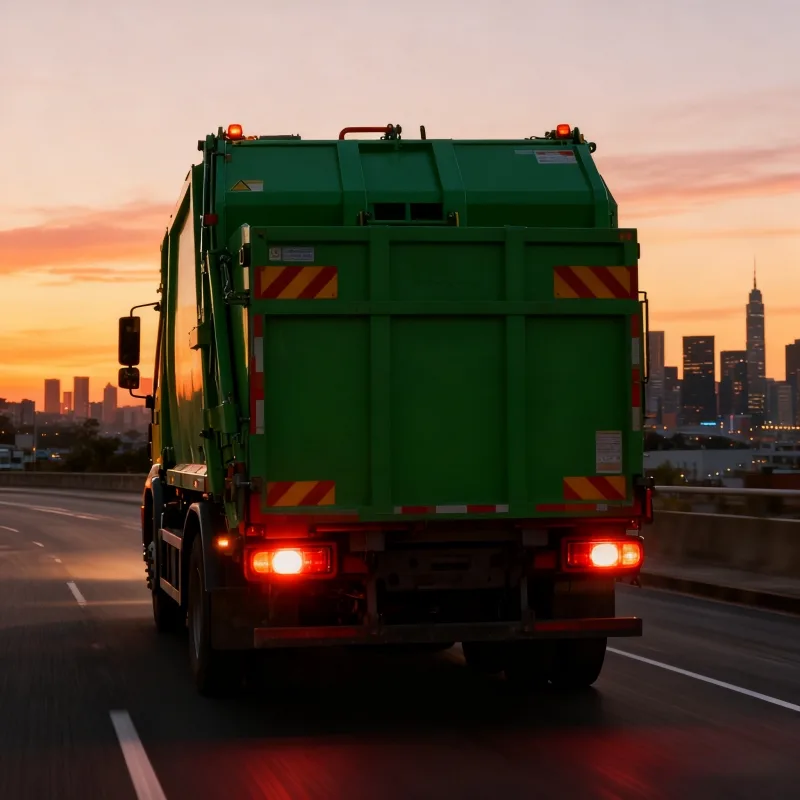
What makes waste fleet work different?
A waste truck may stop and move many times in one shift. Crews may work near the vehicle while bins, parked cars and street users change the space around it.
The route also affects service time, fuel use and missed collections. A fleet needs to review the task, not only the vehicle location.
What can GPS tracking show?
GPS can show route history, arrival time, stop time and entry to set zones. These records may help dispatchers check service gaps or compare planned and actual routes.
GPS does not prove why a stop was long or why a bin was missed. The driver, crew, job record or video may add the missing context.
- Route and stop history
- Depot and disposal-site zone events
- Unplanned route changes
- Vehicle-use and service records
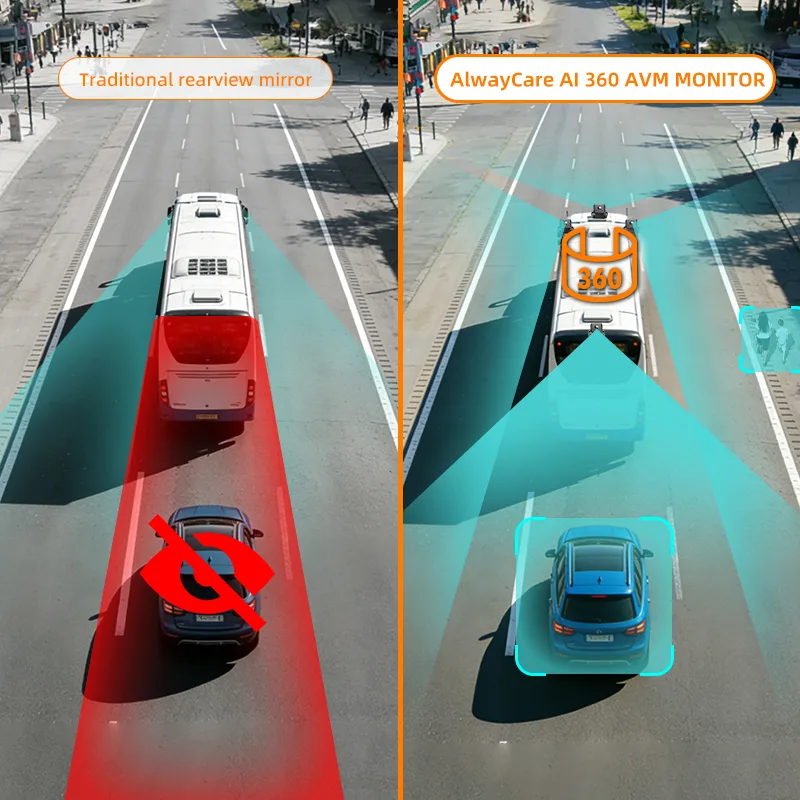
How can cameras support low-speed work?
A rear, side or around-view camera can show areas that mirrors do not show well. A sensor may warn when an object enters a set zone.
Coverage depends on the truck body, lift gear, mount and work area. Test the view with the body and equipment in each normal position.
How should events be reviewed?
Set a small list of events that matter, such as repeated hard stops, unsafe reversing or missed service points. Check each event before coaching or changing a route.
Keep the review fair. A blocked road, emergency vehicle, resident or broken bin may explain the event.
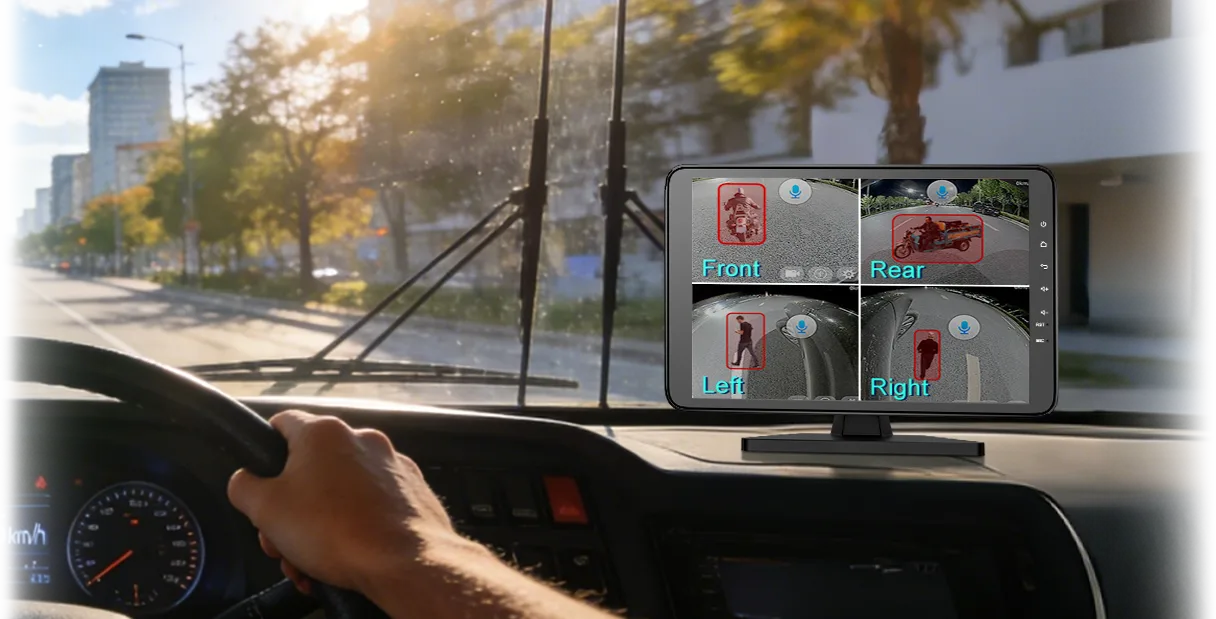
Where can AlwayCare fit?
AlwayCare offers GPS-connected cameras, blind spot cameras, around-view systems and warning products for commercial vehicles. Choose the layer that matches the truck's measured risk.
For low-speed visibility, compare the M360-3 around-view monitor with separate side or rear cameras.
Common questions
Can tracking confirm every missed collection?
No. It can show time and place, but the service record or video may be needed.
Does a 360° view remove all blind spots?
No. Camera position, image joins, dirt and vehicle parts can still hide an area.
Should waste fleets record every minute of work?
Use the least data needed for a clear and lawful work purpose.
Key point to remember
Start with the real risk and duty. Choose a tool for one clear job, test it on the target vehicle and keep people responsible for the final decision.
Contact AlwayCare to discuss vehicle fit and warning, camera or recording needs.
Information checked
This guide uses general fleet telematics principles and NIOSH vehicle-visibility guidance. Local work, privacy and council rules may add requirements.

