Trailer Cameras: Wireless Pairing, Range and Interference
Wireless Trailer Camera Guide
A wireless trailer camera sends its picture to a monitor in the cab over a radio link. The link has to cross a long metal trailer, a gap at the coupling and sometimes other radio traffic. This guide covers pairing, the things that change range, the sources of interference and how to test.
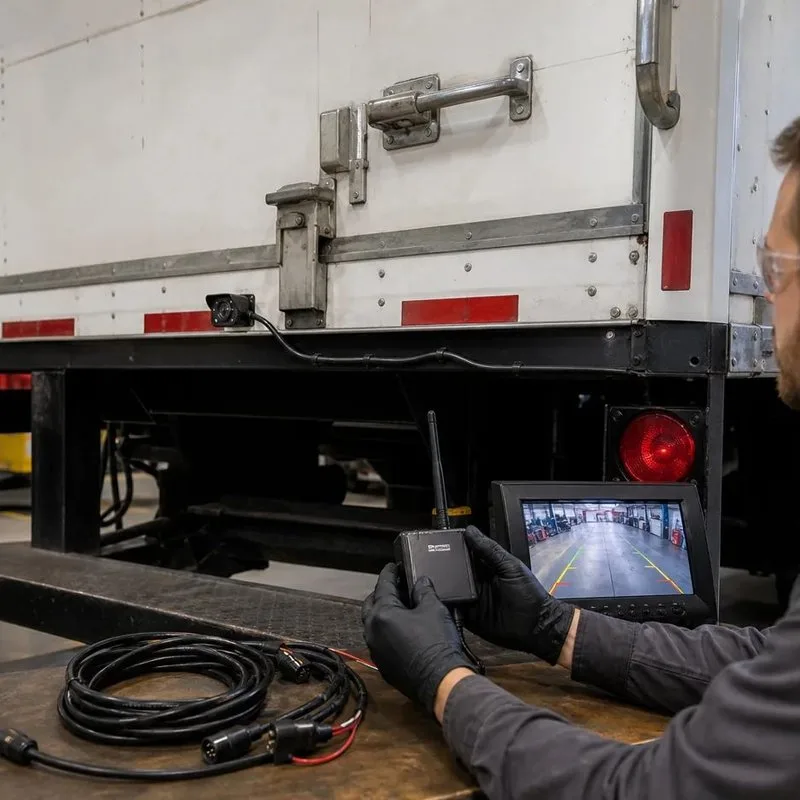
How pairing works
- Power the camera and the receiver or monitor.
- Put the units in pairing mode as the maker describes. Many kits are paired at the factory.
- Check that the picture appears on the monitor and record which channel it uses.
- If you add a second camera, pair it on its own channel and label both.
- Test again after a power cycle to confirm that the pairing is stored.
What changes the range
| Factor | Effect | What to do |
|---|---|---|
| Metal walls and a closed cargo body | Metal blocks or weakens radio signals | Place the antenna where it has a clear path and test with the doors closed |
| Distance from camera to monitor | A long trailer adds distance | Check the listed range, and treat it as a maximum in open space |
| Antenna position and direction | A poor angle shortens range | Keep the antenna vertical and clear of metal |
| Gap at the coupling | The link may cross a gap with a metal body in the way | Test while the trailer is turning |
| Obstacles such as a load or racking | Reduces the signal | Test with the trailer loaded |
Sources of interference
- Other wireless cameras or monitors on the same channel in a busy yard.
- Wi-Fi networks and other devices on the 2.4GHz band.
- Poorly shielded power or ignition wiring close to the receiver.
- A loose antenna connection or a damaged cable.
Testing and fixing drop-outs
| Symptom | Likely cause | First check |
|---|---|---|
| Picture freezes at the rear of a long trailer | Range and metal blocking | Move the antenna or the receiver and retest |
| Picture drops when turning | Coupling gap or body blocking the link | Retest with the antenna in a different position |
| Picture shows noise in a busy yard | Other devices on the same band | Change the channel if the kit allows it |
| No picture after a power cut | Pairing not stored or a power fault | Check the supply voltage and pair again |
AlwayCare wireless camera to review
| Model | Type | Listed specifications |
|---|---|---|
| CC982-W | IP68 wireless camera with laser guide | 1–4 channel AHD input; 1080P/720P; 2.4G video link; strong magnetic mount; rated voltage 24VDC, working range 10–36VDC; power ≤8W; H.265; IP68; −20 to 70°C; warranty 15 months |
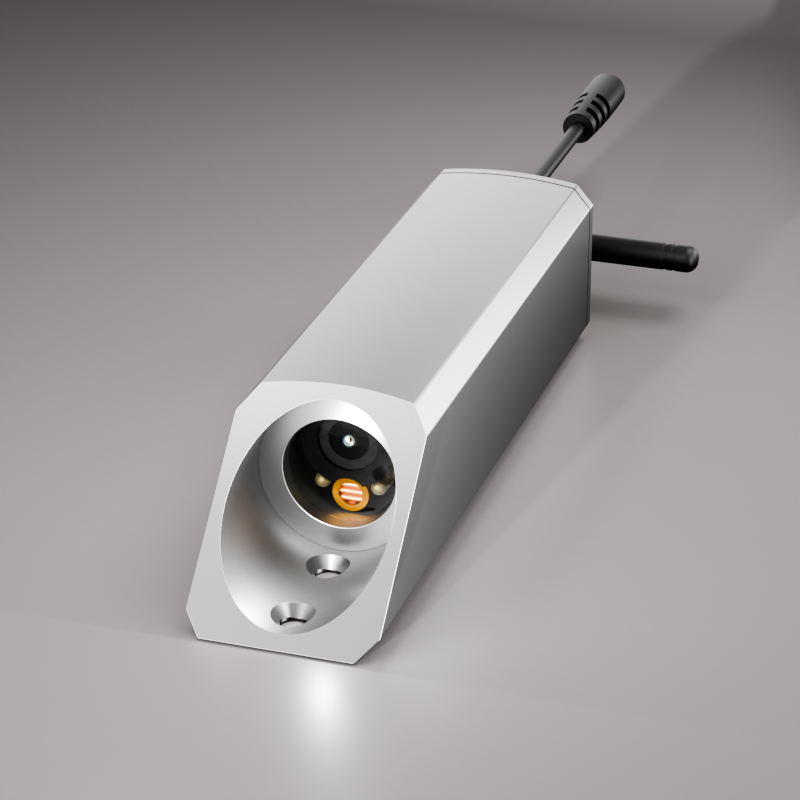
Specifications come from the product page. Real range depends on the vehicle, the trailer and the site. Test on your own trailers.
For selection and install, read Wireless Vehicle Cameras: Selection and Installation Guide for Fleets.
Questions fleets ask about wireless trailer cameras
How far can a wireless trailer camera reach?
The listed range is for open space. A metal trailer, a load and the antenna position shorten it, so test on your own trailer.
Why does the picture drop when the truck turns?
The coupling gap and the body can block the radio link. Move the antenna and test again.
Can two wireless cameras interfere with each other?
They can if they share a channel in the same area. Use separate channels where the kit allows.
Do I need to pair the camera again after a power cut?
Normally the pairing is stored. If the picture does not return, pair again and check the supply.
Is a wired camera more reliable on a trailer?
A fixed trailer can use a wired camera. A wireless camera is easier when trailers are swapped.
For camera models, positions and example layouts in one place, see the fleet in-vehicle camera solution.