AI Cameras for Municipal Vehicles in Harsh Conditions
Municipal Fleet Cameras
Municipal vehicles work close to traffic, workers and the public. Heat, cold, dust, rain and low light can also reduce a camera view. A safe design starts with the vehicle task and local conditions.
The short answer
Map the blind areas and the people who may enter them. Select camera views for those areas. Check the enclosure, lens, cable and display for the real climate. Test the system during normal work before using AI alerts for coaching or incident review.
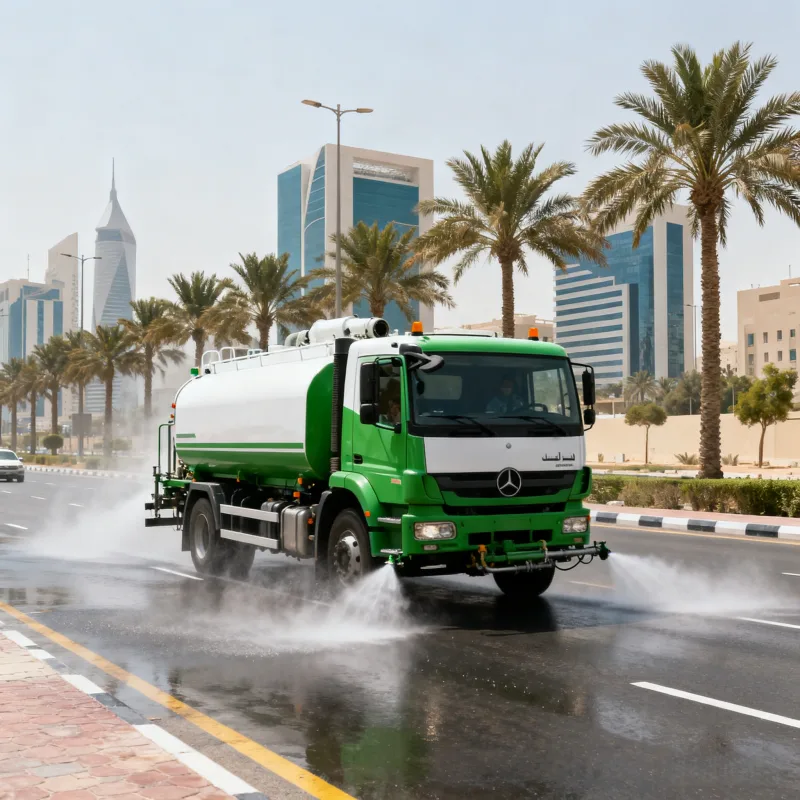
What risks should a municipal fleet map first?
Review the view from the cab with tools, doors and lifting gear in normal positions. The same vehicle can have a different risk in a depot, street or work site.
| Situation | What to check |
|---|---|
| Reversing | What the driver can see behind and beside the body |
| Tight turns | The area the body sweeps and any blocked mirror view |
| Roadside stops | Traffic passing the vehicle and people stepping out |
| Workers near the body | Where people stand and whether the driver can see them |
How can harsh weather change the image?
Product ratings help with selection, but a real vehicle trial is still needed.
| Condition | What it can do |
|---|---|
| Dust, mud and water | Hides detail on the lens |
| Glare | Washes out the image |
| Darkness | Reduces detail |
| Very hot or cold | May affect a screen, cable or connector |
- Check the lowest and highest working temperature
- Place lenses where cleaning is practical
- Protect cables and connectors
- Test day, night and bad-weather views

What can an AI camera do?
A compatible AI camera may detect a person or vehicle in a set zone and send a warning. Detection depends on the scene, range and setup. The driver must still use mirrors, direct vision and safe work rules. See the blind spot detection guide for how to map and test the warning zone.
When is an around-view system useful?
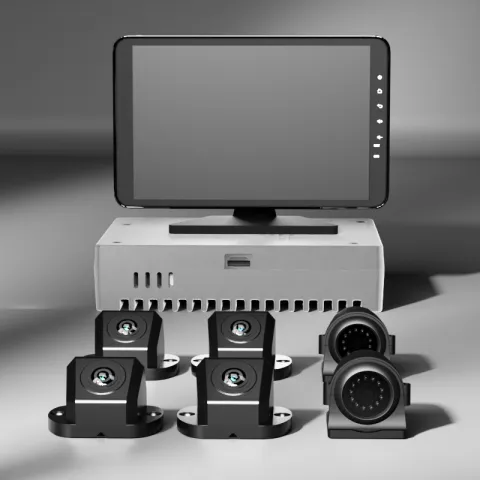
Several cameras can build a wider low-speed view around a large vehicle. Image joins and vehicle parts may still hide an object. Test the full view while the vehicle turns and equipment moves. The 360° around-view guide explains the common image limits.
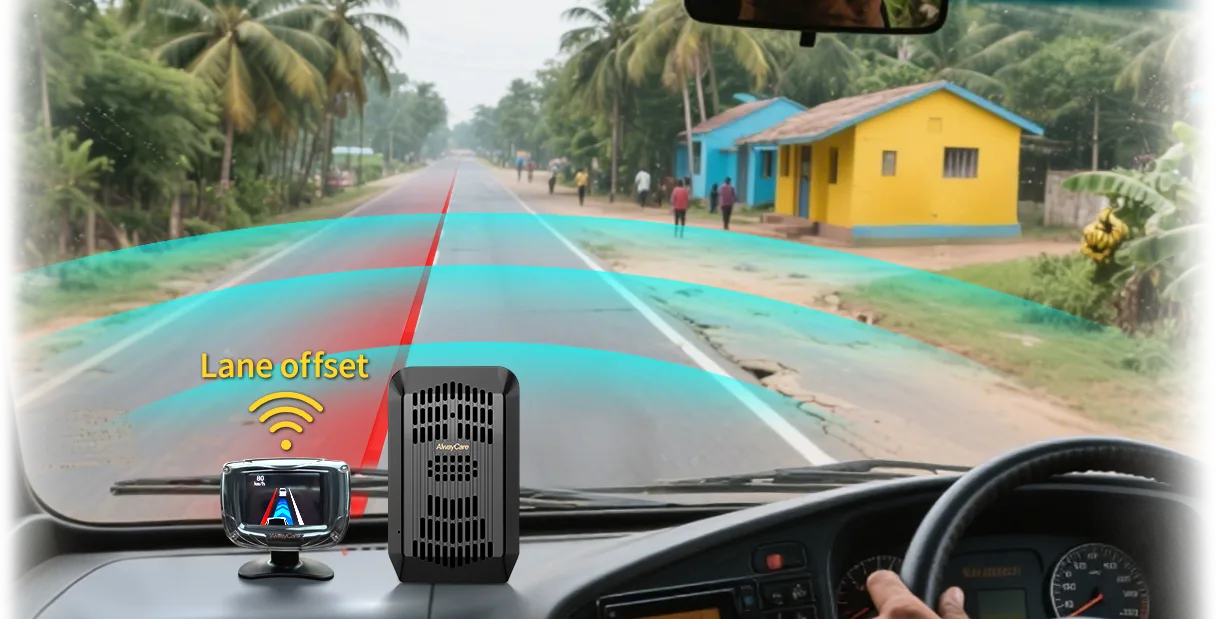
Where can AlwayCare fit?
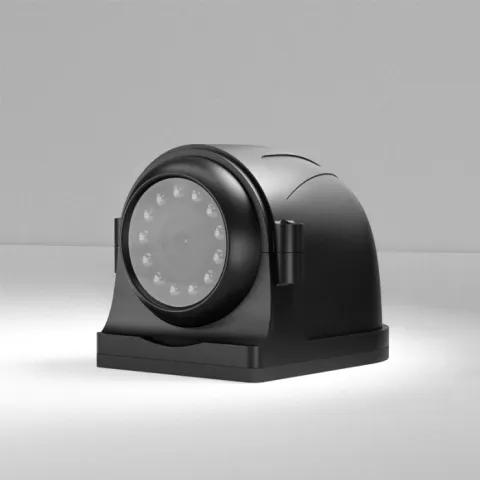
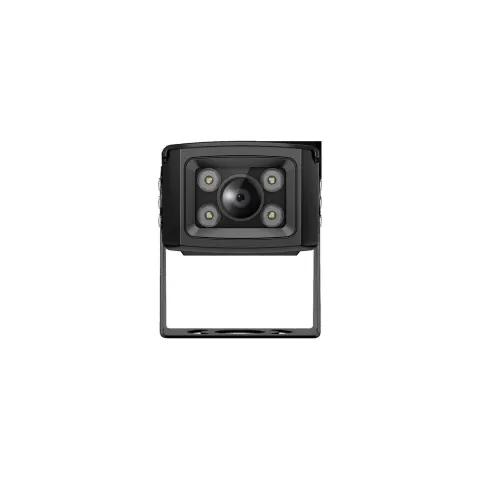
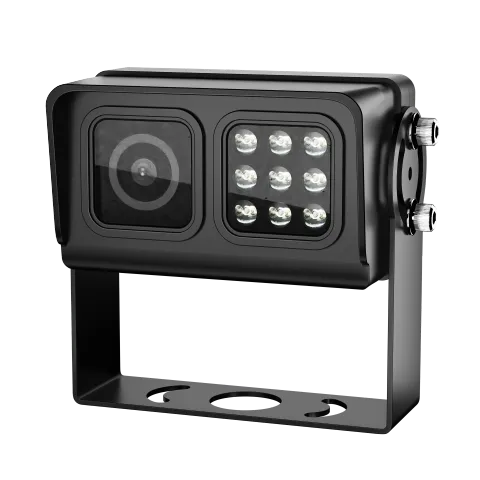
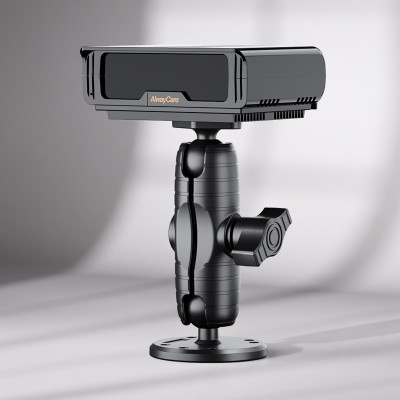
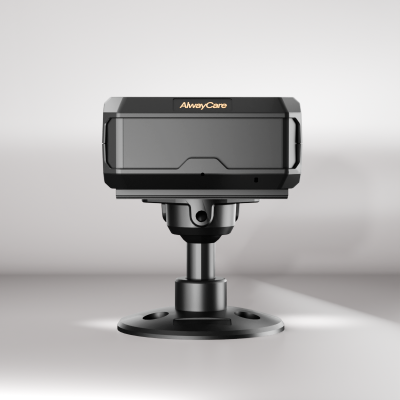
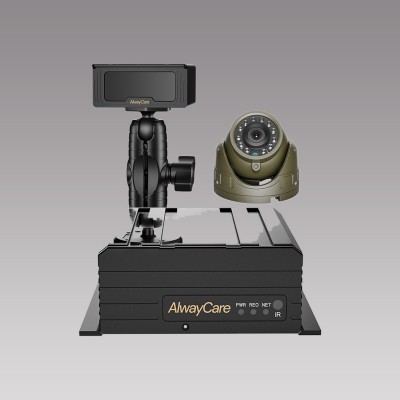
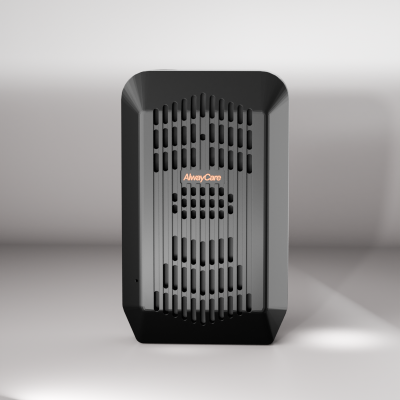
The CC1004 blind spot camera can be reviewed with monitors, recorders or an around-view system. Confirm climate rating, vehicle voltage and mounting before order.
| Model | Form | Listed parameters |
|---|---|---|
| CC1004-BSD | 1080p AI blind spot camera | Starlight night vision, external sound and light warning support, 12V, -20°C to 70°C |
| CC1002-BSD | 1080P AI blind spot camera | Pedestrian and cyclist detection, IR night vision, IP69K, DC 12V, -20°C to +70°C |
| CC1003-AHD20 | 1080P AI blind spot camera | Pedestrian and cyclist detection, IR night vision, IP69K, DC 12V, -20°C to +70°C |
| M360-2 | 6-channel around-view system | Four 1080p around-view channels plus two BSD camera channels, 12/24V, -30°C to 70°C |
Parameters come from the product pages. Confirm them for your vehicle in your quotation.
Common questions
Does an AI camera prevent a crash?
No. It can add a warning, but people must still act safely.
Is one camera enough for every vehicle?
No. Body shape and work tasks change the needed view.
What working temperature range do the listed cameras support?
The CC1004-BSD, CC1002-BSD and CC1003-AHD20 list -20°C to 70°C; the M360-2 lists -30°C to 70°C. Check the range against your climate and confirm it in your quotation.
Does this guide confirm UAE or Russian compliance?
No. Check local vehicle, privacy and work rules with a qualified person.
Key point to remember
Start with the duty and measured risk. Choose one tool for one clear job, test it in real work and keep a person responsible for the final decision.
Information checked
This guide uses general vehicle-visibility and camera-selection principles. Local municipal, privacy and road rules must be checked for each country.
For camera models, positions and example layouts in one place, see the fleet in-vehicle camera solution.