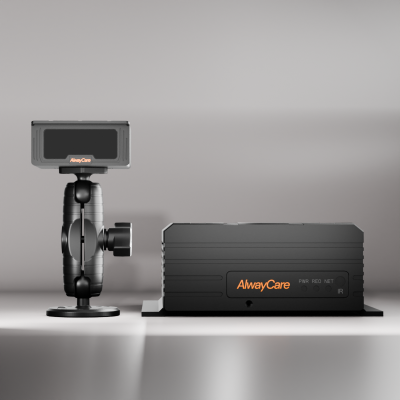
Fleet Management Telematics: A Rollout Plan, Data Checklist and KPIs
Fleet Management Telematics Guide
A telematics rollout works best as a short series of stages: define the questions, pilot on a few vehicles, check the data, then expand. This guide gives a plan, the data to define up front, an integration checklist and the measures to review. It does not promise a result. What a fleet gains depends on how it uses the data.
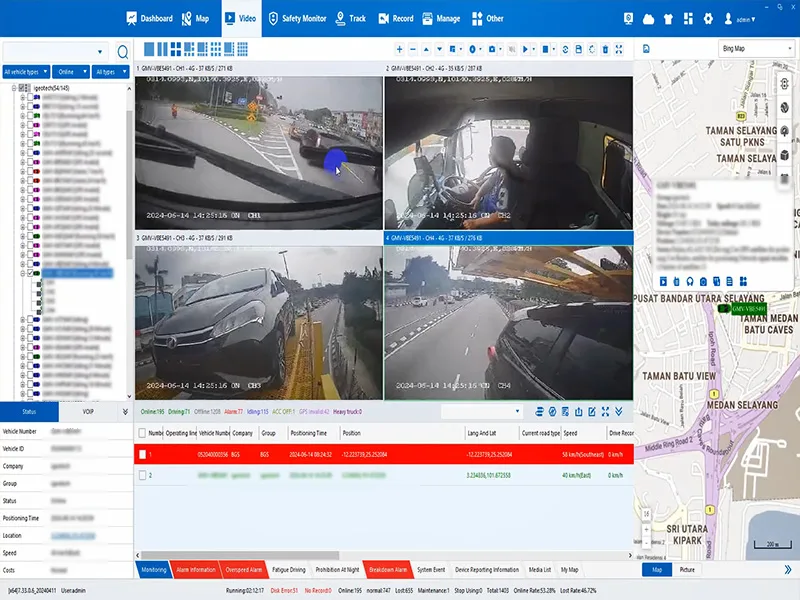
Rollout stages
| Stage | Goal | What to confirm before moving on |
|---|---|---|
| 1. Define | Write down the questions the data must answer | Each question has an owner and a data source |
| 2. Select | Shortlist devices and a platform | Fields, interface, vehicle fit and region are confirmed in writing |
| 3. Pilot | Fit a few vehicles of each type | Data arrives complete, on time and in the right format |
| 4. Review | Check alerts, false alarms and the workflow | Managers can act on an event without extra manual work |
| 5. Expand | Roll out in groups of vehicles | Support, spare units and training are in place |
Define the data first
| Question | Data needed | Typical source |
|---|---|---|
| Where are my vehicles and did they follow the route? | Location, trip history, geofences | GPS or BeiDou tracker |
| Are vehicles idling or running outside hours? | Ignition, stop time, speed | Tracker inputs |
| What happened in this event? | Video clip, time, location | MDVR or AI dashcam |
| Which drivers need support? | Driver alerts and review notes | DMS or ADAS function |
| Is the device still working? | Heartbeat, power and storage status | Device and platform |
Integration checklist
- Agree vehicle and device IDs, timestamps, time zones and event definitions.
- Confirm the API or protocol, authentication, available fields and who owns the integration.
- Test disconnected operation, delayed uploads, duplicate messages and recovery.
- Check whether clips are stored locally, retrieved on request or uploaded automatically.
- Test the full workflow in the platform you will use, including user permissions and exports.
For the technical checks when you add video to an existing system, read Integrating AI Dashcams with Your Existing Telematics Platform. For ownership and shared data definitions, read Fleet Data Silos.
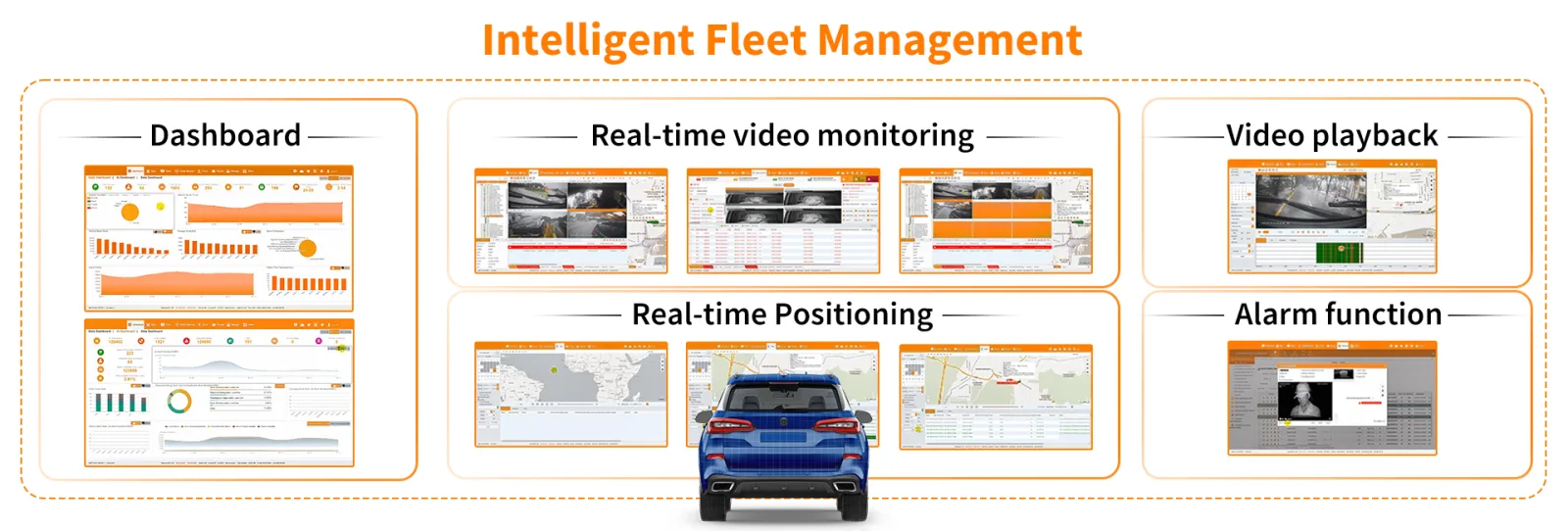
Measures to review
| Measure | Where it comes from | How often to review |
|---|---|---|
| Devices online | Platform device status | Daily during the pilot, then weekly |
| Data completeness | Gaps in location and event data | Weekly during the pilot |
| Alerts reviewed and closed | Platform event log | Weekly |
| Alerts that were false | Review notes | Weekly in the pilot, then monthly |
| Vehicles with a fault or missing unit | Maintenance and installer records | Monthly |
Set your own targets after the pilot. Use your pilot results rather than a figure from a brochure.

Where rollouts go wrong
- No owner for the data, so alerts are not reviewed.
- Too many alert rules at the start, so people stop reading them.
- Devices fitted before the platform fields were confirmed.
- Drivers not told what is recorded, which leads to resistance.
- No plan for offline vehicles, spare units or replacement.
For a wider view of systems and costs, read Fleet Management Systems: A Practical Selection Guide. For tracking in more detail, read GPS Fleet Tracking Systems.
Questions fleets ask about a telematics rollout
How many vehicles should the pilot include?
Include a few vehicles of each type you run, on your normal routes. The aim is to test the data, the alerts and the workflow, not to prove a saving.
How long should a pilot run?
Long enough to see normal and busy periods and to review real events. Set the length with your supplier and your own operations team.
Who should own the data?
Name one person or team for each data source and for alert review. Without an owner, alerts are not acted on.
Should I add video at the start?
Add it where the question needs it, such as event review or driver support. Video needs storage, a retrieval plan and clear privacy rules.
Can AlwayCare devices work with my current platform?
Some can, depending on the device and the interface. Share your platform and the fields you need, and we will confirm what is supported.
Summary
- Define the questions and data before you buy devices.
- Pilot on a few vehicles of each type and fix the workflow before you expand.
- Review a small set of measures regularly and set targets from your own pilot.
- Tell drivers what is collected and who sees it.
See the fleet management solution or send an inquiry with your vehicle types and current platform.
For fleet management, tracking and video platform options in one place, see the fleet management solution.