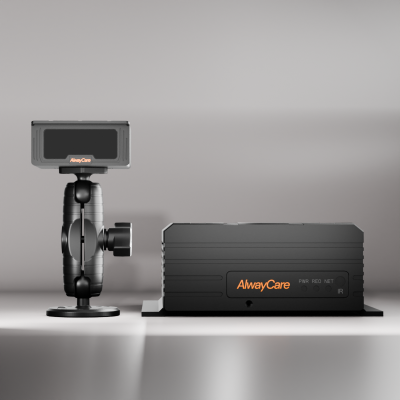
Passenger Counter Data: What an APC Records and How to Connect It to Your Platform
Passenger Counter Data Guide
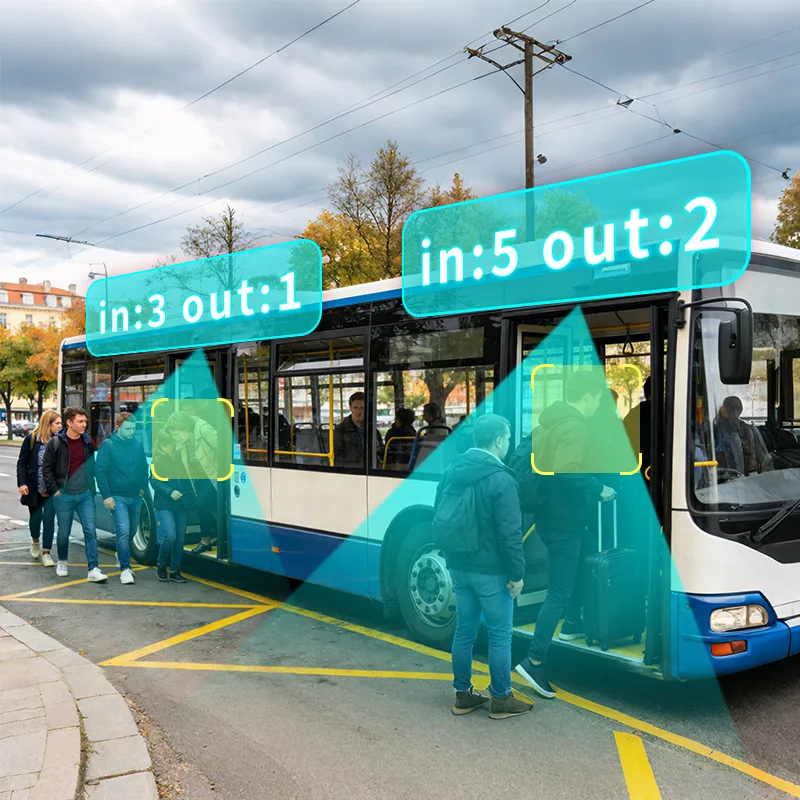
A passenger counter records how many people board and alight at each door, and ties those counts to time and position. The value comes only when that data reaches your platform in a form your team can use. This guide lists what an automatic passenger counter (APC) records, the routes the data can take, an integration checklist and a school bus note.
What an APC records
| Data | Where it comes from | What fleets use it for |
|---|---|---|
| Boarding and alighting counts | The counter at each passenger door | Passenger load and flow by trip and stop |
| Time | The device clock | Matching counts to a trip, a stop and a shift |
| Position | GPS or BeiDou receiver in the unit | Reviewing counts by place as well as by time |
| Video | The 4- or 8-channel recorder, on models that combine counting with an MDVR | Context when a count or an event is questioned |
| Driver alerts | The DMS function, on models that include it | Review and coaching |
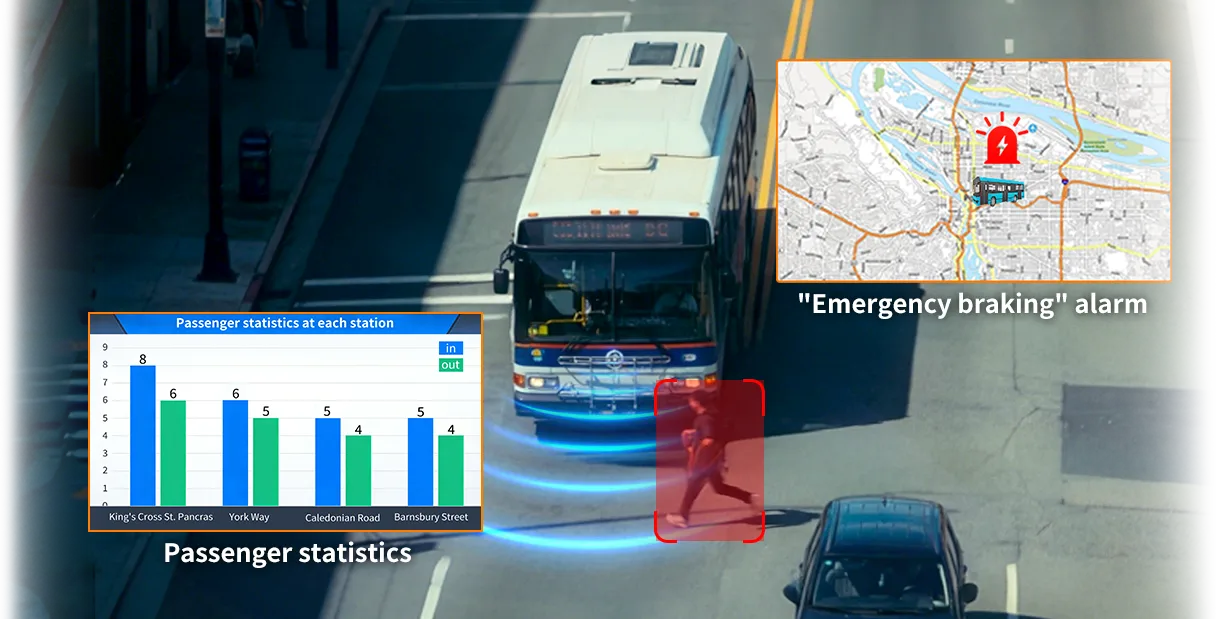
| Vehicle events | A G-sensor alarm on supported models | Sudden acceleration or braking records |
What a unit records depends on the model and firmware. Confirm the exact fields for the device you plan to use.
How the data reaches your platform
| Route | What to confirm |
|---|---|
| 4G or Wi-Fi to a platform | Which network the model supports and how often data is sent |
| CMS synchronization | Which counter models sync to the AlwayCare CMS platform (the PC16 lists it) |
| I/O or RS232 interface | Whether the interface is optional or fitted, and what it carries |
| Protocol | Protocols such as JT/T 808 and JT/T 1078 depend on the model, so send your platform requirements |
| Local storage | How much video the 512GB SD card holds for your camera plan and retention policy |
Integration checklist
- Agree vehicle and device IDs, timestamps and time zones with the platform owner.
- Define what a count is: boarding, alighting and which door each count belongs to.
- Confirm the API or protocol, authentication and the fields the platform receives.
- Test disconnected operation, delayed uploads and duplicate messages, and how the platform recovers.
- Decide how long counts and video are kept, and who can see them.
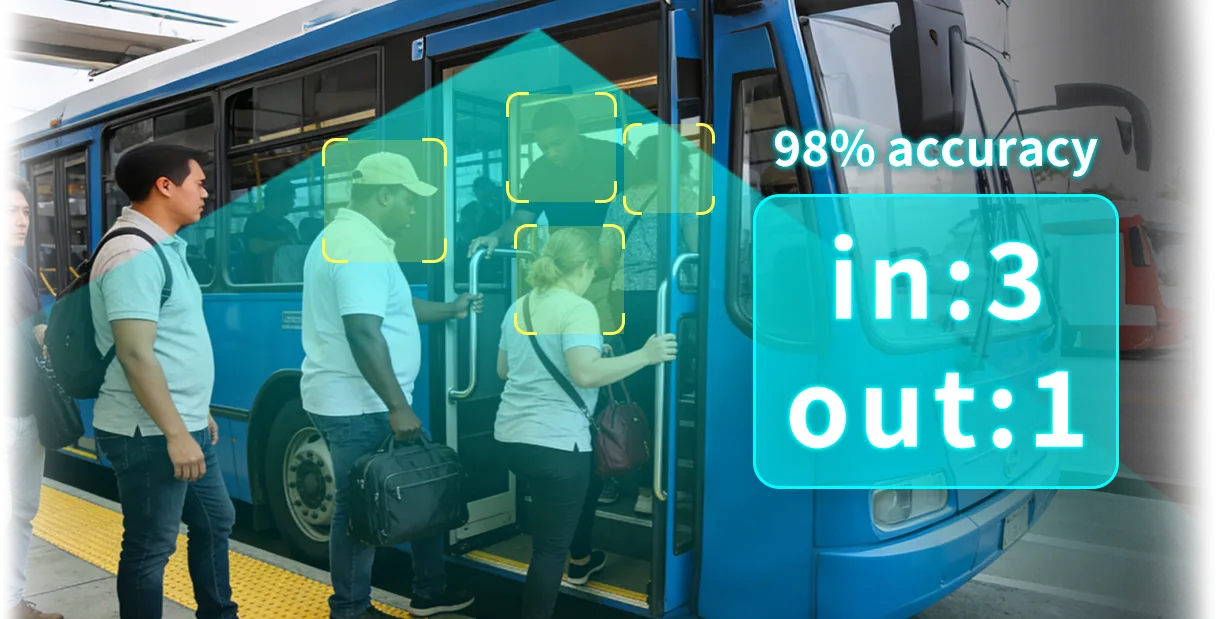
- Check the first reports against a manual count on real trips before you rely on them.
- Test the whole workflow in the platform you will use, including exports.
For the technical checks when you add video to an existing system, read Integrating AI Dashcams with Your Existing Telematics Platform. For ownership and shared data definitions, read Fleet Data Silos.
Count data and ticket data
An APC measures boarding and alighting activity. A fare or ticketing system records payment transactions. The two datasets can be compared, but they are not interchangeable. Agree which one you use for which report, and how you handle differences.
To test how well counts match real boarding, read Automatic Passenger Counting Accuracy: A Fleet Test Guide.
School bus note
- A counter at the door records students boarding and alighting, and the count is tied to time and GPS position.
- Some models add in-bus video, such as the PC23 with 2-channel counting and 4-channel video.
- Students are minors. Check the privacy and child-safety rules that apply to you before you record or store video, and set access and retention to match.
- Agree who receives the count data: the school, the operator or both.
AlwayCare passenger counters
| Model | Form | Listed functions |
|---|---|---|
| PC16 | Stand-alone 2-channel counter | 4G or Wi-Fi, GPS/BeiDou, CMS synchronization, optional I/O or RS232 |
| PC22 | Counter with 4-channel MDVR | Single-channel counting, 4-channel video, 4G or Wi-Fi, optional DMS |
| PC23 | Counter for school buses, 8–36V | 2-channel counting, 4-channel video, GPS/Beidou, 4G or Wi-Fi |
| PC25 | Counter with 4-channel MDVR and DMS | Single-channel counting, 4-channel video, 4G or Wi-Fi, GPS/BeiDou |
| PC28 | Counter with 4-channel MDVR | 4-channel counting, 4-channel video, 4G or Wi-Fi, 512GB SD storage |
| PC37 | Counter with 8-channel MDVR | 2-channel counting, 8-channel video, DMS, ADAS, BSD, 4G and GNSS |
Specifications come from the product pages. Your quotation confirms the exact configuration and the platform interface for your vehicles.
Questions fleets ask about APC data
What data does an automatic passenger counter send?
Boarding and alighting counts for each door, tied to time and GPS position. Models that combine counting with an MDVR can also supply video and driver alerts. Confirm the fields for the exact model.
Can I compare APC counts with ticket data?
Yes, but they are different measures. An APC records boarding and alighting activity. A fare system records payment transactions. Decide which you use for each report.
Which protocols does a passenger counter support?
Protocol support such as JT/T 808 and JT/T 1078 depends on the model. Send your platform requirements and we confirm what is supported.
Do I need video with the counter?
Not always. A stand-alone counter records counts only. A model with an MDVR adds video for context when a count or an event is questioned.
How do I check that the counts are right?
Compare the counter with a manual count on real trips, at busy and quiet times, before you rely on the reports. See the accuracy test guide.
Summary
- An APC records boarding and alighting counts with time and position.
- Data reaches your platform over 4G or Wi-Fi, and the protocol depends on the model.
- Agree IDs, time zones and definitions before you connect.
- Check the first reports against a manual count.
See the bus passenger counting solution or send an inquiry with your vehicle types and platform.
For passenger counter models, packages and the combined counter and MDVR units in one place, see the bus passenger counting solution.