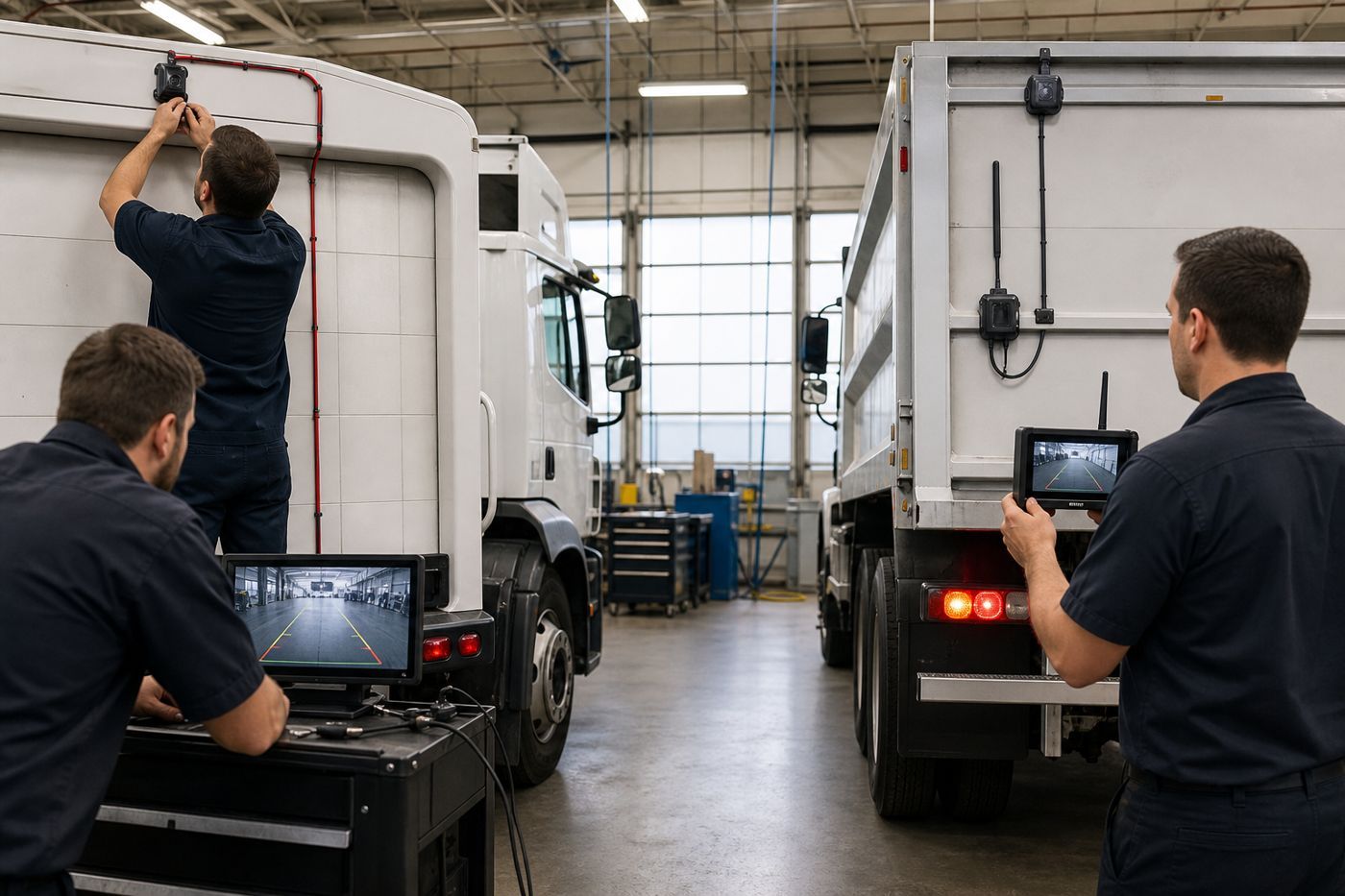
Wired vs Wireless Backup Cameras for Commercial Vehicles
Fleet buyer's guide · Backup camera installation
Choose a wired backup camera when the vehicle can accept protected cable routing and the fleet wants a direct connection path. Consider a wireless system when installation access is limited or a temporary pilot is being evaluated.
In both cases, check power, signal conditions, weather exposure, recorder or monitor compatibility and the way drivers will use the view. There is no universal winner; the right choice follows the vehicle layout and the job the camera must support.
How a wired backup-camera system works
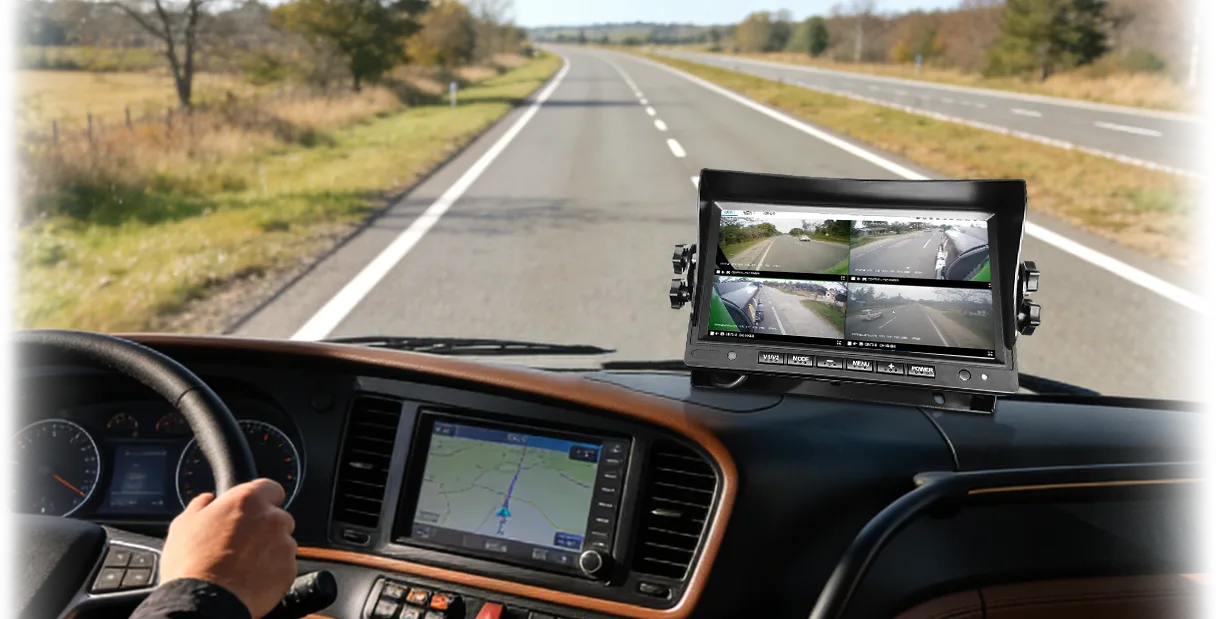
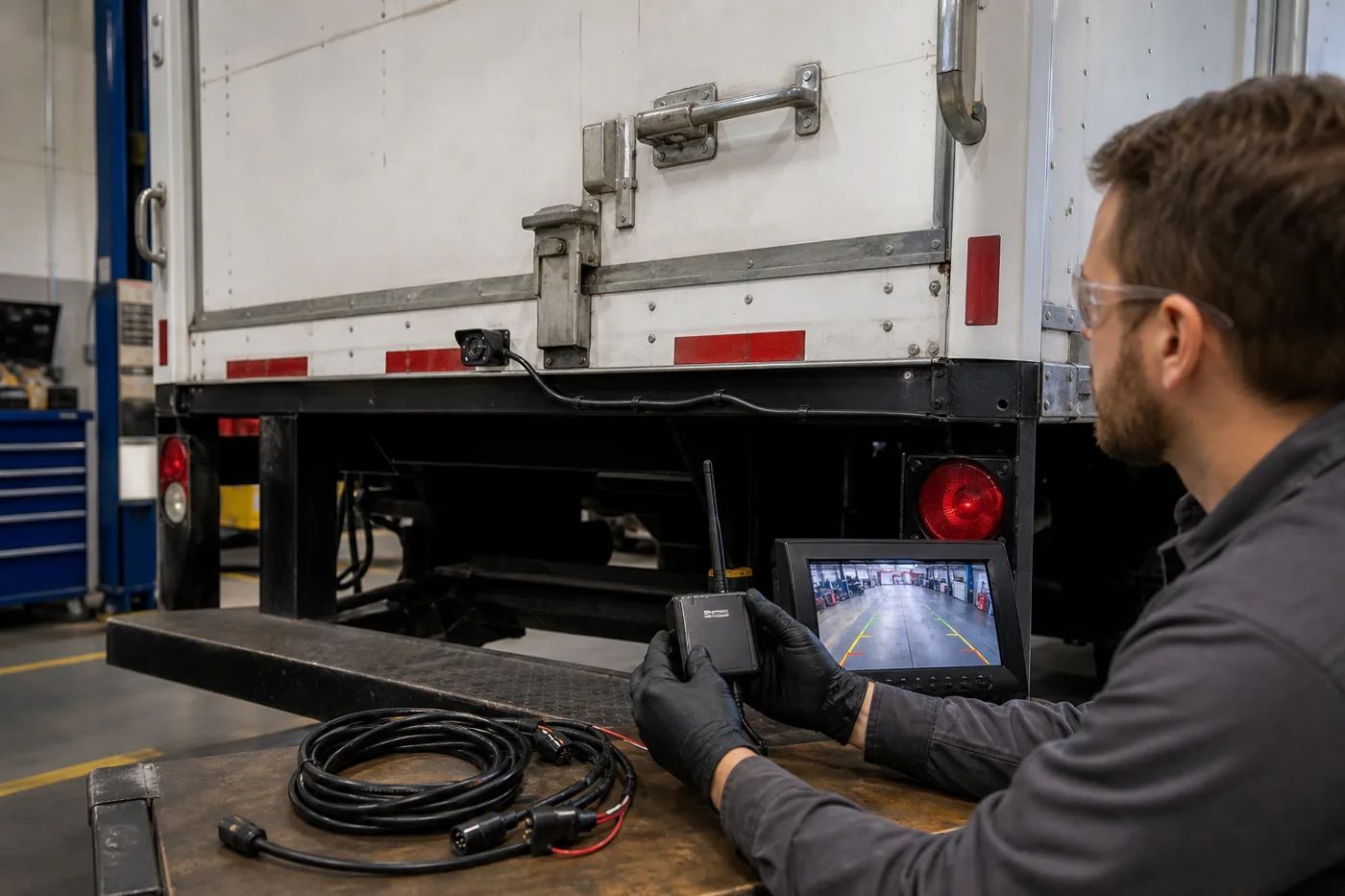
A wired system sends the camera signal through a physical cable to a display, recorder or other vehicle device. The installer plans a route through the vehicle and protects the cable from movement, heat, water and abrasion.
Wired may fit when:
- the vehicle has a clear route for protected cable;
- the camera is a permanent part of the vehicle;
- the fleet wants a direct signal path; or
- installers can reach the mounting and connection points.
The exact result depends on the cable, connectors, power source, camera, display and recorder. A wired label alone does not confirm a particular image quality or weather rating.
How a wireless backup-camera system works
A wireless system sends video from a camera-side transmitter to a receiver connected to a monitor or recorder. The camera still needs a suitable power source, and the receiver still needs a compatible connection to the vehicle display or recording system.
Wireless may fit when:
- cable routing is difficult or expensive;
- the vehicle is being tested in a short pilot;
- a temporary camera position is useful; or
- the team needs to reduce physical cable work.
Wireless performance depends on vehicle structure, distance, antenna position, nearby radio activity, power stability and the selected equipment. Confirm the operating conditions before treating a wireless link as suitable for a long vehicle or busy site.
Wired vs wireless: key differences
| Decision point | Wired | Wireless |
|---|---|---|
| Signal path | Physical cable between camera and display or recorder | Radio link between transmitter and receiver |
| Installation | More cable routing and protection | Less signal cable, but camera-side and receiver-side setup remain |
| Power | Camera and display/recorder need suitable vehicle power | Camera and receiver both need suitable power |
| Vehicle structure | Cable route follows the body and moving parts | Metal panels and layout can affect the link |
| Service work | Inspect cable and connectors | Check power, antenna position and link conditions |
| Compatibility | Check camera, cable, display and recorder pairing | Check camera, transmitter, receiver, display and recorder pairing |
This is a planning comparison. Exact distance, latency, image quality, weather protection and supported features must come from the selected product records.
Installation and maintenance checklist
Plan the camera view first
Define the reversing or loading task before selecting the connection method. Mark the blind spot, mounting position, driver sight line and any area that must remain visible.
Confirm power at both ends
Check the vehicle voltage, protection, fusing and shut-down behavior for the exact camera, transmitter, receiver, monitor and recorder.
Protect the installation
For wired systems, protect cables and connectors. For wireless systems, protect the camera power lead and place the receiver according to the supplier’s guidance.
Test the real operating task
Test the view while the vehicle reverses, turns, loads or works near other vehicles. Check display position, visibility, response and recording workflow.
Document the final configuration
Record the camera model, connection method, display or recorder, power source, mounting position and maintenance notes.
FAQ
Is a wireless backup camera always easier to install?
Not always. It can reduce some cable routing, but the camera and receiver still need power, mounting and compatibility checks.
Is a wired camera more reliable than a wireless camera?
Reliability depends on the complete system and operating conditions. Cable protection, connectors, power, radio conditions, maintenance and the selected models all matter.
Can a backup camera connect to an MDVR?
Sometimes. The camera signal, input type, connector, resolution, power and recorder support must match.
Which option is better for a long truck?
The answer depends on the truck body, cable route, camera position, receiver conditions and review workflow. Map the required view first, then test the connection method.