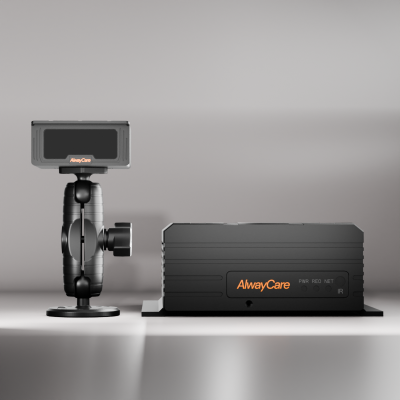
Taxi Dash Cam: How to Choose a Dashcam for Taxis and Rideshare Cars
Taxi Dashcam Guide
A taxi dash cam records the road and, if you choose, the cabin, and can add driver and collision alerts. The right unit depends on the vehicle, whether you want cabin video and how the data reaches your office. This guide lists what to decide and compares the AlwayCare dashcams for taxis and rideshare cars.
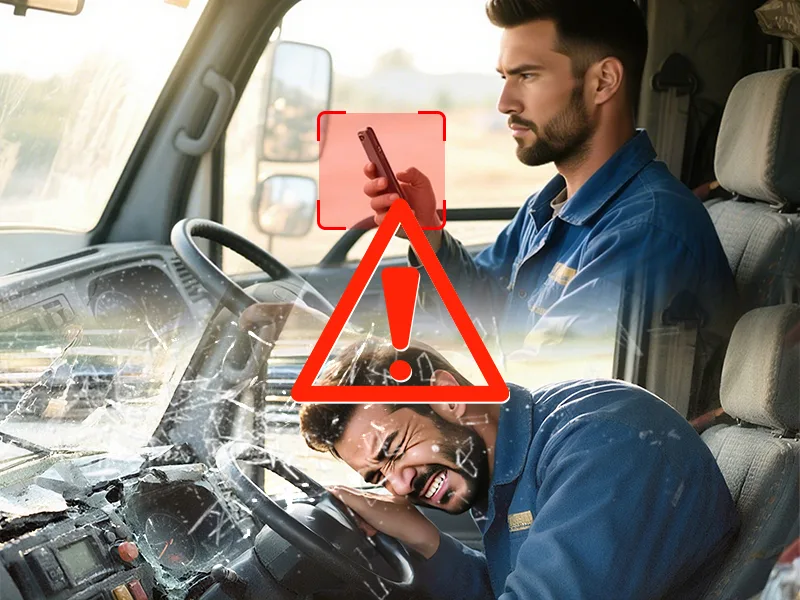
What a taxi dashcam needs to do
| Need | What to look for |
|---|---|
| A record of the trip | Road video, and optional cabin video where your rules allow it |
| Driver alerts on long shifts | DMS alerts for fatigue, yawning, distraction, phone use and smoking |
| Warnings in stop-and-go traffic | ADAS forward-collision and headway warnings |
| Knowing where cars are | GPS positioning with 4G or Wi-Fi |
| Fitting to the car | A 12/24V power input and a mount that suits the windshield |
| Handling the data | Clear rules for who can view video and how long it is kept |
Dashcam data supports review. It does not control the vehicle.
Single camera or multi-camera?
| Vehicle | Starting point | AlwayCare example |
|---|---|---|
| Taxi or rideshare car | One AI dashcam with ADAS, DMS, GPS and 4G or Wi-Fi | MR700 or MR720 |
| MPV or multi-seat vehicle | A dashcam with more video channels | MR750 |
| Vehicle that already has a recorder | Add stand-alone ADAS warnings | AWS302 |
For how channel count changes the choice, read 2CH vs 3CH vs 4CH Fleet Dash Cams.
AlwayCare dashcams for taxis and rideshare
| Model | Form | Listed functions |
|---|---|---|
| MR700 | 1080p AI dashcam, 2-, 3- and 4-channel versions, 12/24V | DMS, ADAS, GPS and 4G/Wi-Fi |
| MR720 | 2K AI dashcam, 12/24V | DMS, ADAS, GPS and 4G/Wi-Fi |
| MR750 | 2K 5-channel AI dashcam, 12/24V | DMS, ADAS, BSD, GPS and 4G/Wi-Fi |
| AWS302 | Stand-alone ADAS unit, 12/24V | Forward-collision, pedestrian, lane-departure and headway warnings |
Specifications come from the product pages. Your quotation confirms the exact configuration for your vehicles.
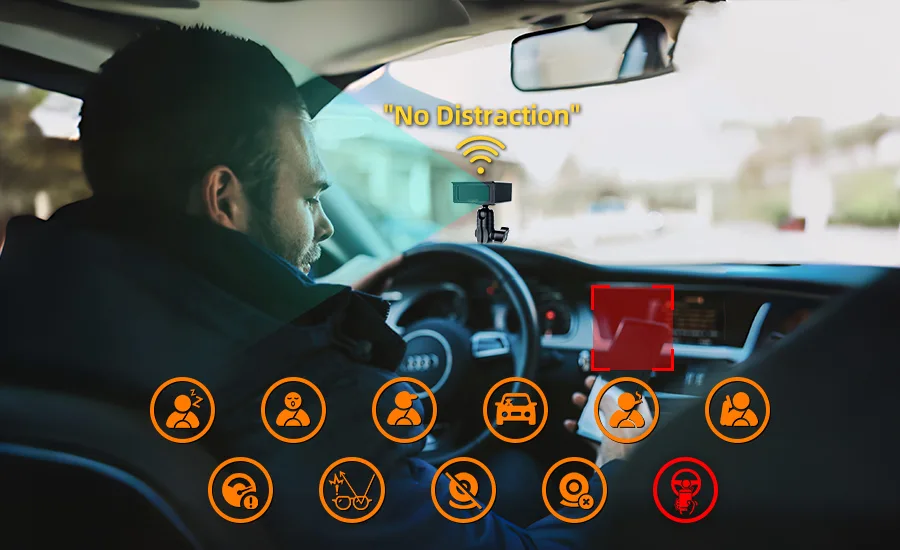
Cabin recording
- Cabin recording is optional and depends on the model and camera setup.
- Privacy rules differ by country and by fleet. Set access and retention to match the rules that apply to you.
- Tell drivers what is recorded and who can see it.
Read Cabin Recording in Taxis and Rideshare: A Privacy and Passenger Notice Checklist for a checklist.
How to choose
- List your vehicle types: cars, MPVs and any with an existing recorder.
- Decide whether you want road video only or cabin video too.
- Decide which alerts you need: DMS, ADAS or both.
- Confirm the 12/24V power input and the mounting position on each vehicle type.
- Decide how the data reaches your office: 4G or Wi-Fi, and which platform.
- Set the access and retention rules before you fit.
- Test a sample unit on your own vehicles before a bulk order.
For the wider decision between a dashcam and a recorder, read MDVR vs Dash Cam. For what an AI dashcam can and cannot do, read AI Dashcam for Fleets.
Questions fleets ask about taxi dash cams
Which dashcam fits a taxi or rideshare car?
The MR700 and MR720 are single-unit AI dashcams with DMS and ADAS. The MR750 adds more video channels for MPVs. Your quotation confirms the model for your vehicles.
Can I record the passenger cabin?
Cabin recording is optional and depends on the model and camera setup. Privacy rules differ by country and fleet, so set access and retention to match the rules that apply to you.
Which power supply do they use?
The MR700, MR720 and MR750 take 12/24V input. I/O or RS232 interfaces are optional.
How do they connect to a platform?
Through 4G or Wi-Fi, with GPS positioning. Platform integration depends on the protocol, so share your platform requirements before a pilot.
Do the alerts control the vehicle?
No. They alert the driver. They do not brake or steer the vehicle.
Summary
- Match the dashcam to the vehicle: single unit for cars, more channels for MPVs.
- Cabin video is optional. Decide it together with your privacy rules.
- Alerts support the driver. They do not control the vehicle.
- Test a sample before a bulk order.
See the taxi and rideshare solutions or send an inquiry with your vehicle types.
For taxi and rideshare dashcam packages and example layouts in one place, see the taxi and rideshare fleet safety solutions.