MDVR vs Dash Cam: Which System Fits a Commercial Fleet?
Fleet buyer's guide · Video system architecture
Choose a dash cam when your vehicle needs a simple, limited-view recording setup. Choose a mobile DVR (MDVR) when you need several camera views managed by one in-vehicle recorder.
There is no single best system for every fleet. Start with the job you need the cameras to do, then confirm the exact recorder and camera combination before you order.
"Video telematics and onboard recording systems have become cornerstone safety tools for commercial carriers. Vehicle-grade ruggedization standards ensure continuous recording under severe vibration, thermal extremes, and sudden power disruption."
— Referencing ISO 16750 (Road Vehicles — Environmental Conditions and Testing for Electrical and Electronic Equipment)
What is a dash cam?
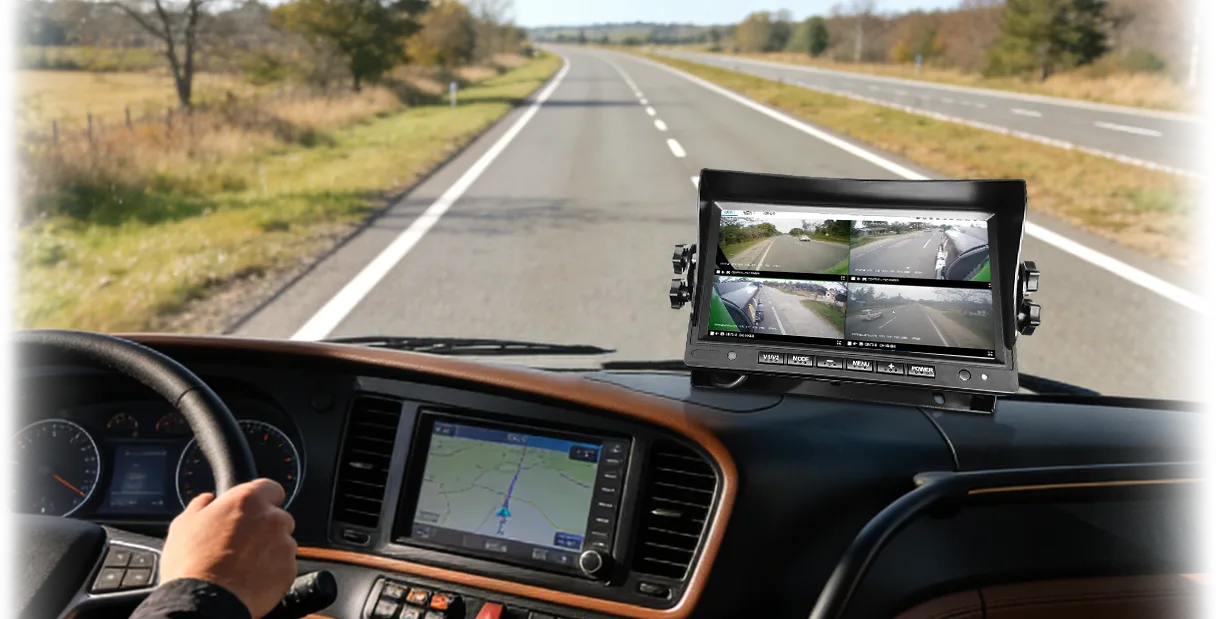
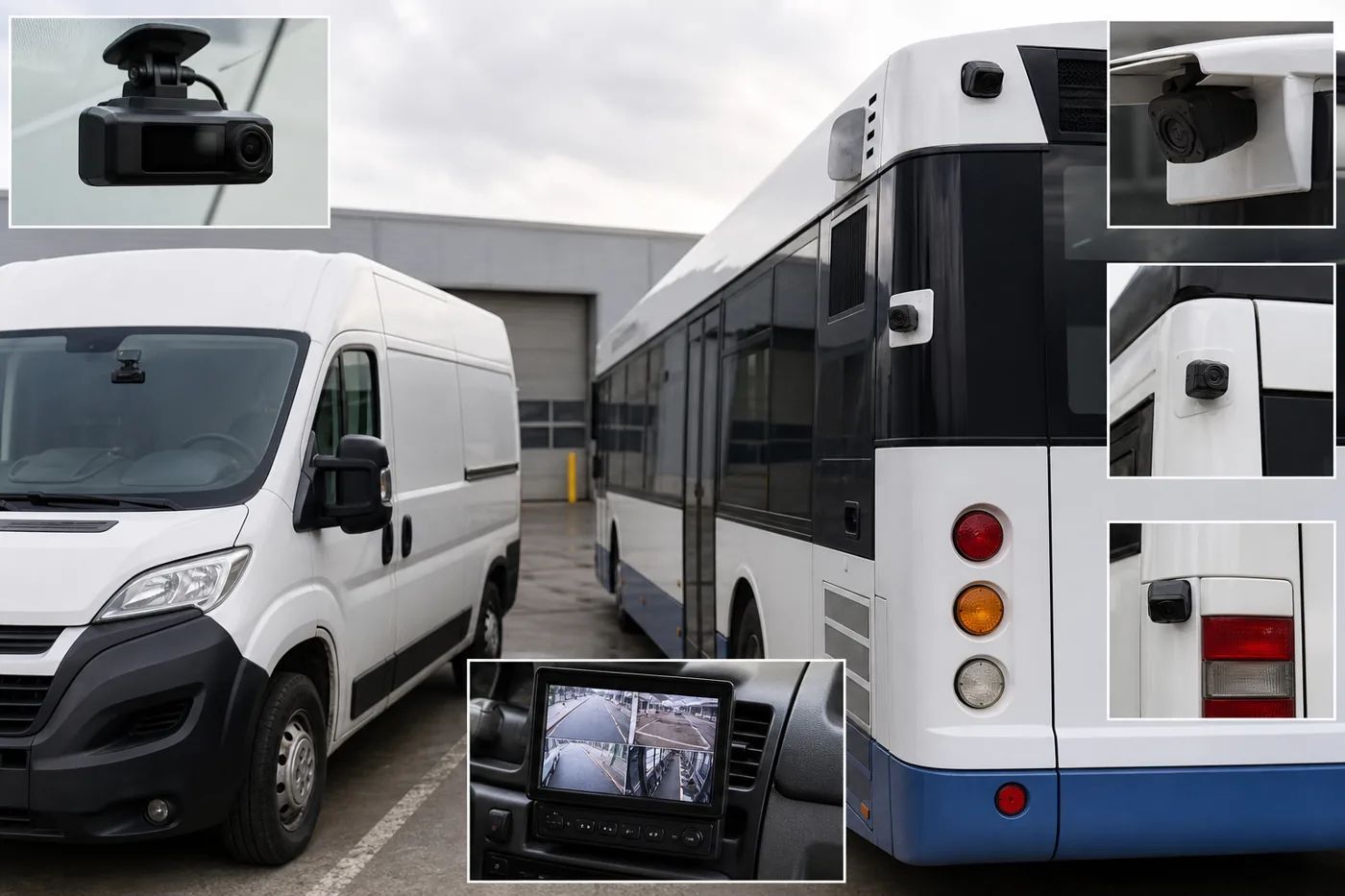
A dash cam is a compact vehicle camera and recorder built around a small number of views. Many fleet buyers start with a forward-facing view because it can document the road ahead. Some systems can add other views or connect to fleet software, but the available functions depend on the model.
A dash cam can be a practical fit when:
- the main goal is road evidence;
- the vehicle has a simple wiring plan;
- the fleet wants a quick pilot; or
- the team prefers a compact installation.
What is an MDVR?
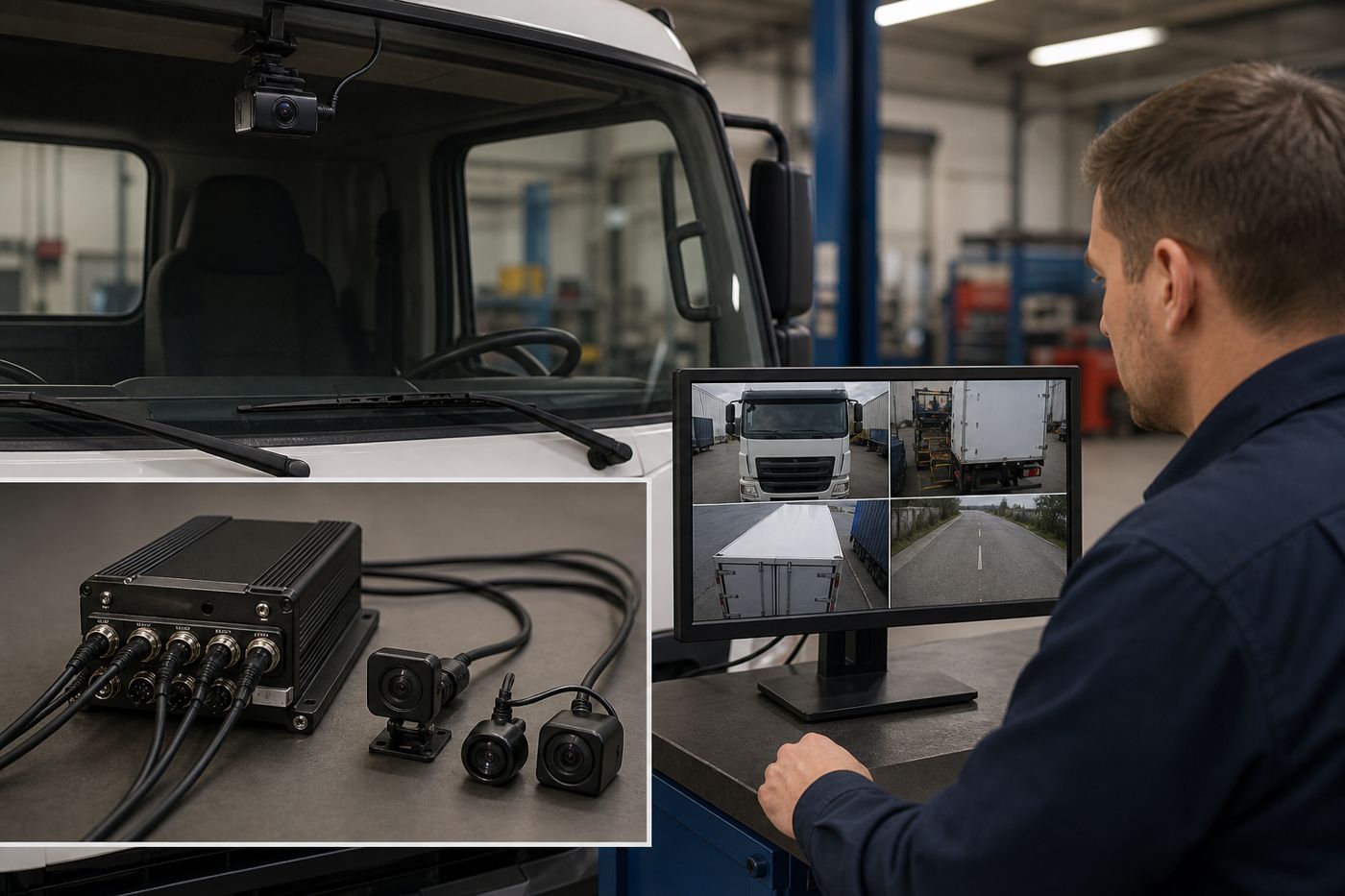
An MDVR is a mobile digital video recorder for vehicles. It brings several camera feeds into one recorder so a fleet can plan views around the vehicle. A system may include front, rear, side, cabin or other views, depending on the recorder, cameras and installation plan.
AlwayCare’s Mobile DVR and AI MDVR ranges include different channel options. The checked 4-channel, 8-channel and 12-channel product records list model-specific fields such as channel count, 12/24V input, 1920 × 1080 recording, GPS/Beidou, 4G or Wi-Fi, 512GB SD-card support and H.264/H.265 recording. Confirm the current specification before quotation.
MDVR vs dash cam: key differences
| Decision point | Dash cam | MDVR |
|---|---|---|
| Main design | Compact recorder for a limited view | Central recorder for a multi-camera plan |
| View planning | Often starts with one main view | Adds views according to channel capacity and vehicle layout |
| Installation | Usually simpler for a small setup | Requires more cable, camera placement and input planning |
| Storage | Depends on camera count, settings and policy | Must account for all connected cameras and recording settings |
| Fleet scaling | Useful for pilots or simpler vehicles | Useful when several vehicle zones must be recorded together |
| Compatibility | Check the camera and recorder pairing | Check channel count, input type, power and camera pairing |
The table is a planning aid, not a promise that every product in one group has the same functions.
Choose a dash cam when the vehicle has a simple coverage plan
A dash cam may be enough when one road-facing view answers the main business question. It can also be a sensible starting point when a fleet wants to test driver video or establish a basic evidence workflow.
Choose an MDVR when several views matter
An MDVR is often the better architecture when a vehicle has blind spots or operational areas that a single forward view cannot cover. A bus may need a cabin or door view. A truck may need rear or side coverage. The exact camera plan should follow the vehicle and the use case.
Channel count is only the starting point. More channels do not automatically make a system better. Plan the views first, then select a recorder with suitable capacity and compatible inputs.
A five-step fleet planning method
1. List the decisions the video must support
Write down the events the team needs to review, such as road incidents, reversing, loading, passenger areas or side clearance.
2. Draw the required views on the vehicle
Mark the front, rear, sides, cabin and other zones. Remove views that do not answer a defined question.
3. Check recorder and camera compatibility
Confirm the input type, channel count, camera resolution, power requirements and connectors for the exact models.
4. Estimate storage from the actual settings
Storage depends on camera count, resolution, frame rate, compression, motion settings and retention policy. Do not promise a fixed number of recording days without those inputs.
5. Decide how footage will be reviewed
Set the process for local retrieval, remote access, incident export and retention. Verify any GPS, 4G, Wi-Fi or CMS requirement against the selected model.
For a current side-by-side evaluation of leading platforms, see our best fleet dash cams comparison covering ten vendors and five engineering criteria.
Questions to ask before ordering
- How many views are required on each vehicle type?
- Which camera input types does the recorder accept?
- What storage media and maximum capacity are supported?
- Is GPS, 4G, Wi-Fi or remote access required?
- How will installers route and protect the cables?
- Who will review footage and how long will it be retained?
FAQ
Can an MDVR use the same cameras as a dash cam?
Not always. Compatibility depends on the recorder input, camera signal, resolution, connector and power requirements. Check the exact product records before mixing products.
How many cameras does a fleet vehicle need?
There is no universal number. Count the viewing zones that support a defined task, then select a recorder with suitable spare capacity if the fleet may expand.
Does an MDVR always include GPS or 4G?
No. GPS, 4G, Wi-Fi and remote functions vary by model and package. Confirm these fields in the current specification.
Is an MDVR always better than a dash cam?
No. An MDVR can suit a multi-view vehicle, while a dash cam can suit a simpler coverage plan. The best fit is the one that matches the vehicle, workflow and compatibility.