
AHD vs IP Vehicle Cameras: Compatibility and Use Cases
Fleet Camera Buyer’s Guide
AHD vs IP Vehicle Cameras: Compatibility and Use Cases
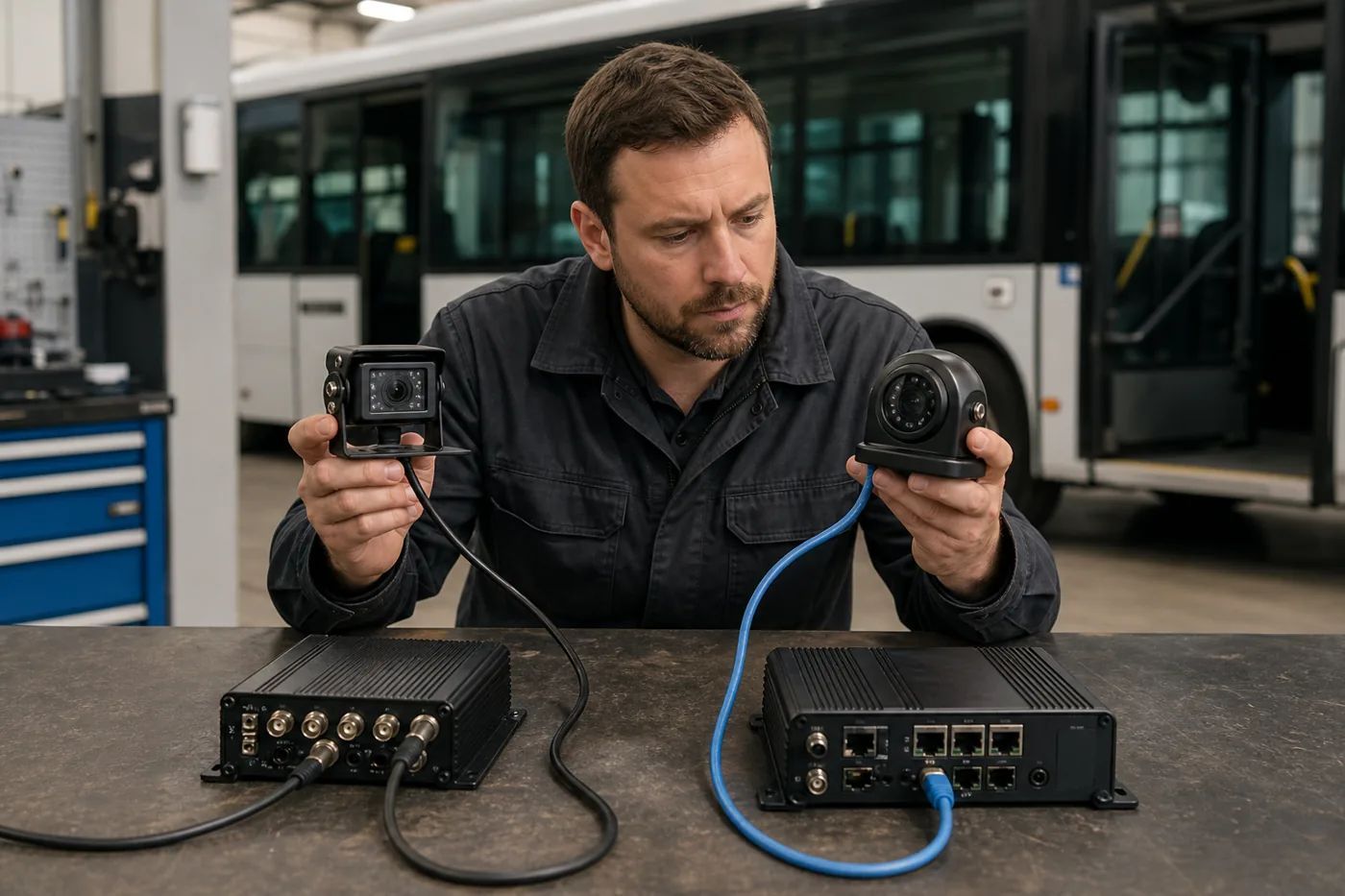
AHD and IP cameras use different signal paths. Choose the type that matches the exact recorder input, cable route, power plan and review workflow.
| Planning question | AHD camera | IP camera |
|---|---|---|
| Signal path | Camera to a compatible video input | Camera to a compatible network input or switch |
| Main check | Recorder input and cable compatibility | Network input, address setup and power method |
| Configuration | Usually simpler for a fixed layout | May need network and device configuration |
| Expansion | Limited by recorder inputs | Limited by recorder, network and power capacity |
What does AHD mean in a vehicle camera system?
AHD means Analog High Definition. The camera sends a high-definition video signal through a dedicated cable to a compatible MDVR input. This can suit a fixed number of views when the recorder already has matching inputs. Confirm the connector, voltage and supported resolution for the exact camera and recorder.
What does IP mean in a vehicle camera system?
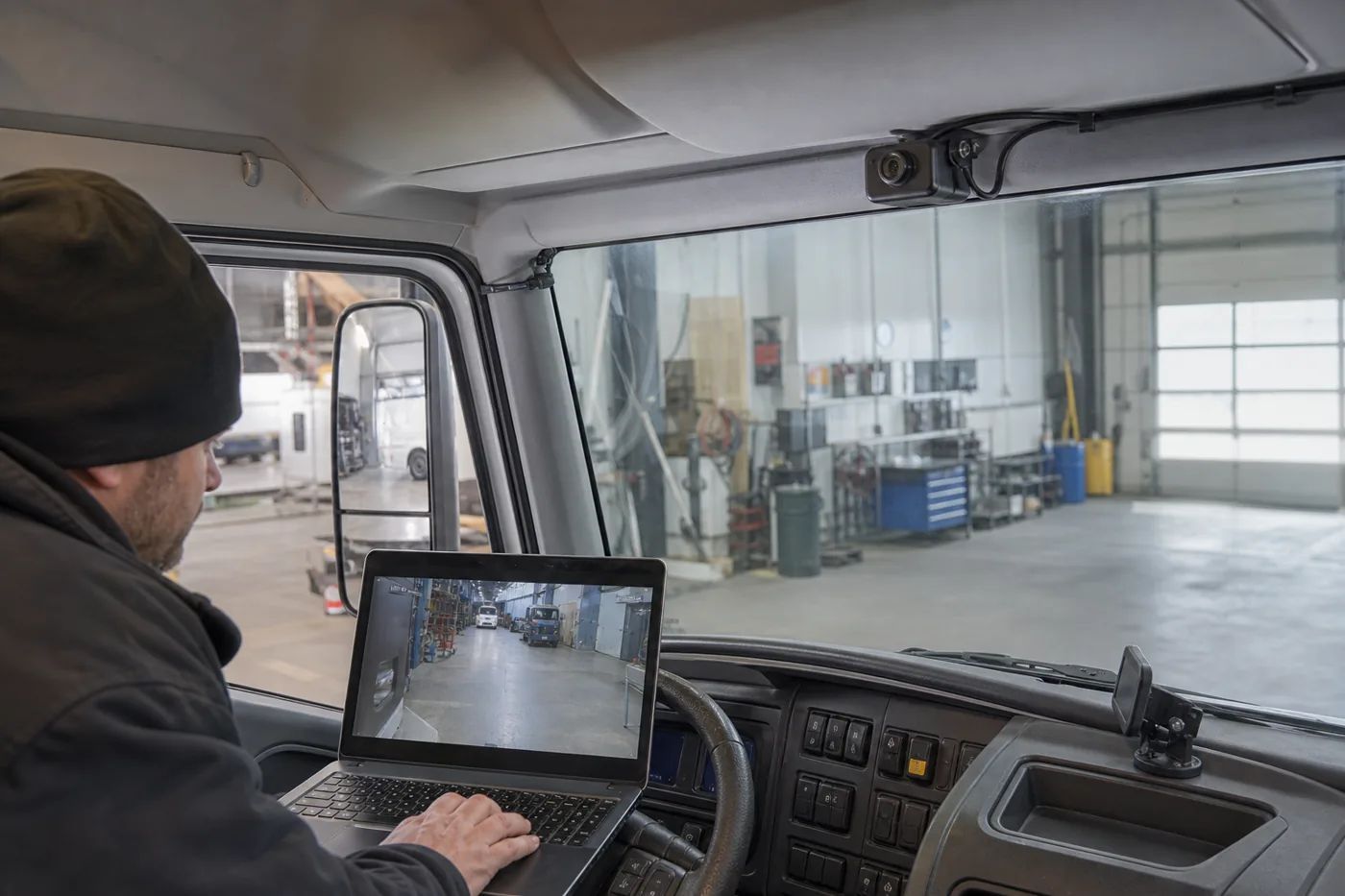
An IP camera sends digital video as data through a compatible network input, recorder or vehicle network switch. IP can support a digital architecture, but it may require address, network and power planning. The word IP alone does not prove PoE, ONVIF, audio, a specific codec or analytics support.
Follow the signal path before choosing a camera
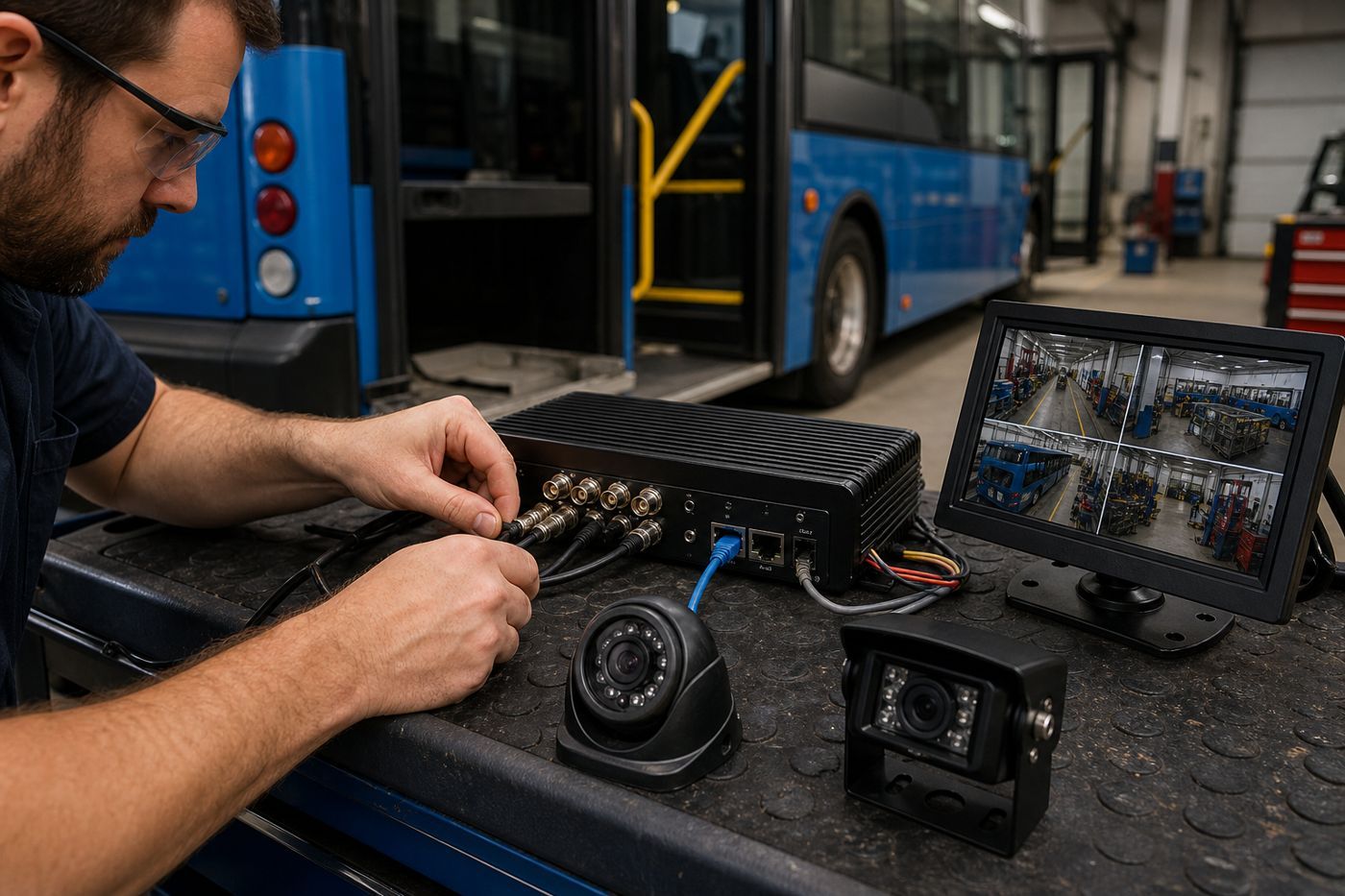
- List the view: road, rear, side, cabin, cargo or door.
- Identify the camera output type.
- Measure the cable route and service access.
- Confirm the camera power method.
- Match the output to a documented recorder input.
- Check resolution, frame rate, codec and active-channel limits.
- Confirm local and remote review requirements.
Compatibility is the first buying decision
An AHD camera needs a compatible AHD input. An IP camera needs a compatible network input and configuration. Some recorders may support more than one camera type, but this is model-specific. Treat a mixed system as a project configuration and ask the supplier for a complete signal-path drawing.
The reviewed AlwayCare 4CH, 8CH and 12CH MDVR records list 1920×1080 recording, H.264/H.265 encoding, GPS/Beidou, 4G or Wi-Fi and 512GB SD Card. Their public records do not publish one shared AHD/IP connector map, so the quotation should name the exact recorder, camera models, input allocation and approved storage.
Installation and troubleshooting
AHD checklist
- Check camera power.
- Inspect cable and connectors.
- Test a known-good compatible channel.
- Confirm recorder format and recording settings.
IP checklist
- Check network path and link status.
- Confirm the address and discovery method.
- Match stream settings to recorder limits.
- Add cameras one at a time during testing.
Questions to send to a supplier
- Which exact recorder input accepts this camera output?
- What connector, cable and power method are required?
- Can the recorder mix AHD and IP inputs?
- What resolution, frame rate and codec are supported on each active channel?
- Which storage media are approved and what retention calculation was used?
- Are GPS, 4G, Wi-Fi, CMS review or live view included?
FAQ
Is an IP vehicle camera always better?
No. Compare the complete system: compatibility, cabling, power, image needs, installation and review workflow.
Can I connect an IP camera to any MDVR?
No. The MDVR must document a compatible network input and camera configuration.
Can I mix AHD and IP cameras?
Only when the exact recorder and supporting equipment document that combination.

